


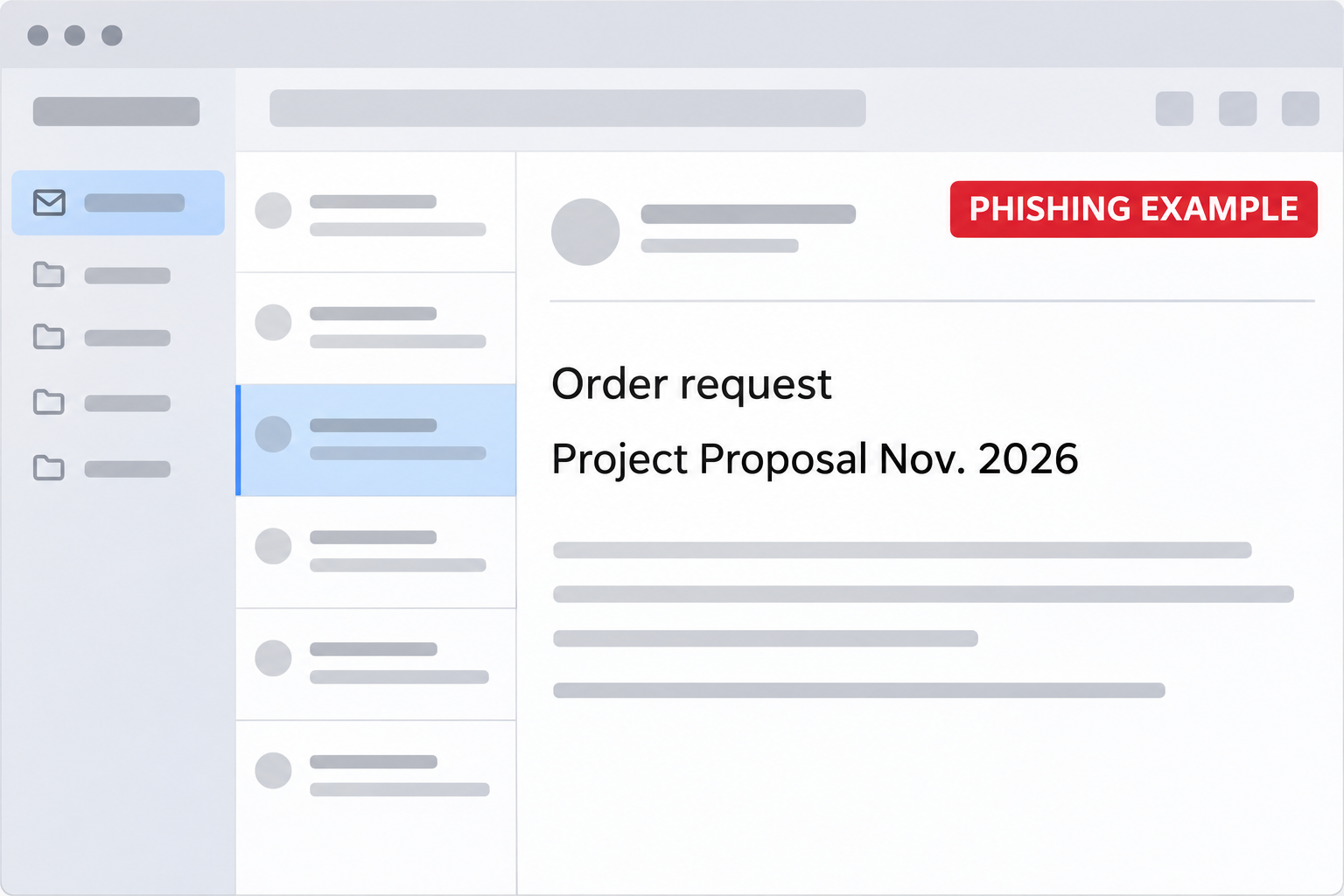
An email says Empire Auto Parts placed an order that’s scheduled for today. The button, though, calls it a project proposal.
That’s an odd combination when you’re trying to match a shipment to a repair job. The order number gives you a better place to start.
Overview
A same-day order without a clear list of parts
The Empire Auto Parts Order Request email scam borrows a real supplier’s name. It claims someone requested an order and asks you to acknowledge it.
The sample gives an order reference, an address and a date. It doesn’t give you a reliable record of what was purchased or who authorized the order.
The proposed next step is a button labeled as a project proposal. That’s different from opening a known order in your vendor account or checking a reference with dispatch.
The message is an impersonation. The actual supplier’s identity doesn’t make the email genuine, and the sample does not establish that the company’s systems were compromised.
The proposal opens a sign-in prompt, not a verified order
The reported destination showed a blurred spreadsheet behind an imitation Microsoft Excel sign-in. The form wanted the password to the recipient’s email account.
The page was hosted on unrelated cloud storage. A real infrastructure provider can host content uploaded by someone else; its name doesn’t authenticate the document or its author.
The visible spreadsheet is not proof that an order exists behind it. There’s no need to try a password to find out whether anything would become readable.
The risk documented here is email credential exposure. The notice itself does not prove that a part shipped, a payment was charged or software ran on the recipient’s computer.
Where a genuine order should be traceable
- Your own work order, purchase order or estimator’s record.
- The approved vendor account and order history.
- A buyer or supervisor who can verify the request independently.
- The supplier’s contact route already in your vendor file.
- A genuine invoice or shipment record you reached outside the email.
If nothing matches, hold the acknowledgment. Don’t reply with customer details or send the notice to another shop expecting them to open it for you.
How the Empire Auto Parts Order Request Scam Works
Step 1: The message borrows an everyday shop task
A repair job can change once a technician gets a closer look. A same-day order notice can pass for routine coordination between purchasing and the shop floor.
An unfamiliar employee might assume another buyer submitted it. A busy employee might recognize the supplier and skip checking whose order it is.
The reference and date give the email the shape of an order. They’re still claims supplied by the message until someone checks them against a record the sender doesn’t control.
Start with whoever requested the part. A legitimate buyer can usually tell you which vehicle, job or approved order the message is supposed to relate to.
Step 2: The project proposal hides the missing information
The button changes the language from order to proposal. That small mismatch is useful because it gives you a reason to pause without having to identify the sender technically.
The email doesn’t explain why the order needs a proposal, or why you should access it outside your usual purchasing system.
The order owner can look up a real job without the proposal. Don’t let an unexplained label become your only way to confirm a shipment.
The sender doesn’t need to know how you order parts. When several departments handle a job, it’s easy to assume somebody else already checked it.
Step 3: A blurred sheet makes the password look like the last obstacle
The documented page puts a login prompt in front of a spreadsheet-like image. It gives the impression that the file is already there and only needs unlocking.
That isn’t how to verify the source of a document. A page can show a static preview and a familiar product name without being part of Microsoft or your company.
Some real work documents do require an organization sign-in. Start from your actual Microsoft 365 environment or approved document platform, not a prompt displayed by the order email.
An account name displayed in the prompt doesn’t change that. Stop if you cannot connect the page to the identity service your employer uses.
Step 4: The order hook gives way to an account problem
If someone enters a password, the incident is no longer just about the fake order. The affected mailbox may be able to receive invoices, reset passwords or impersonate its owner.
The credentials might be for a shared buyer account or for an individual employee. Tell IT which one you tried so it can check the right sessions.
If the account has access to purchase records, a later message can mention details that make it sound genuine. Independently verify changes to bank information, delivery addresses and contact details.
Nothing in the original notice proves a later fraud happened. Those checks matter if the mailbox was exposed, not because everyone who received the message needs to suspend purchasing.
How to Check the Order Without Touching the Proposal
Start with the internal order owner
Search the approved system for the reference and the date. If that’s someone else’s responsibility, ask the buyer who normally deals with the supplier.
If the reference doesn’t match, check whether it belongs to a different location or business unit. A legitimate explanation should come from your records, not from the proposal button.
If you find a matching job, compare the supplier, parts, quantity and delivery address. A real work order can exist alongside a fake email about it.
Don’t send a customer’s full details as part of the initial check. A work order reference is often enough for the person who can verify it internally.
Ask the supplier through its established route
Use the contact in your vendor file or the official Empire Auto Parts contact page. Avoid addresses and callback details supplied by the message itself.
Ask whether there is an actual order on your account and how its confirmation would normally be delivered. Don’t ask the supplier to open the suspected proposal.
If you’re already signed in to the supplier portal, use that known session to check the order. If you need a new session, start from the genuine portal.
Keep delivery changes separate from order verification
A delivery address can be copied into an email. Even if it belongs to a real business, that doesn’t make the sender the owner of the order.
Confirm any changed delivery or return with the order owner and vendor. A reply in the same thread isn’t an independent check.
If a truck or courier actually arrives, use your receiving process. A physical delivery doesn’t authenticate an earlier request for an email password.
What to Do if You Have Fallen Victim to This Scam
-
Report the order notice where your company handles phishing.
Provide the subject, receipt time and how far you got. Say whether you only opened the message, saw the spreadsheet imitation or typed a password.
Don’t revisit the page to gather a better image. The original email and your timeline are more useful than recreating the interaction.
-
Protect the account you entered.
Tell IT immediately if it was a work login. Change an exposed personal password through the real provider from a trusted device, and replace it wherever it was reused.
Ask whether recent sessions need to be ended. If you approved an unexpected sign-in, include its time and what the prompt said.
-
Review activity around the purchasing account.
Check for new mailbox rules, unfamiliar sent messages and unexpected access grants. Ask whoever manages your cloud account to preserve any activity records.
If several employees use the same buyer inbox, tell the team which people and apps normally have access. That helps separate expected activity from anything new.
-
Verify transactions and delivery instructions already in progress.
Review changed payment destinations, shipping addresses or supplier contacts through existing records. Ask the responsible buyer to confirm each material change.
If a payment already went out, involve finance and the payment provider promptly. Preserve the genuine payment reference and the instructions that preceded it.
-
Handle device exposure separately.
The documented web page asked for email credentials. If your copy actually downloaded a program or prompted you to enable software, tell IT whether anything ran.
Do not use the same computer for password recovery if you suspect it ran unfamiliar software. The person handling the device can tell you how to proceed.
-
Tell the next shift what to look for.
A short internal warning can identify the order pretext and direct people to the approved vendor portal. Don’t pass around the live phishing link.
If a customer calls about a changed delivery, check the real job record. Make sure support knows which orders actually need verification.
If Your Shop Does Not Buy From Empire Auto Parts
Don’t create a vendor account to test the claim. Ask whether anyone placed a legitimate order through an approved intermediary before assuming you have an obligation to respond.
If the notice went to a general inbox, it may reach workers who don’t know the complete vendor list. Give them a known internal contact for unusual orders.
If the message includes somebody else’s address, don’t forward it to that address to warn them. You haven’t established who controls the contact details supplied in the notice.
An order reference helps describe the email. It doesn’t prove someone opened an account in your name. Check an actual charge separately if one appears.
If your team has a real parts shortage
Call the buyer or dispatcher responsible for the delayed part. Ask them to read back the order status from the real system before anyone promises a pickup or completion time.
If the message arrived while a technician was waiting, make sure the schedule reflects verified information. A fake confirmation shouldn’t change what you tell the vehicle owner.
For a substitute part or a shipment from another branch, verify the substitution with the person authorized to approve it. Don’t approve it by replying to this notice.
If the email reached a shared vendor mailbox
Find out whether anyone took an action on behalf of the group. One person may have opened the page while somebody else handled the real vendor order.
If the team uses personal accounts with delegated access, give IT the name of the person who entered a password. The shared inbox itself might not have a direct login.
Check whether staff sent customer details in response to the message. Report any disclosure to the person responsible for those records instead of sharing the information in a larger thread.
Keep a record of what happened to the actual order. A rejected shipment, delayed repair or duplicate parts order may need a business correction even if no account was compromised.
If a coworker reported the same message already, add your own interaction to that record. It helps the team avoid assuming all recipients stopped at the same point.
Keep a clean record of supplier changes
If the email mentioned a new contact, check that person with the account owner before adding them to your vendor records. A familiar supplier name isn’t enough.
If you shared order history before realizing what happened, report which orders and customers were included. That lets the business assess the scope without guessing from the subject line.
When purchasing confirms the legitimate order, save the record in the normal system. Don’t use the suspicious email as the only history of who approved a shipment.
If someone offers a credit for the supposed order, verify it independently. There may be no order to credit, even if a second message repeats the same reference.
Frequently Asked Questions
Did Empire Auto Parts send the order request?
The example covered here impersonates the supplier and sends readers to an unrelated sign-in prompt. Verify any real order independently with the supplier or your own buyer.
Why does the order link say project proposal?
That is the label used to get readers to open the page. The reported destination showed a sign-in imitation rather than a verified purchase order.
Is a blurred Excel sheet proof that the file exists?
No. A page can display a spreadsheet-like background without supplying a real file. Open business documents through your established workspace.
I followed the link but entered nothing. Is my account compromised?
That action alone does not establish a password disclosure. Close the page and report it. Mention any download, authentication request or further interaction.
Should I contact the cloud host to find out who sent it?
Use your workplace reporting process. The host’s presence identifies infrastructure, not the sender. You don’t need to investigate the destination yourself.
What should I check if I submitted a work password?
Tell IT and ask it to check sessions and activity. If the mailbox handles purchasing, review any new payment or delivery instructions through trusted channels.
The Bottom Line
Don’t open the proposal from the Empire Auto Parts Order Request email. Use the supplier’s genuine contact route or your internal order record to verify the claim.
If you gave the page a password, report it now. Have account access checked and verify any changes involving suppliers, payments or deliveries before they’re approved.

Join the discussion
0 commentsShare your experience or ask a question about this article.
Discussion
Start the conversation
Have a question or something useful to share? Add the first comment.