


The job post promises quick money, but says little about the work. When you ask, the reply comes fast. The recruiter already wants to know something about your bank account.
The next conversation takes place somewhere else. By then, the questions aren’t just about you.
Overview
The job offer was the doorway
Yami baito roughly means “dark part-time work.” In Japan, police use it to warn about job-like ads that recruit people into crime, including fraud against other people.
Unlike a task scam that asks for a deposit, this offer put the applicant’s identity, safety, and freedom to walk away at risk.
In a documented September exchange, a research account contacted a job poster on X. The conversation moved to Telegram, where the recruiter asked for identity documents and information about relatives.
The stranger asked for more than an employer needed to know
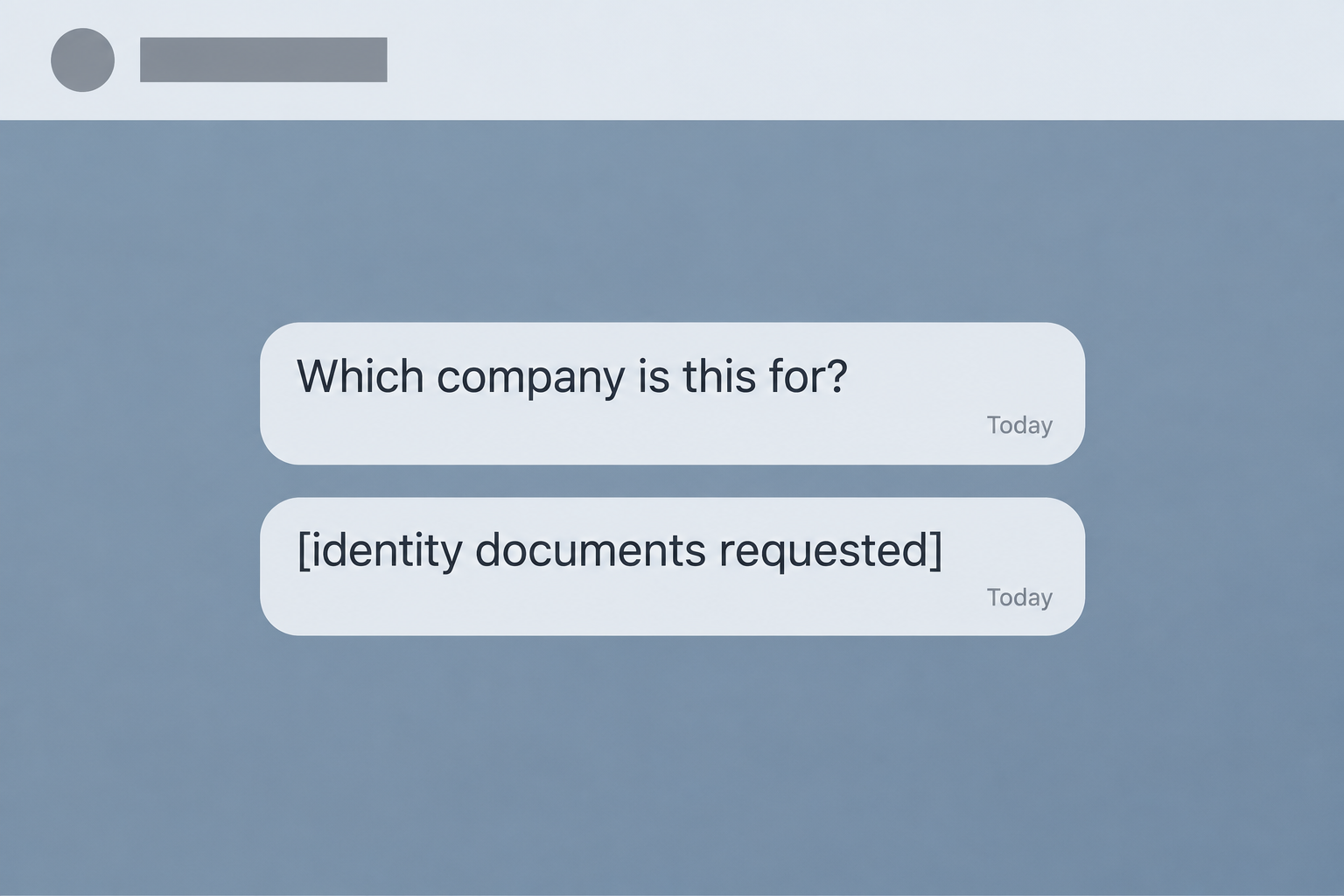
The chat above is a reconstruction. In the original exchange, the recruiter asked for a photo ID, a selfie with it, and a bank card photo.
The researchers did not send the requested documents, accept an assignment, or travel. The case shows what the recruiter asked for, not what happened to a person who complied.
A verified employer may need an emergency contact later. A stranger in a private chat has no business asking for your family’s addresses.
The biggest decision comes before you’ve sent anything
The Japanese National Police Agency’s yami baito warning describes how deceptive job ads can lead to coercion. Police urge people who applied or shared details to seek help.
The first few questions may sound ordinary. Look at what comes next and what the recruiter won’t verify.
- A prominent pay promise appears before a clear job description.
- The recruiter asks about banking before identifying a verifiable employer.
- The conversation moves off the social platform into a private messenger.
- You are asked to send identity and financial images through chat.
- Family contacts are requested before any normal onboarding.
- An overseas offer comes up without a named destination or a written itinerary.
How the Yami Baito Job Scam Works
Step 1: A job post answers a real need
A person who’s short on rent or trying to make ends meet isn’t looking for a stranger to investigate. They’re looking for a shift they can start soon.
The post takes advantage of that. It puts the speed or pay in front of everything else, leaving the reader to imagine what sort of employer might be behind it.
Japanese police warn that recruitment can appear on ordinary social networks and on legitimate job sites. The place you found an ad cannot confirm who is doing the hiring.
Before sending a direct message, look for the role on the employer’s careers page. A real company name on an ad is only a clue until the company confirms it.
Step 2: The offer turns into personal screening
In the documented exchange, the first questions asked about the applicant, their general location, and whether they had online banking. There still wasn’t a proper job description.
It’s easy to answer one question and then the next. Some information, such as your age or availability, may sound routine enough that a question about banking slips by.
Availability can help an employer schedule an interview. A bank card photo can’t tell anyone if you’re suited to the job.
If you ever answered a screen like this, don’t assume the recruiter actually knows everything about you. Make a list of what you sent and deal with each exposure.
Step 3: The work stops sounding like the ad
The conversation eventually described handling other people’s payment cards and presenting oneself as someone from a company. Those are not harmless variations on a customer-service role.
An applicant may try to interpret the assignment in the most innocent way. A short, vague explanation leaves room to assume an unusual request has a legitimate reason behind it.
Don’t test that assumption by taking the first assignment. Handling money or financial details for an unidentified stranger can harm someone else and create problems for you.
The safe answer doesn’t depend on judging a stranger’s intent. If no accountable employer can explain and confirm the work, nobody needs your help with it today.
Step 4: The conversation moves somewhere more private
After the initial exchange on X, the recruiter moved the conversation to Telegram. That app has many legitimate uses. What matters is what changed after the move.
The next messages asked for identification and information that could identify family members. The photos requested were far more sensitive than a name on a résumé.
Someone can copy a picture without sending a read receipt or telling you. Deleting a message later doesn’t pull back files the other side may have saved.
If you already changed apps, there is no commitment to finish the process. Leave the next question unanswered and get help outside that chat.
Step 5: Travel is offered without the details a worker needs
The recruiter mentioned higher-paying overseas work. When asked for the country, the person gave a flight duration instead. They offered to cover the flight, but didn’t name the destination.
A paid ticket only answers who might pay for transport. It doesn’t tell you where you’ll work, who employs you, or how you’ll leave.
The FBI has separately warned about false job ads linked to trafficking. That warning does not establish where this recruiter intended to send anyone.
Take that uncertainty seriously. Don’t give up your passport, go to a meeting point, or board a flight to clear up details an employer should have told you first.
How to Check a Job Without Giving Up Your Privacy
Ask for information you can verify away from the chat
A real job has an identifiable employer, role, and location. Find the employer’s contact details without using the link or number in the thread.
Ask whether the position exists and whether the person handling recruitment is authorized. If the answer depends on replying to that same Telegram profile, you’ve gained no independent confirmation.
Show a friend the ad before replying. Ask what the job entails and who employs you. If neither is clear, the pay promise might be all there is.
Keep normal onboarding separate from an unknown person’s requests
An employer may need identification or bank details after hiring you. Ask why it needs the information, how it protects it, and where to submit it.
Payroll may need a bank account number, not a photo of your card. Use the confirmed employer’s secure portal rather than sending documents to a direct-message account.
A normal paperwork request also doesn’t make every other question reasonable. Ask why a family member’s address or employment details would be relevant before sharing that person’s information.
If someone says a rushed paperwork deadline is the price of getting the job, let the deadline pass. You can still check whether the employer actually exists.
If you received an offer letter, find the organization outside the letter. Ask whether its recruitment team sent it and whether the advertised work matches the job title.
Keep the two paths separate: the contact who supplied the offer and the employer you independently found. A number copied onto a genuine company letterhead isn’t a second source.
Don’t upload a passport to a new portal just because a recruiter says it’s encrypted. Confirm who operates the portal and why the employer uses it before you send anything.
If a friend or relative went quiet after applying
Start with a calm question about the job, not an accusation. Someone who is embarrassed or afraid may stop answering if they think the next conversation will be about blame.
Ask whether they gave anyone documents, agreed to travel, or received a threat. That tells you more about what to do than whether they think the job is “real.”
If immediate safety is at risk, call local emergency services. If they may already be abroad, contact local authorities and their embassy or consulate through published numbers.
What to Do if You Have Fallen Victim to This Scam
Replying is not the same as giving someone an ID. Sharing documents is not the same as being physically threatened. Start with safety and take the steps that fit.
-
Don’t accept an assignment or travel. If there’s an immediate threat in Japan, call 110. Elsewhere, use the local emergency number. Don’t go to a meeting to settle it yourself.
-
For a nonemergency in Japan, call #9110 or reach your local station. See Japan’s police advice. Tell them if the recruiter knows where you or your relatives live.
-
If it’s safe, keep the job post, profile, dates, and chat messages. Store them privately. Don’t open new links or rejoin a group just to gather more evidence.
-
Tell your bank if you sent card images, account access, or authentication codes. Use the official app or published number. Ask what to lock and which transactions to review.
-
If you sent an ID or passport image, contact the issuing authority through its official site. Explain exactly what was shared and ask about document replacement or misuse alerts.
-
Tell relatives or friends whose details you shared. Ask them not to answer unusual payment or address requests. Agree on how to verify an urgent message with you privately.
-
Once evidence is safe, report the accounts through the platforms and stop responding. If there’s coercion, coordinate with police before doing anything that might alert the recruiter.
When you’re being pressured to continue
A threat that names your family is unsettling. Don’t answer it by sending more documents or trying to find out what the recruiter knows.
Call police from a safe place and describe the threat in plain words. Mention any planned meeting or trip and whether the sender has a copy of your ID.
If you feel embarrassed, start with one person you trust. You can show them the most recent message and ask them to stay with you while you call.
When the main exposure was information
Write down which documents you sent and which accounts they relate to. An identity photo, a card photo, and a password each call for a different response.
Don’t send the documents again to prove what happened. A police officer, bank, or issuer can tell you which records to submit and where to submit them safely.
If the follow-up calls come from people claiming to be your bank, don’t tell them what was disclosed. Call your bank directly and ask if it contacted you.
If you listed a workplace, let its reception desk or security team know what happened. Ask them not to confirm your schedule or personal number to unexpected callers.
If you’re helping a teenager, give them time to explain what they sent. If the recruiter threatened to contact their school, include that fact when you call police.
A screenshot of a card and a photo of a passport can require different follow-ups. Keep your bank and document issuer’s reference numbers so you can track both.
If you already handled an assignment
Stop taking instructions. Preserve any receipts or messages you already have without sharing them publicly. Don’t meet the recruiter again to return an item unless police advise you.
If you’re worried the assignment put someone else at risk, tell the police what you know. For legal questions about your own situation, speak to a qualified local lawyer.
The important thing is to stop the situation from developing further. The recruiter’s promises about whether an assignment was harmless are no substitute for independent advice.
Frequently Asked Questions
What does yami baito mean?
It’s a Japanese term often translated as dark or illicit part-time work. Police use it for recruiting that looks like a job offer but can bring applicants into criminal activities.
Is a recruiter on Telegram always a scammer?
No. What matters is whether the employer and job can be independently verified. Moving into a private chat doesn’t make requests for bank card photos or family addresses routine.
I only replied on X. Do I need a new bank card?
Not just because you replied. If you didn’t give any banking information or payment credentials, report the account. Contact your bank if you did share details or see unfamiliar activity.
Why did the recruiter ask about my family?
Family information can give an unknown person leverage. It can also help someone impersonate you in a follow-up contact. Warn anyone whose name or details you disclosed and seek help.
What if the recruiter offers a free flight?
Don’t travel on behalf of an unknown recruiter without independent verification. The documented offer didn’t name a country when asked. A promise to pay for travel doesn’t resolve that.
Can I delete the conversation now?
Keep a copy if doing so won’t delay help. Don’t reconnect with the recruiter to get more evidence. If someone is threatening you, call police first.
The Bottom Line
Don’t take a yami baito offer that replaces a verifiable job description with private requests for your documents, bank card, or family’s information. Walk away before sending anything.
If someone already has those details or is pressing you to travel, stop taking instructions. Contact police and the affected bank or document issuer through channels the recruiter doesn’t control.

Join the discussion
0 commentsShare your experience or ask a question about this article.
Community experiences
Did this happen to you?
Your experience could help someone recognize the same scam. Submit a private report for our team to review.
I experienced this tooReports are reviewed before publication. Sharing publicly is always your choice.
Discussion
Start the conversation
Have a question or something useful to share? Add the first comment.