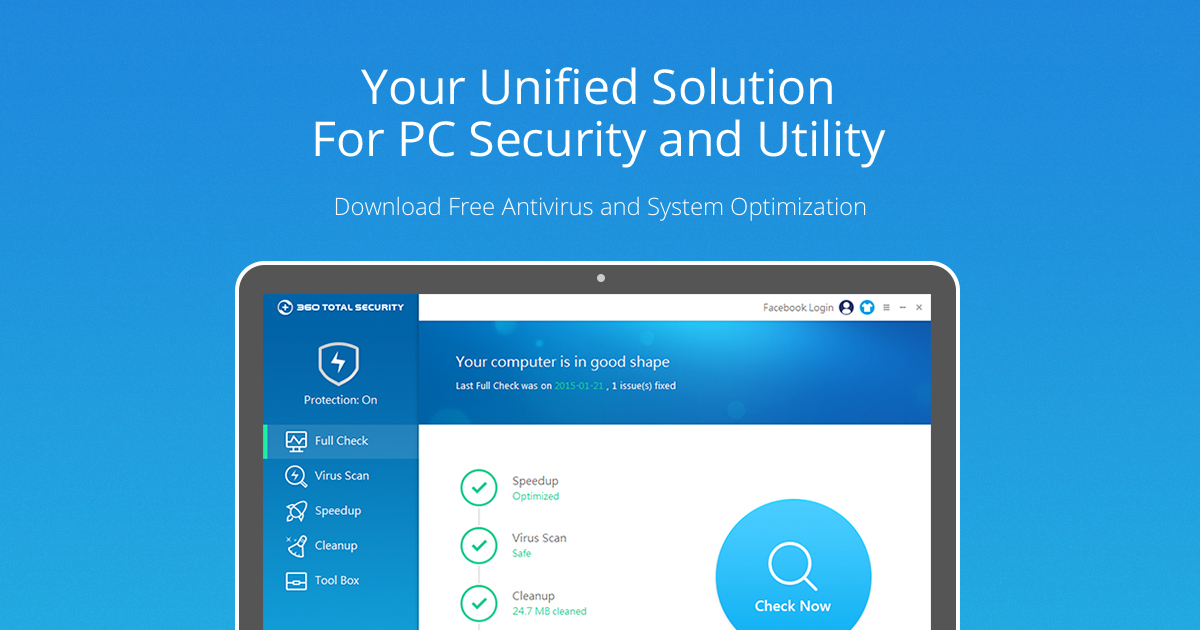
New Update 360 Total Security Updates

Confirmed. It's a traditional signature-based engine! :eek: Virus database takes about 93 MB of space

It means a lot when you see a cloud-based antivirus begins to develop its own local scan engine rather than OEM one. Unbelievable!

But in fact, actually, it is not so good.
See my test below (Use translator if you can)

Also confirm that this is TS-special. Not on Chinese version.
 
Last edited:
Hi all

360 Total Security 10.6.0.1392

Added: Support the new Microsoft Edge browser

Fixed: Bug fixes

Changelog site


And here can you download the File


With best Regards
Mops21
 
Hi all

360 Total Security 10.6.0.1402

Improved: Solve potential program crashes

Fixed: Bug fixes

Changelog site


And here can you download the File


With best Regards
Mops21
 
Hi all

360 Total Security 10.6.0.1411

Added: Points Task - VPN Proxy Master
Fixed: Bug fixes

Changelog site


And here can you download the File


With best Regards
Mops21
 
Hi all

360 Total Security 10.8.0.1021

Improved: Ransomware scanning capabilities
Improved: Full Check interactive experience

Changelog Site


And here is the Download Siter


With best Regards
Mops21
 
Hi all

360 Total Security 10.8.0.1030

Improved:Threat detection capability
Improved: Program stability

Changelog Site


Download Site


With best Regards
Mops21
 
well, in our malwarehub from april 2020 qihoo 360 seems to be more responsive than panda


maybe I will give it a chance....it can only be better than webroot :whistle:
 
Not really surprised Qihoo outshone Panda as Roger_m, av tester supreme, has many good words to say about it.

Tested Panda Dome myself a while back but failed to get one single response from it`s BB.

Maybe Panda got it from webroot ?;)

Regards Eck:)
 
I just upgraded to the new version with Patch My PC. In the past when upgrading, I've got an alert from 360 asking me to confirm if I want to upgrade it. This time I got a more detailed notification, advising me to proceed with caution, as malware can launch the installer and then infect the system while the upgrade is being installed. The system will be very briefly unprotected while the upgrade is taking place.

I did the upgrade on a second computer, so I could take a screenshot of the message, but I just got the usual upgrade prompt. The new message must have only been added to the previous version and this computer was been running an earlier version.
Tested Panda Dome myself a while back but failed to get one single response from it`s BB.
I was using Panda from some time and I also don't recall ever getting alerts from its behaviour blocker. While my system was always malware free, I was very regularly installing software which should have been enough to trigger it from time to time.
 
Although the BB didn`t trigger I was able go into Panda`s process monitor which flagged the three trojans as malicious so I was able to quarantine them from there.

Fair enough then ? Not really as I had to go to process monitor myself without any alerts from Panda.

This was done offline with real time disabled.I should do something similar with 360 at some stage ?

Regards Eck:)
 
Last edited:
  • Like
Reactions: roger_m
Hi all

360 Total Security 10.8.0.1038

Fixed: Bug fixes

360 Total Security 10.8.0.1050

Fixed: Bug fixes

360 Total Security 10.8.0.1049

Added: Support Windows 10 May 2020 Update
Fixed: Bug fixes

Changelog Site


Download Site


With best Regards
Mops21
 
Hi all

360 Total Security 10.8.0.1060

Improved: Solve potential program crashes

Fixed: Bug fixes

Changelog site


Download site


With best Regards
Mops21
 
Hi all

360 Total Security 10.8.0.1083

Added: Fileless Attack Protection (Premium Only)
Improved: Improve system protection ability
Fixed: Bug fixes

Changelog site


Download site


With best Regards
M;ops21