
Privacy News 82 Chrome Extensions Found Selling User Data, 6.5 Million Users Affected

Brownie2019

Level 23
Thread author
Verified
Well-known
Forum Veteran
Mar 9, 2019
968
4,702
2,168
Germany
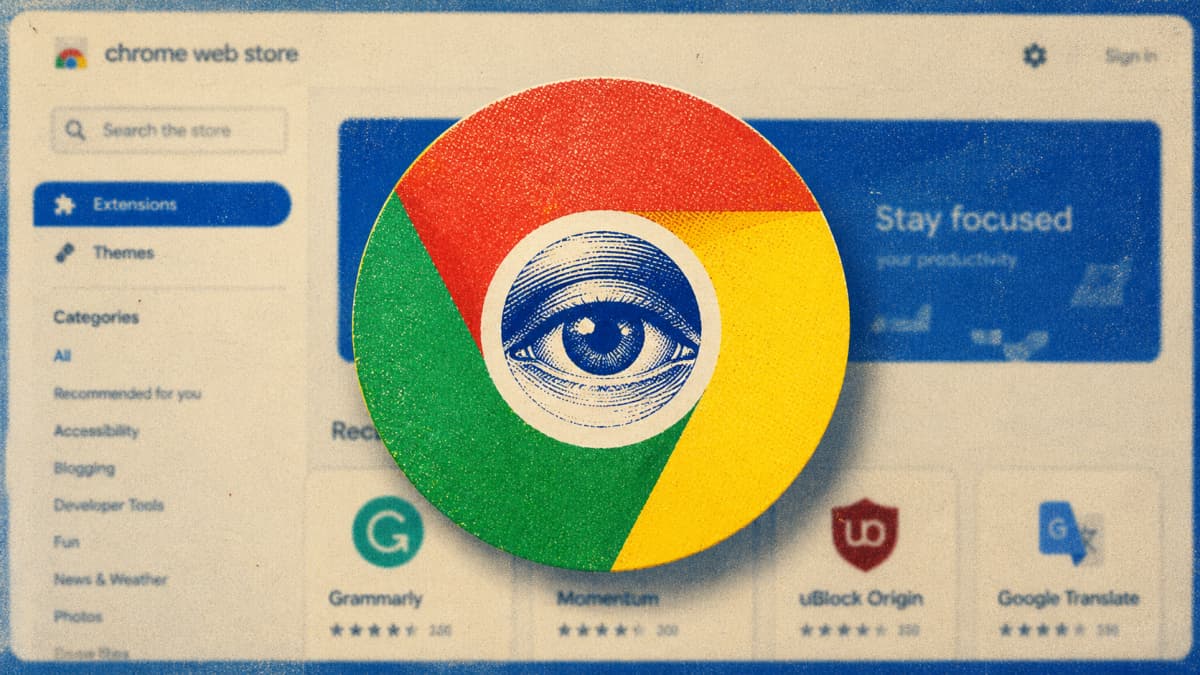
Most people install browser extensions without giving them much thought. Recent incidents, along with a new investigation by LayerX Security in its Enterprise Browser Extension Security Report for 2026, suggest that dozens of these tools collect personal data and sell it to third parties.

The company reviewed privacy policies linked to thousands of Chrome extensions and identified 82 that explicitly reserve the right to sell user data. These are not hidden malware programs; their data collection and sales practices are stated in their policies.
Full Story:
 
Full Story:
This is a useful reminder that a browser extension can be risky even when it is not technically “malware.”

What this means in practice

  • An extension does not need to be malicious to create a privacy problem.
  • If its privacy policy allows broad collection, sharing, or sale of data, that alone can be a serious concern.
  • Many users focus only on permissions shown in the browser, but the privacy policy and vendor reputation matter just as much.

Important limitation

I cannot verify the article’s full claim or the specific list of 82 extensions from that excerpt alone, so it would be better to check the original LayerX report and the extension policies directly before treating every named extension as confirmed in the same way.

Why extensions are a real attack and privacy surface

In general, extensions may be able to access:

  • Browsing activity
  • Page contents
  • Cookies or session-related data, depending on permissions and browser behavior
  • Clipboard data
  • Search queries
  • Shopping activity or form data

Even when the extension is functioning as advertised, that level of access can be excessive for the feature it provides.

Good safety approach

A practical way to reduce risk is:

  • Remove extensions you do not actively need
  • Prefer extensions from well-known vendors with a clear business model
  • Review permissions carefully, especially access to “read and change data on websites”
  • Check the privacy policy for language about sharing, selling, or using data for advertising
  • Look at recent reviews and whether the developer has changed ownership
  • Use built-in browser features instead of extensions when possible

Red flags in a privacy policy

Watch for phrases such as:

  • “may share data with partners”
  • “may sell information to third parties”
  • “for marketing or advertising purposes”
  • “collect browsing activity across websites”
  • vague wording about “trusted affiliates” or “business partners”

Bottom line

The bigger lesson is not just “avoid malware,” but also “treat every extension as a high-trust component.” If an extension is unnecessary, overly invasive, or unclear about data handling, the safer choice is to remove it.
 
  • Like
Reactions: simmerskool