
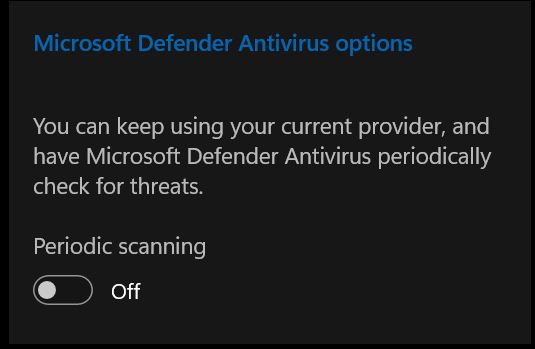
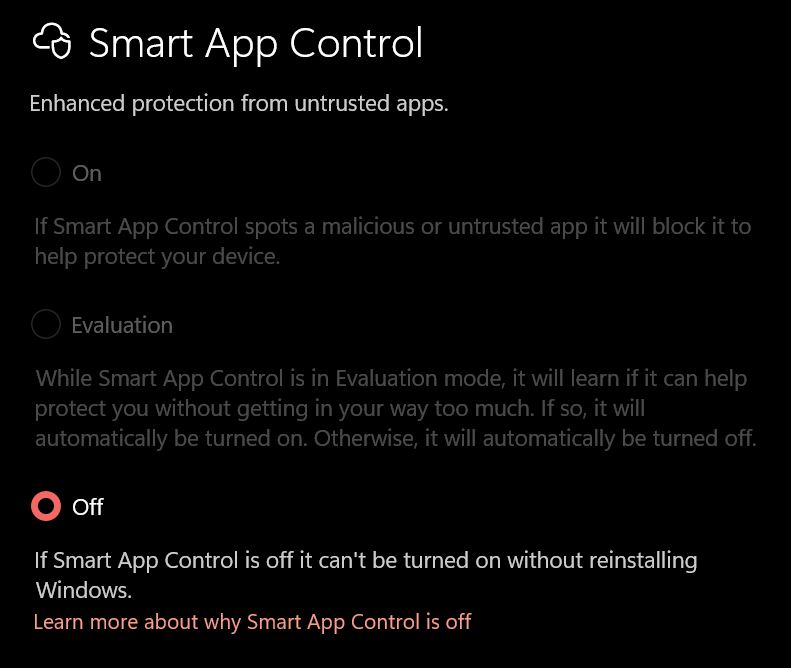
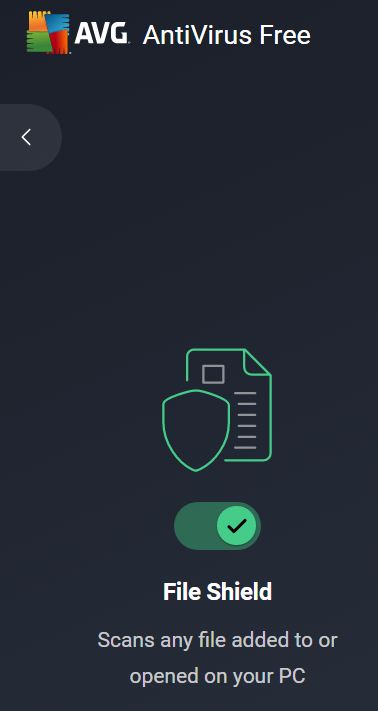
I have found Antimalware core service running while checking task manager, inspite of running AVG free antivirus with enabled real-time protection, and disabled MSD periodic scanning and SAC!



Open MalwareTips from your Home Screen or desktop. Follow discussions, find answers and pick up where you left off.
If you cannot find an install option, update your browser or use its bookmark option to keep MalwareTips close.
After installation, open the app and sign in. Enable push notifications in Preferences if you want alerts. On iPhone and iPad, push requires a Home Screen web app and iOS or iPadOS 16.4 or later.
Sign in to manage notificationsInstallation is optional. Your notification settings stay under your control.

I always turn off SAC when installing 3rd party AV; although theoretically they can paly nice together, I get block of ASMI.dll component of the 3rd party AV in event viewer when SAC is enabled.Oopss, just saw you already had it off. My bad
Thank you for your kind guidance; I will try the reinstall.Try reinstalling AVG? I find I always have this weird bug where after I do a clean installation of windows and install a third-party AV, I still receive signature updates for windows defender. Even though periodic scanning is disabled. I find that after I reinstall my antivirus, that fixes the issue and I no longer get updates for defender while using a third party av.
And I just checked I do not have the antimalware service running while I am using McAfee currently.
MSD is turned off; its main service is not running (which usually consumes 50-120 MB of RAM); the core service does not use more than 6 MB of RAM even if MSD is the main AV.My antimalware core when running with a main AV is eating 180MB+ of RAM. Yours is only 6MB.
Possibly it could really be off and this is just a bug?
Instead of uninstalling, try to put avg in passive mode. This will turn on MSD as primary. Then restart. Then undo and restart. See if that worksMSD is turned off; its main service is not running (which usually consumes 50-120 MB of RAM); the core service does not use more than 6 MB of RAM even if MSD is the main AV.
I will watch for few days before trying reinstall of AVG.
I have put AVG in passive mode days ago as a trial, then disabled the passive mode minutes later.Instead of uninstalling, try to put avg in passive mode. This will turn on MSD as primary. Then restart. Then undo and restart. See if that works

Yes, it workedInstead of uninstalling, try to put avg in passive mode. This will turn on MSD as primary. Then restart. Then undo and restart. See if that works
 Many thanks

Yes.It worked? No more core processes running?
Not always for me; it is the first time to get one of MSD working with 3rd party AV without enabling periodic scanning or SAC.This is one of the reasons I don't use a 3rd-party antivirus, because Microsoft Defender is always running in the background.
This is one of the reasons I don't use a 3rd-party antivirus, because Microsoft Defender is always running in the background.
Maybe it is the first time you notice this, I noticed it a lot in my previous installations specially with Kaspersky free.Not always for me; it is the first time to get one of MSD working with 3rd party AV without enabling periodic scanning or SAC.
In fact, since Microsoft Defender protects so well, is pre-installed, and is lightweight, I no longer find a need to download any 3rd party AV.This is not the case with W10. It only change on W11 that they made it harder for Defender to be off. I don't blame MS as some Malware abuse the integration with WSC. Malware will emulate a rogue AV, register in the security center to disable Windows Defender and pivot from there.
You can install a 3rd party AV and have smart app control off and see if the defender core services are off.
I was using K free before AVG free; never had this issue with.Maybe it is the first time you notice this, I noticed it a lot in my previous installations specially with Kaspersky free.
Members who viewed this thread in the last 5 minutes


