


Gandalf_The_Grey
Level 86
Verified
Honorary Member
Top Poster
Content Creator
Well-known
Forum Veteran
Apple has just released iOS 26.4.2 and iPadOS 26.4.2, two minor releases with bug fixes and security updates, but no new features. These updates come two weeks after the 26.4.1 releases, which fixed an iCloud data syncing issue and enabled Stolen Device Protection on enterprise devices.
New features will have to wait for the 26.5 versions of Apple’s platform, which are expected to be released in May. The first iOS 26.5 beta released in late March introduced end-to-end encryption for RCS messages, a new “Suggested Places” feature in Apple Maps, and Bluetooth pairing improvements for Apple’s Magic Keyboard, Magic Mouse, and Magic Trackpad. EU users will also get Live Activities support for third-party accessories.
In addition to iOS 26.4.2 and iPadOS 26.4.2, Apple also shipped today iOS 18.7.8 and iPadOS 18.7.8 for iPhones and iPads still running older versions of the platforms. The release notes also only mention “bug fixes and security updates.”
While Apple usually updates all of its software platforms at the same time, there’s no 26.4.2 update for macOS Tahoe, tvOS, and visionOS today. It looks like these users will have to wait for the 26.5 updates, which are expected for next month.
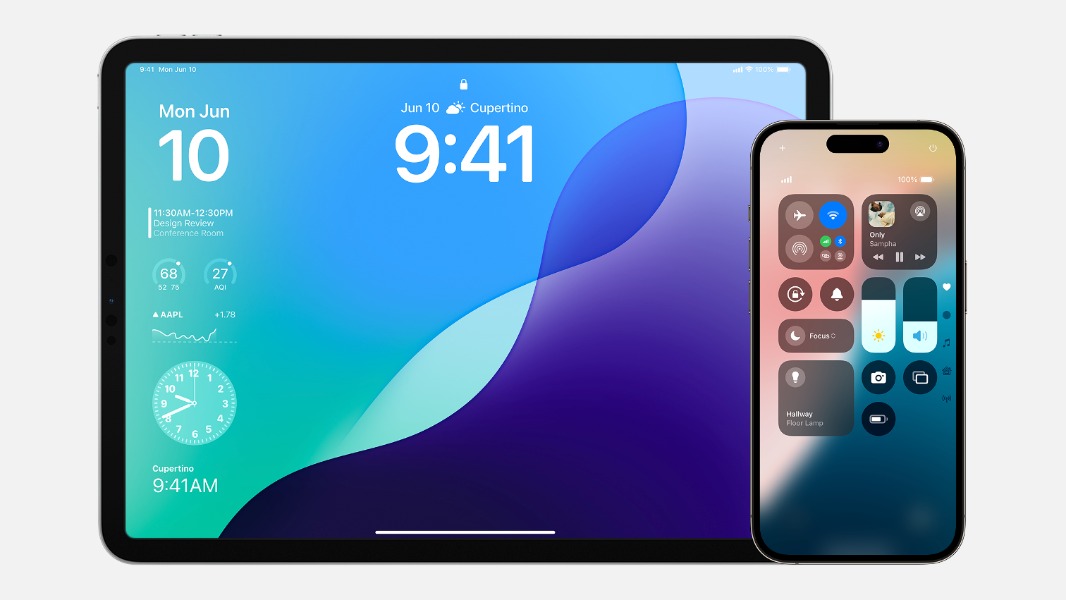
[Updated] Apple Releases iOS 26.4.2 and iPadOS 26.4.2
Apple has just released iOS 26.4.2 and iPadOS 26.4.2, two minor releases with bug fixes and security updates, but no new features.
 www.thurrott.com


