
Ashampoo E-Book Reader Free

Other software
1 Replies 650 Views

Brownie2019

Level 23
Verified
Well-known
Forum Veteran
Universal audio recording software
Fast, compact high-quality audio recorder
Ashampoo Audio Recorder Free is a free audio recording software to capture audio from your microphone or sound card (loopback). This make the program a perfect dictation machine that records your voice without loss of quality, e.g. to add an audio track to your own videos.
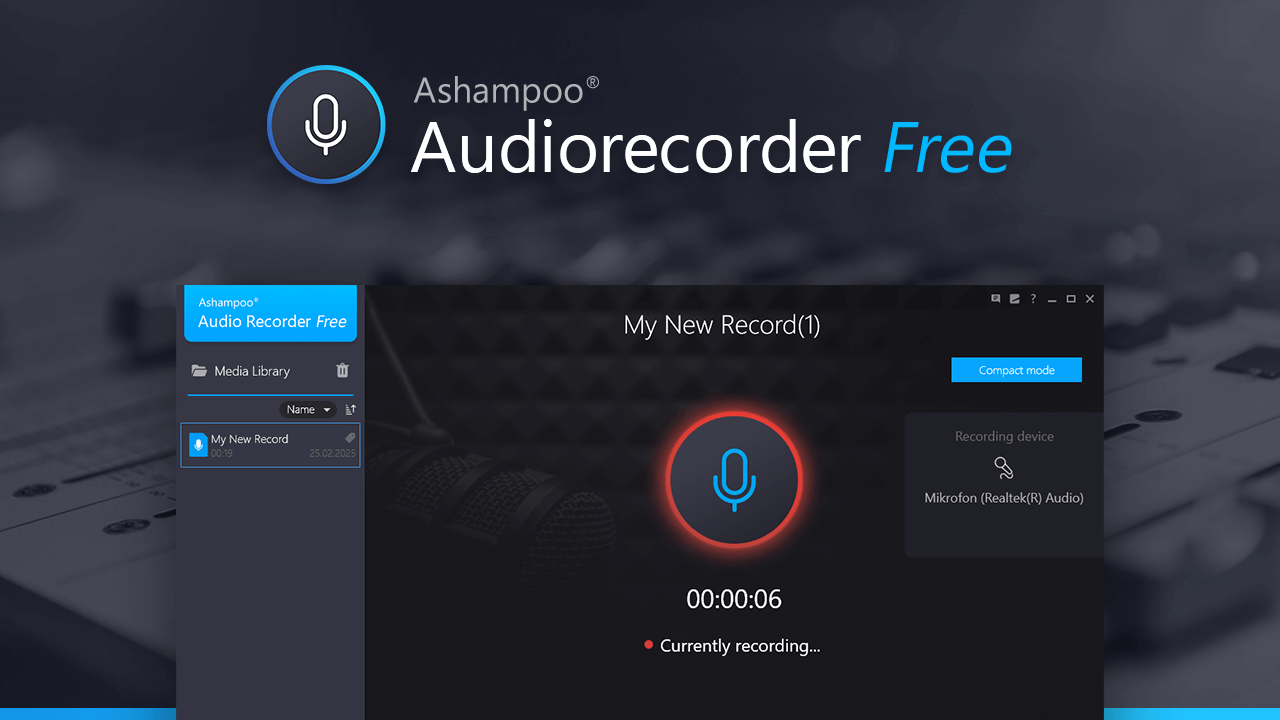
 
Universal audio recording software
Fast, compact high-quality audio recorder
Ashampoo Audio Recorder Free is a free audio recording software to capture audio from your microphone or sound card (loopback). This make the program a perfect dictation machine that records your voice without loss of quality, e.g. to add an audio track to your own videos.

Ashampoo Audio Recorder Free is a legitimate product from Ashampoo, a known software vendor, but that alone does not guarantee it is the best choice for every system.

What it does

  • Records audio from a microphone
  • Records system audio through loopback, if supported by the device and Windows setup
  • Can be useful for voice notes, dictation, simple audio capture, or recording audio for videos

Things to keep in mind

  • “Free” software from commercial vendors sometimes includes upsell prompts, account requests, or optional bundled offers during download or installation
  • Audio quality also depends on the microphone, sound drivers, Windows audio settings, and recording format, not just the program itself
  • Loopback recording may behave differently depending on the sound card, Windows version, and driver support

Security perspective

I cannot confirm from the product page alone whether every installer version is clean or whether it includes optional offers at a given time.

Safer steps before installing are:

  • Download only from the official Ashampoo site
  • Upload the installer to VirusTotal for a multi-engine scan
  • Read each installer screen carefully and decline anything optional that is not needed
  • Create a restore point first if you like to test a lot of software

Alternative options

If someone wants simple audio recording, commonly used alternatives include:

  • Audacity, which is more powerful but less minimal
  • Windows Sound Recorder or Voice Recorder, for very basic recording
  • OBS Studio, if recording desktop audio is part of a larger capture workflow

Bottom line

This appears to be a normal audio recording utility from a known vendor, suitable for basic microphone and system-audio recording. The safest approach is still to verify the installer first and avoid any optional extras during setup.
 
KEEP EXPLORING

Similar threads

Another perspective. Your next conversation.

Community
Security tip
Keep macOS protection working. Keep macOS and its background security updates enabled. Built-in protection receives updates, and an old system can miss improvements against newer threats.
Back
Top