New Update Bitdefender - BDTS updates

Just noticed on my BD free version, today the latest update 26.0.32.116 installed automatically in the background... here no OS reboot was required ;)

View attachment 271849
This morning I had already seen this, but as I had reset the system image and installed the BD again, it has already updated to this version 🙂

RVOs7nN4pj.png


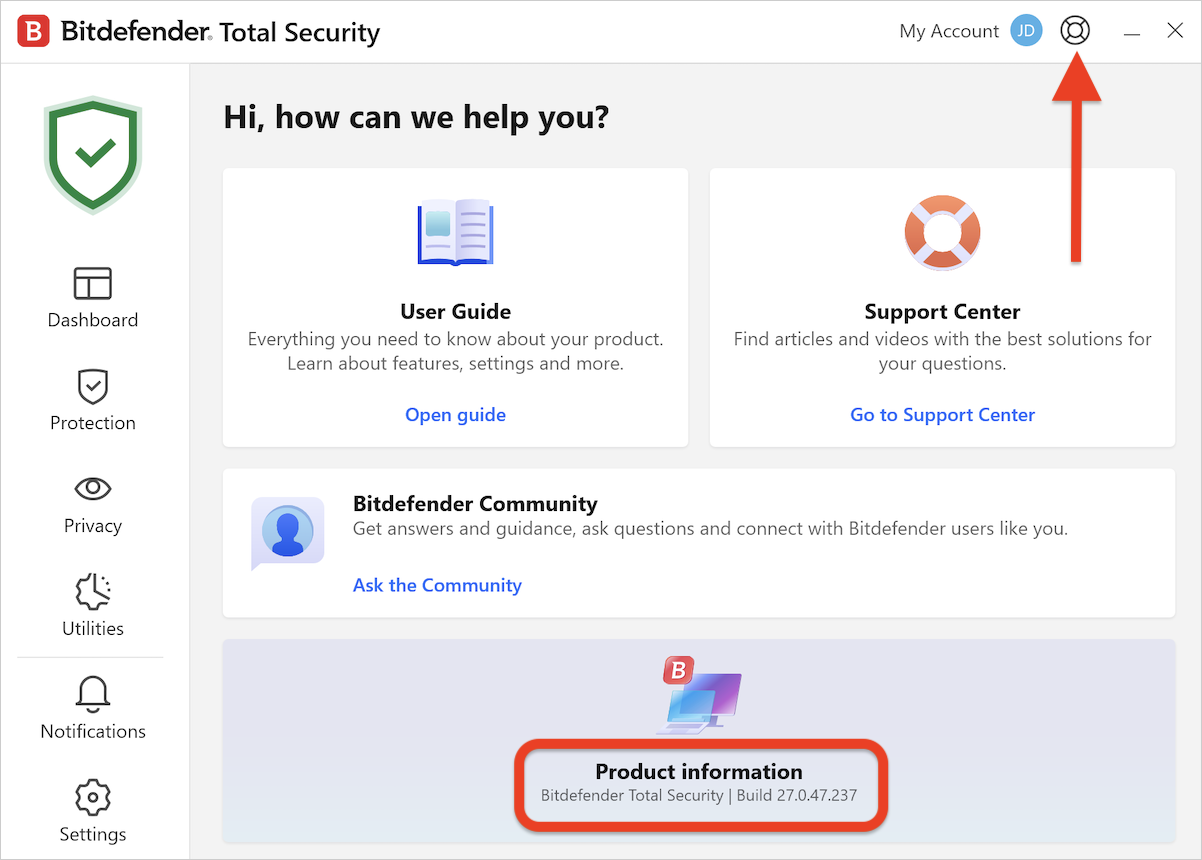
The build 26.0.32.116 is still the latest one, 27.0.1.13 is the next major update, but it has been postponed and it's scheduled to arrive in 2023.
 
Just got latest build 26.0.32.123
View attachment 272608
Changelog:
🔄 An update has been released for Bitdefender Home solutions - version 26.0.32.123 with the following notable change:
  • ✔️ General throttling mechanism adjustments for in-product pop-up notifications
 
An update has been released for Bitdefender Home solutions - version 26.0.33.137 with the following notable changes:
  • ✔️Fixed: Expired subscription pop-up appears on Antivirus Free for Windows. The expected pop-up behaviour is that it should only appear for expired trials that were started from Antivirus Free. It has been observed that the pop-up appeared twice in consecutive days, despite a fully active and functional Antivirus Free. This abnormal behaviour was first reported by one of our Community members @Nunzio d'Abbruzzo and the developers could reproduce the issue and applied the necessary corrections in the latest build.
  • ✔️Fixed: The product password is removed randomly after a couple of days. This only occured in limited scenarios, but all affected users will receive a permanent fix with the new build.
  • ✔️General fixes & improvements.
 
I hate when almost after every update you need to restart pc :/ it happens almost every week.
It is common for most AV products. A program update requires you to restart the system.
The alternative method is to disable the AV protection completely, apply the update and restart all the AV services. It is something that Microsoft Defender does. Norton gives you the option to choose whether you want to apply a product update now (which will disable the AV when it performs the update similar to MD) or apply it on the next system restart.
To give you an example, last week I was testing MD in a VM. Almost immediately after I double-clicked on a malware to test, I saw that the Windows Security icon turned red and showed service stopped when I opened Windows Security. Initially, I thought that the malware disabled MD but a minute later I realized, MD had actually received a program update and it was applying the update which needed to stop its service. The timing of my malware execution and MD's update was pure luck/bad luck. (MD failed to detect the malware anyway when I tested again later. The malware added C drive into exclusion. Lol. Needed admin privilege though).
But this is just an example of why most AV products don't want to apply a program update without restarting the system. They don't want to keep you unprotected when it updates. This is for the best.
 
It is common for most AV products. A program update requires you to restart the system.
The alternative method is to disable the AV protection completely, apply the update and restart all the AV services.
Now I'm not sure if it's fully true for Bitdefender because I noticed the other day after I manually initiated a check for update where Bitdefender received a program update, and before the update process was finished there was a Windows Security notification saying, "Turn on Antivirus." A couple of seconds after that the update finished and asked for a system restart.
This Windows Security notification is only shown when your AV is disabled. So maybe Bitdefender temporarily turns off its protection for a few seconds unlike products like Avast and Kaspersky which doesn't do that.
 
Now I'm not sure if it's fully true for Bitdefender because I noticed the other day after I manually initiated a check for update where Bitdefender received a program update, and before the update process was finished there was a Windows Security notification saying, "Turn on Antivirus." A couple of seconds after that the update finished and asked for a system restart.
This Windows Security notification is only shown when your AV is disabled. So maybe Bitdefender temporarily turns off its protection for a few seconds unlike products like Avast and Kaspersky which doesn't do that.
Kindly see if this post is helpful :)
 
So maybe Bitdefender temporarily turns off its protection for a few seconds unlike products like Avast and Kaspersky which doesn't do that.
It does restart the AV service when it has a reason to, for example when heuristic modules are updated. Other updates (such as updates to the AV and behavioural drivers) require a full restart.
 
Kindly see if this post is helpful :)
Thanks. This is helpful.
It does restart the AV service when it has a reason to, for example when heuristic modules are updated. Other updates (such as updates to the AV and behavioural drivers) require a full restart.
Yeah, the BD forum link above explained it well why it happens.
 
BD looks like delivering soon version: 26.0.34.162
The current version of Bitdefender was released on April 5, 2023. The build number is 26.0.34.162 and includes the latest bug fixes and performance improvements.
 
Not a part of that update posted by @silversurfer but just a FYI, all new users who download Bitdefender as of today, it will no longer have Wallet displayed on the UI, but a link to Password Manager instead. More details can be found here: