

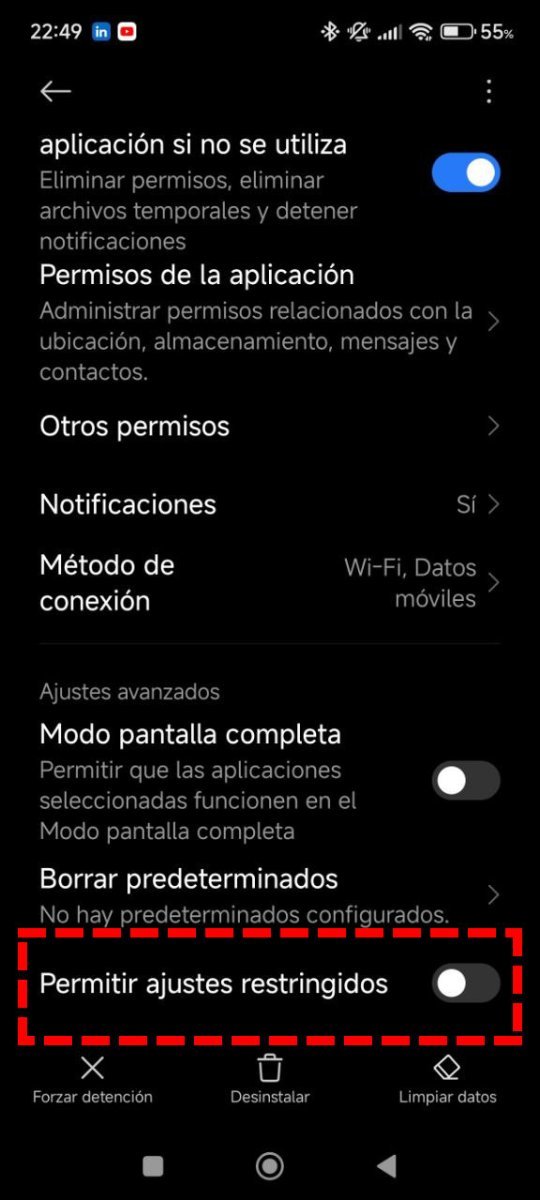
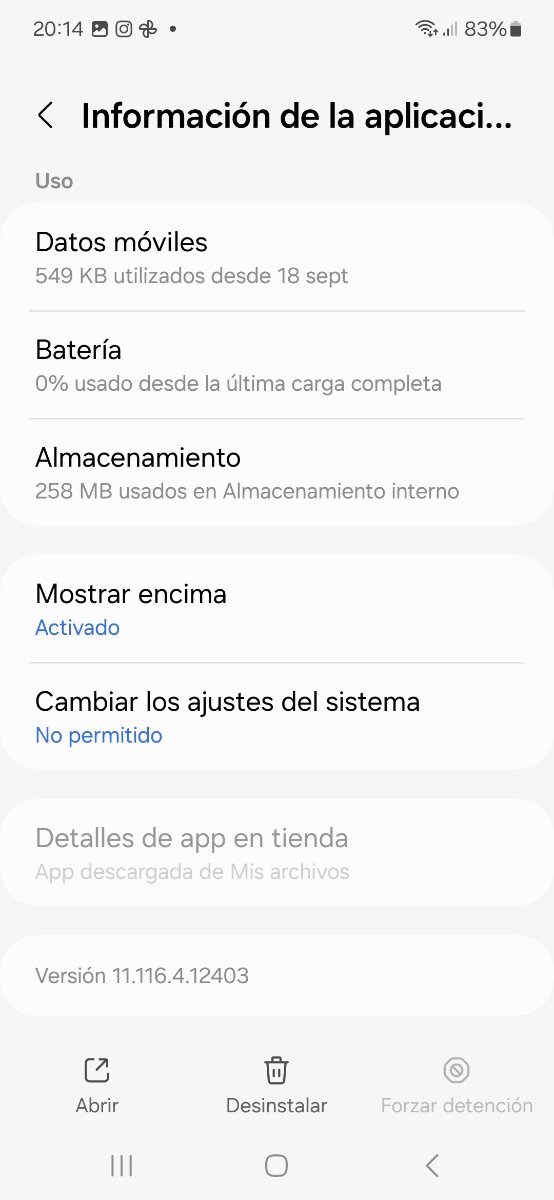
It seems that Kaspersky has been blocked by Google from being activated in the Android's accessibility menu. Is anyone having the same problem? I know that they have removed it from play store but this is new.
Can't activate Kaspersky in Android's accessibility menu
- Thread starter Abhishek Singha
- Start date





You may also like...
-
-
 How to install or update Kaspersky apps for Android in 2025
- Started by harlan4096
- Replies: 4
-
 Google removes Kaspersky's antivirus software from Play Store
- Started by Gandalf_The_Grey
- Replies: 17
-
Unmaintained Microsoft will kill the Lens PDF scanner app for iOS, Android
- Started by Gandalf_The_Grey
- Replies: 0
-
I had to use a few second opinion scanners alongside Kaspersky premium. Any chance of Kaspersky corruption.
- Started by nonamebob567
- Replies: 18