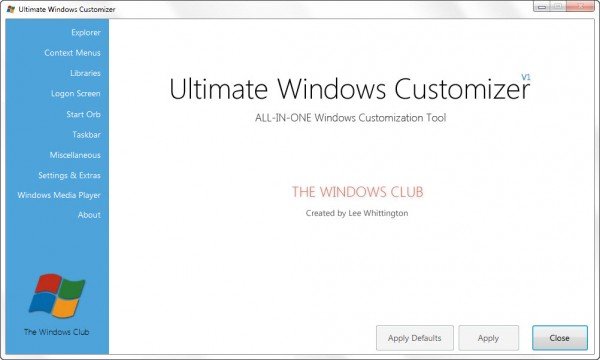
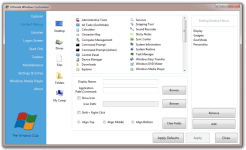
Ladies and Gentleman, we present to you our new release: Ultimate Windows Customizer ! While our Ultimate Windows Tweaker allows you to tweak various settings in Windows 7 and Windows Vista, this freeware will let you easily customize and change your Windows 7 (Windows 8 support to be added later) look – like changing the Start Button, Logon Screen, Thumbnails, Taskbar, Explorer look, Windows Media Player, etc.
[........]
Ultimate Windows Customizer Features.
- Lets you customize almost all aspects of Windows including, Start Button, Logon Screen, Windows Explorer, Libraries, Context Menu, Taskbar, Windows Media Player and more
- Very simple and easy to use. No manual Hacks. No need to manually edit the Windows Registry and Windows System files
- Tested over and over for compatibility between various customizations.
- 70+ major features with literally tons of sub-features
- Built in Update Feature to be easily notified of new updates.
- Backs up all System Files and Registry Settings that UWC deals with and does not modify these.
- Error Log for easy display
- Easy uninstallation via the Control Panel.
- Creates System Restore Point before any customizations are done.
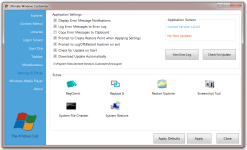
Ultimate Windows Customizer also includes the following tools which will be of help to you before, during or after the customization process.
- RegOwnIt: Lets you to take ownership of a Windows Registry key
- Replace It : Lets you replace system files easily
- Restart Explorer
- Screenshot Tool
- System File Checker
- System Restore Creator
Ultimate Windows Customizer System Requirements.
Runs on Windows 7, 32-bit and 64-bit. Support for Windows 8 and more customization options will be included in the next update.
Minimum Space Required for UWC is 28MB. This is due to the nature of the customizations and for backup purposes.
Download : http://www.thewindowsclub.com/downloads/uwc.zip
Read more>>>