dash's Pixel 3 Security Config 2019

Last updated
Mar 30, 2019
Mobile brand
Google
Mobile model
Pixel 3 (128GB, Just Black)
Phone unlock
Biometric security
    • Fingerprint(s)
Stolen Device Protection
Security & Privacy Apps
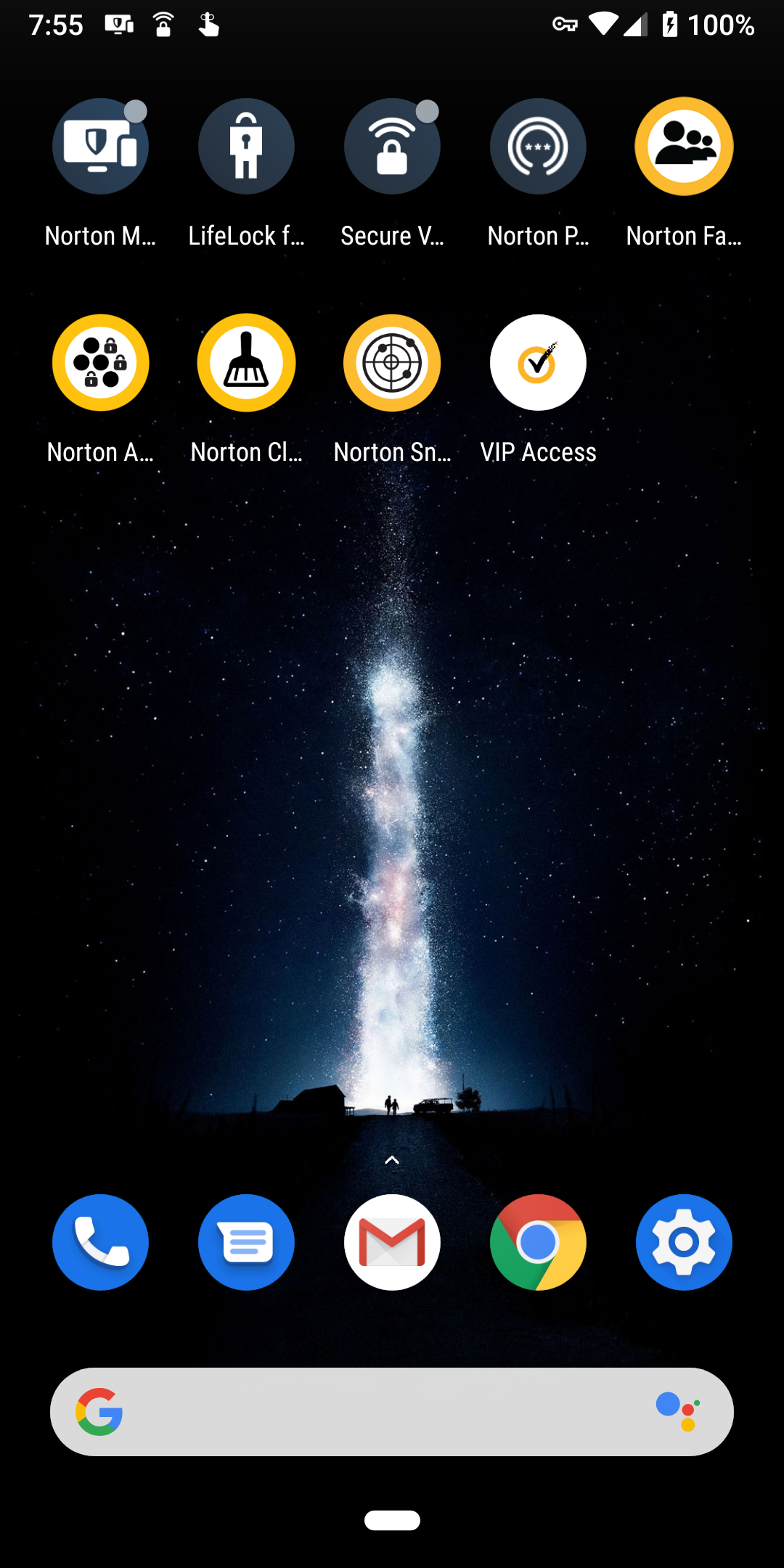
Norton Mobile Security
Browser
Chrome (default), Firefox Focus
File and Photo backup
Data is backed up to Google Drive, etc

dash

Level 4
Thread author
Verified
Well-known
Dec 15, 2018
158
708
266
USA
Pixel 3 (Just Black, 128GB). Has been a trooper for me since Oct 18, 2018. Stock ROM, Launcher, etc.

Pixel 3 on Google Store
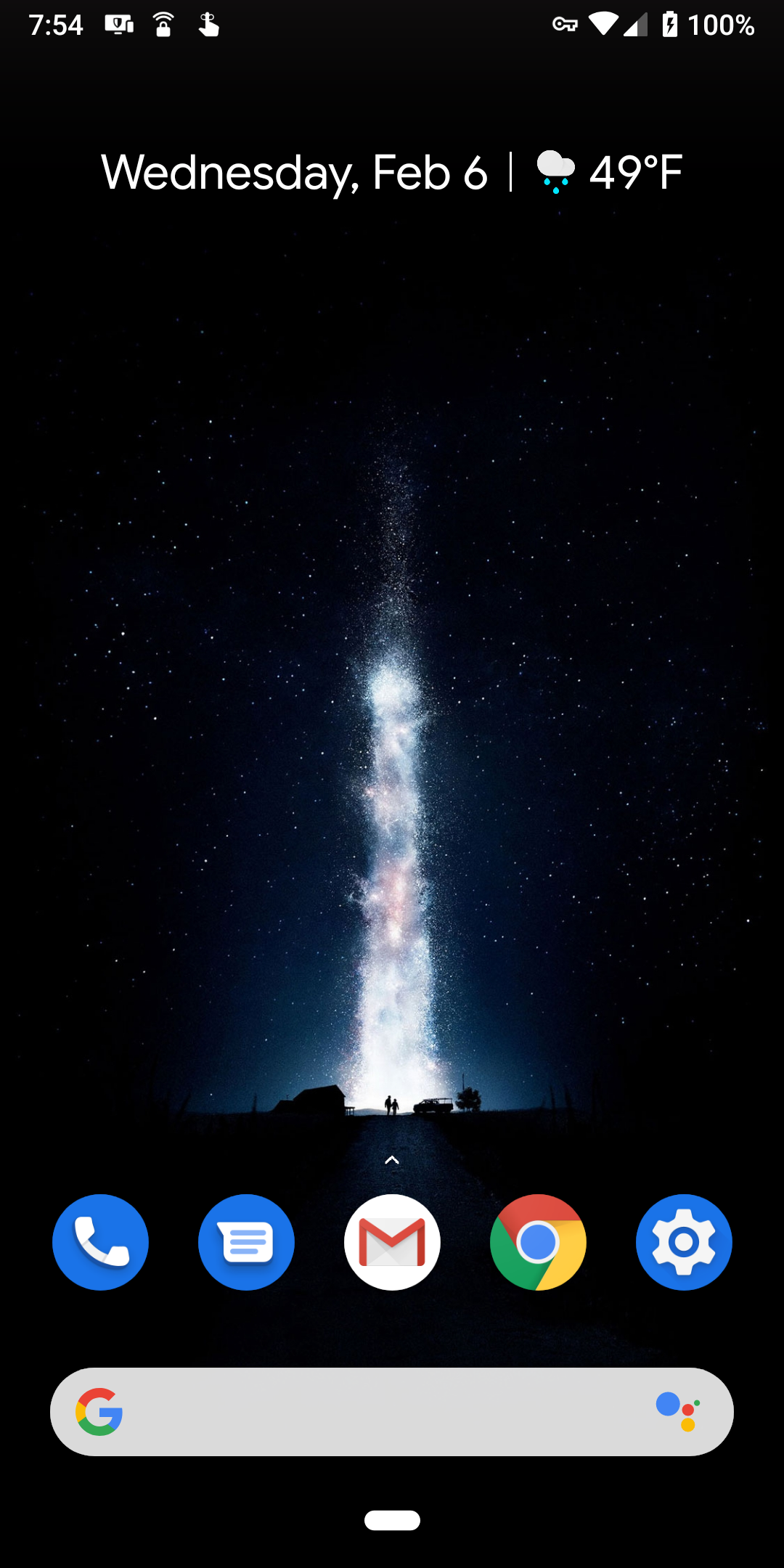
Screenshot_20190206-075433.png

Screenshot_20190206-075512.png
 

Attachments

  • Screenshot_20190131-123408.png
    Screenshot_20190131-123408.png
    2.5 MB · Views: 456
  • Screenshot_20190125-192339.png
    Screenshot_20190125-192339.png
    2.6 MB · Views: 431
  • Screenshot_20190125-195005.png
    Screenshot_20190125-195005.png
    2.5 MB · Views: 473
Last edited:
I should mention I only have MBAM because I like the visuals. It just looks too cool to get rid of.

Removed Kaspersky. Enabled Realtime Protection of Malwarebytes. 2019/01/31

Disabled the RTP of MBAM. Installed Norton suite. 2019/02/06
 
Last edited:
Some significant changes, updated my configuration details to reflect this. Also running Android Q Beta 1. Beta 2.

4/9/2019 - Opted out of the Android Beta Program and reverted back to 9.0 Pie. I was experiencing a significant bug that prevented me from receiving texts. I'll wait for the stable version in August(?).
 
Last edited:
@dash Can I ask you how is your experience with Always On VPN? I used to have it set to keep my VPN on all the time but I noticed that when I am group text messaging and using MMS, the messages get routed all the way to where my VPN server is located and then have to find their way back. I have missed some important messages because of that so I had to turn my VPN off.
 

You may also like...