


The MalwareTips app
Your community, one tap away.
Open MalwareTips from your Home Screen or desktop. Follow discussions, find answers and pick up where you left off.
- Home Screen access
- Optional push alerts
- Your community
You're ready to explore.Explore what's new
Installation instructions
iPhone & iPad
- Open MalwareTips in Safari and tap Share. You may need to open the Page Menu first.
- Choose Add to Home Screen. If it is not listed, use Edit Actions to add it.
- Keep Open as Web App enabled if shown, then tap Add.
Android
- Open MalwareTips in Chrome or another browser that supports app installation.
- Open the browser menu and look for Install app, Install and create shortcut, or Add to Home screen.
- Choose Install and confirm. Wording varies by browser.
Desktop
- Chrome: use the install icon in the address bar, or the menu under Cast, save and share.
- Edge: open the menu, then More tools, Apps and Install this site as an app.
- Safari on Mac: choose Share or File, then Add to Dock. Firefox on Windows: look for the web apps button in the address bar.
If you cannot find an install option, update your browser or use its bookmark option to keep MalwareTips close.
Keep up with your conversations
After installation, open the app and sign in. Enable push notifications in Preferences if you want alerts. On iPhone and iPad, push requires a Home Screen web app and iOS or iPadOS 16.4 or later.
Sign in to manage notificationsInstallation is optional. Your notification settings stay under your control.
You are using an out of date browser. It may not display this or other websites correctly.
You should upgrade or use an alternative browser.
You should upgrade or use an alternative browser.
Desktops Show Off!
-
 Thread starter
Jack
Thread starter
Jack
- Start date
- 3,590 Replies
- 1,035,929 Views

Don't know about coding, but that's surely a nice place to find bugsBC's Top secret "coding" place!


Isn't the recycle bin very small for the needs of the room?

@Parsh Yeah it is indeed so secret place where it is, looks like almost abandoned, haha! But that's the point. Yes you are right about recycle bin is sooo much too tiny my needs!  That's why whole room look's like...hmm.. pretty "buggy"
I just keep coding BUGS,BUGS,BUGS EWERYWHERE haaa!
E: Sorry OT!
That's why whole room look's like...hmm.. pretty "buggy" I just keep coding BUGS,BUGS,BUGS EWERYWHERE haaa!
E: Sorry OT!

This is something I found and worked on to replace the standard W10 wallpaper. The standard wp is harsher than I like, but the concept of it is good for me, so this is a good compromise.
The other wp is the original I found. Made the edits in Paint.net mostly and some in Inkscape.
The other wp is the original I found. Made the edits in Paint.net mostly and some in Inkscape.


jasonX
Level 9
jasonX
Level 9
Dog has green eyes? WowNot too fancy but I love him.
View attachment 151564


What's the pups name?
A cutie.
What's the pups name?
A cutie.
Tucker, black one is Gracie.


I got bored, but here is want the desktop of Signature-less Solutions looks like
I keep it clean and tidy, if I get more than two icon's on my desktop I think it's dirty
lol.
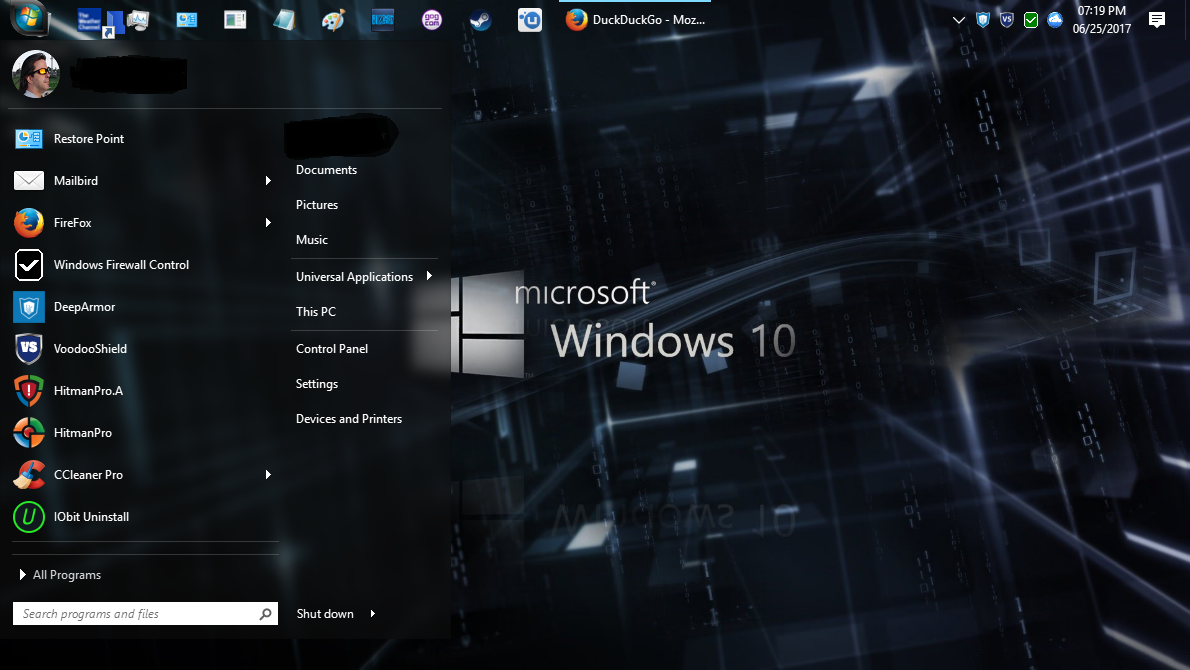 *The start menu & Start Button are thanks to Start10 by StarDock
I keep it clean and tidy, if I get more than two icon's on my desktop I think it's dirty
lol.
Recently browsing
Members who viewed this thread in the last 5 minutes


