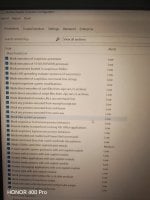
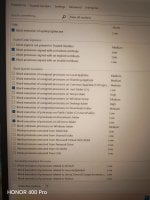
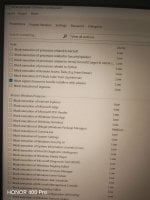
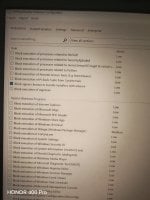
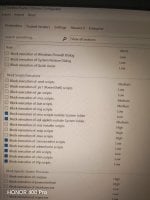
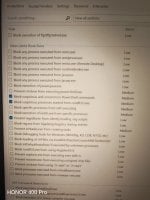
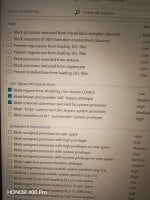
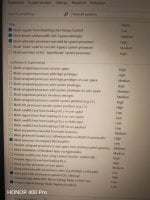
Sure I will send you the list or rules when I get back home.Any chance you can share your list? If not public maybe message me?
Sure I will send you the list or rules when I get back home.Any chance you can share your list? If not public maybe message me?

You're wife is wiseI will be very surprised if you don't have issues with the WRDATA folder growing in size, IMHO its the largest flaw in Webroot, I will watch this thread with interest as each time I've used WR I have had issues with that folder growing, however I may well be wrong as my wife often says


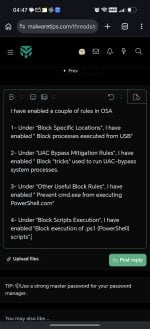
The question to ask is not 'what if I one day use a program that does this? Then I should not checkmark this ...." . The question to ask is "this should never happen normally. So I should checkmark this." E.g. Hackers like to fool around with processes that have System rights and exploit them so it does things they want, because SYSTEM rights allow them to do ANYTHING. So a process with SYSTEM rights should never be running an unsigned program, because Windows does not do this.This is the list of my block rules in OSA
As far as I know not everything inside Windows is digitally signed, but what we can do is never give full trust to digitally signed applications.The question to ask is not 'what if I one day use a program that does this? Then I should not checkmark this ...." . The question to ask is "this should never happen normally. So I should checkmark this." E.g. Hackers like to fool around with processes that have System rights and make them do things they want, because SYSTEM rights allow them to do ANYTHING. So a process with SYSTEM rights should never be running an unsigned program, because Windows does not do this.
Nah that's not how I do it. I don't ask AI to tell me what to do. I consult documentation. I see what other users are saying. Then I ask AI to clarify what the rule does. Then I try it and decide for myself to see if suits me.You know if you repeatedly tell AI that security is less important than usability the AI will obey you and give you a less secure config. But then some of those rules are preparing you to go to war
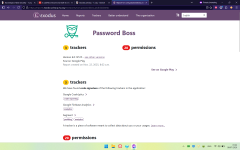
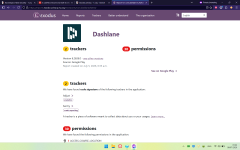
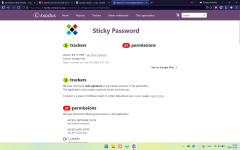
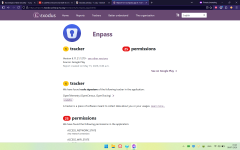
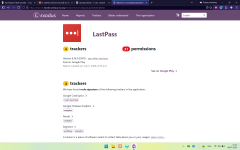

Now my config is officially extensions-free. I do not have a single extension installed on any of my browsers.

You mean to remove the extensions section in the security config?I wonder why we don't just remove the extensions from the Security Config.
You mean to remove the extensions section in the security config?
I forgot to edit the config. That's it.
Client side data encryption and decryption
All Password Boss user data is encrypted and decrypted locally using AES-256, that same level of encryption banks and governments use to protect data. This encryption has never been cracked and means that the data you store in Password boss remains safe, secure and private.
All access to user data requires the Master Password. The Master Password is used to generate a unique encryption key using PBKDF2 (OpenSSL’s PKCS5_PBKDF2_HMAC_SHA1). The Password Boss client database is initialized with a unique random salt in the first 16 bytes of the file. This salt is used for key derivation and it ensures that even if two databases are created using the same password, they will not have the same encryption key. This process uses 64,000 iterations for key derivation.