



tharunnamboothiri
Level 2
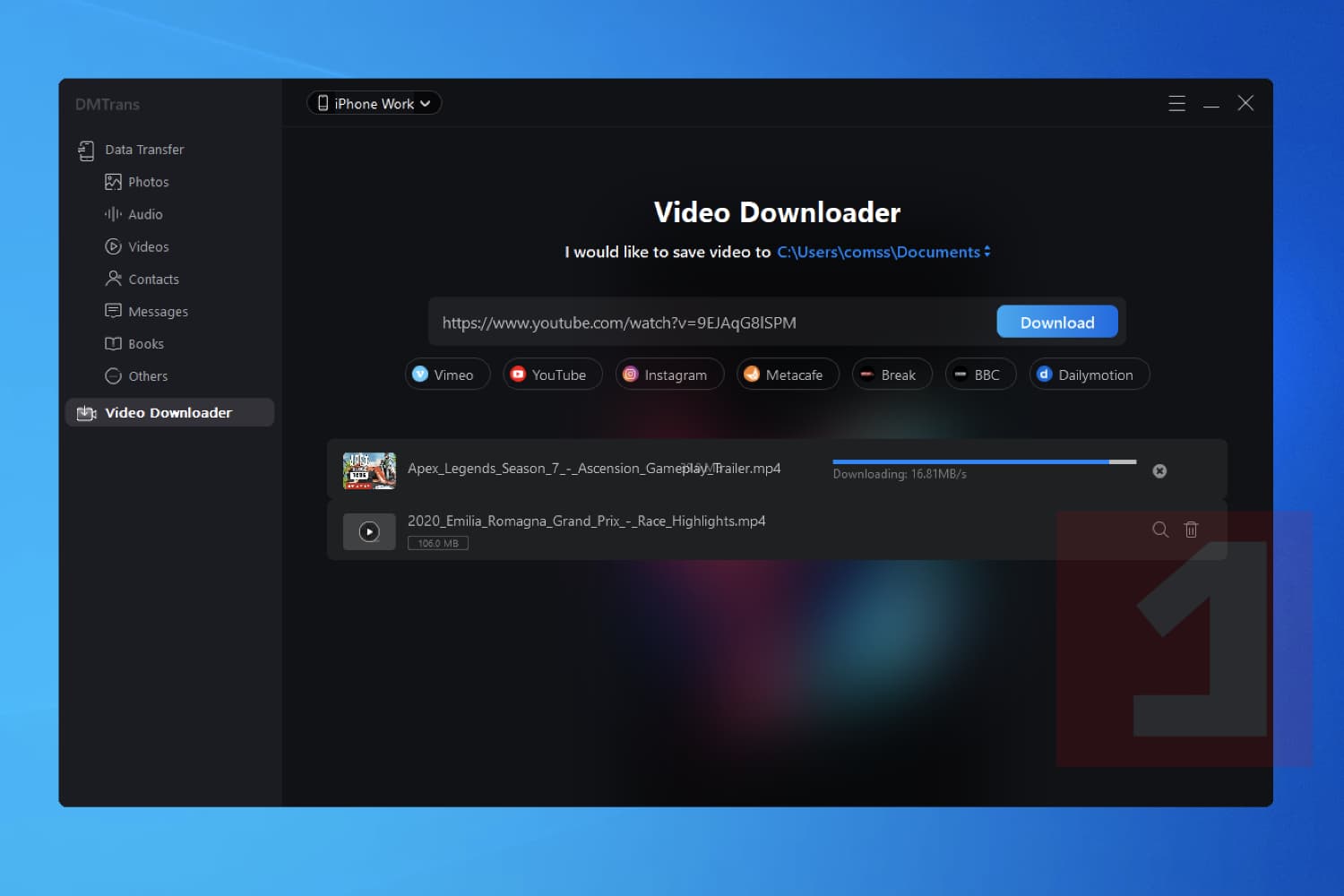
Donemax DMtrans for Windows is a program for transferring data between a computer and mobile devices with the iOS operating system. With it, you can upload photos, videos, music and other data from your computer to your mobile device, as well as download files from your iPhone or iPad to your computer. A feature of the program is the ability to download music and videos from YouTube, Vimeo, Dailymotion and some other services. It is enough to insert a link to a page with online content into the program and Donemax DMtrans will download high-quality video or audio to your computer for further viewing or downloading to a mobile device. In addition to transferring images, music and videos, the program allows you to transfer contacts, messages, books and voice messages. Donemax DMtrans can be used as an alternative to iTunes for exchanging data between a mobile device and a computer.
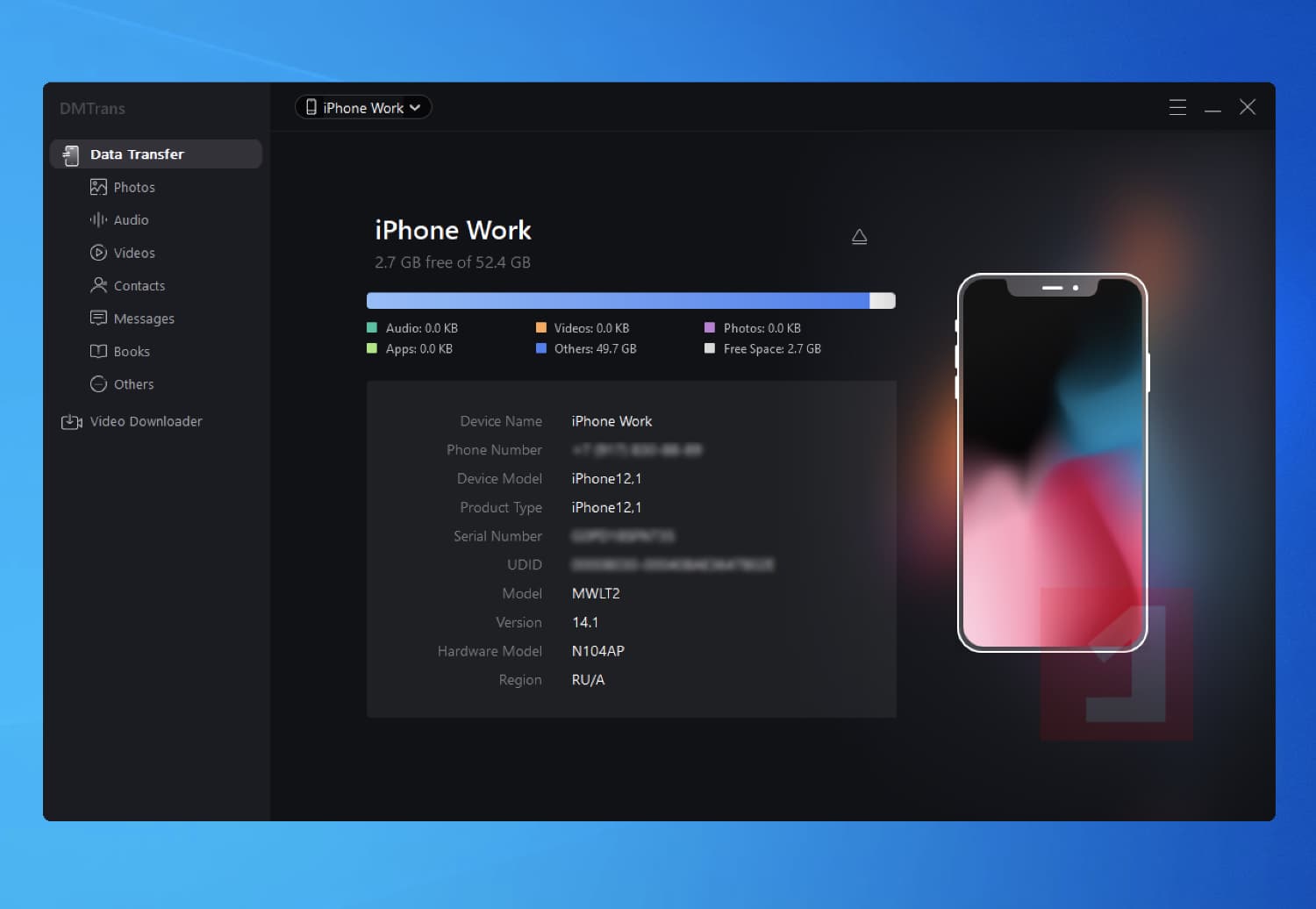
Donemax DMtrans for Windows features:
- Data exchange between iPhone / iPad / iPod and computer.
- Manage files stored on a mobile device.
- Transfer photos, videos, audios and books.
- Backup and restore contacts and messages.
- Downloading videos and music from YouTube and other services.
Supported mobile devices:
- iPhone: 4s, 5, 5s, 6, 6s, 6 Plus, 6s Plus, 7, 7 Plus, 8, 8 Plus, X, XS, XS Max, XR, 11, 11 Pro, 12, 12 mini, 12 Pro, 12 Pro Max.
- iPad: mini 2, 3, 4, Air, Air 2, Pro.
- iPod touch: 4, 5, 6, 7.
- Operating systems iOS 8, 9, 10, 11, 12, 13 , 14 .
System requirements:
- Windows 10, Windows 8.1 / 8 and Windows 7 / Vista
- Windows Server.
Terms of the offer:
- This is Donemax DMtrans 1.0 Lifetime License for Windows.
- Free software updates are not available.
- If you reinstall the program or update the program after the end of the promotion, you will lose your license.

