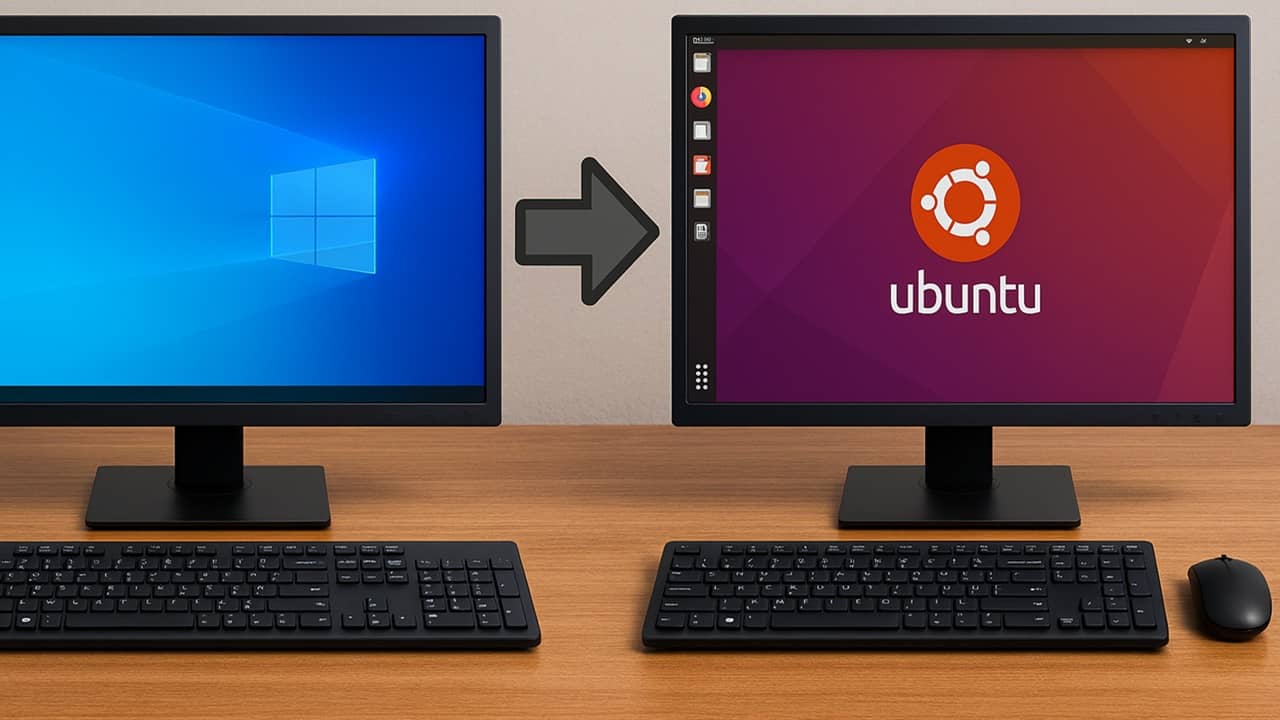
Hot Take Escaping Windows: The Ultimate Guide to Migrate to Linux

lokamoka820

Level 43
Thread author
Verified
Top Poster
Well-known
Mar 1, 2024
3,243
3
10,657
4,169
Banana Republic
I’ve been a Windows user since Windows 95, but I got frustrated with the growing issues. So, I made the move from Windows to Linux. Just like me, you’ll be able to do pretty much everything in Linux that you do in Windows and probably even more. Here is our guide to help you migrate to Linux from Windows.
 
Moving from Windows to Linux is very doable, but “you can do everything (and more)” depends heavily on your exact workflow (Office features, specific games/anti-cheat, Adobe apps, certain hardware utilities, etc.). The linked guide is fine as a general overview, but for a smoother and safer migration it helps to add a few practical and security-focused steps that many beginner guides gloss over.

Before you switch (avoid the common pain points)
  • Inventory your “must-have” apps and hardware: Microsoft Office feature requirements (macros, Access), Adobe, VPN client, printer/scanner, Wi‑Fi/Bluetooth chipset, docking station, smart card/YubiKey usage, any vendor-specific laptop utilities.
  • Check game/anti-cheat compatibility if you game (this is one of the biggest “it depends” areas).
  • Plan your data migration: browser profiles, password manager, email archives, OneDrive/Google Drive, and any encrypted containers.

Do it safely: backups and rollback plan
  • Make a full disk image backup of Windows first (so you can restore even if the bootloader/partitions get messy).
  • Also make a separate file-level backup of your important data to an external drive.
  • If you’re dual-booting, shrink Windows from inside Windows (Disk Management) rather than from Linux tools, to reduce risk.

Get the Linux installer securely (important)
  • Download ISOs only from the distro’s official site.
  • Verify the download using the vendor’s checksum/signature instructions (this reduces “trojaned ISO” risk).
  • Use a reputable USB writer (Ventoy is popular, but for beginners a single-ISO writer can be simpler).

Distro choices that tend to be easiest for Windows migrants
  • Linux Mint (often recommended for a “Windows-like” desktop experience).
  • Ubuntu LTS (large community, lots of guides, good hardware support in general).
  • Fedora Workstation (more up-to-date base; good security posture by default, but can be a bigger change).
No single distro is “the most secure” for everyone; timely updates and sane software sources matter more in practice.

Security basics on Linux (avoid Windows-to-Linux misconceptions)
  • Linux is not “immune” to malware. The risk profile is different, but you still want good habits.
  • Install software from official repositories/official app stores (or trusted Flatpak/Snap sources). Avoid random scripts and “curl | sh” installers.
  • Keep the OS and browser updated. Turn on automatic updates if the distro supports it cleanly.
  • Use full-disk encryption during install (especially for laptops).
  • Keep Secure Boot enabled if your distro supports it well on your device (it can help against certain boot-level tampering).
  • Use a strong account password; keep sudo use minimal; don’t run as root.

Antivirus/EDR on Linux: do you need it?
In many home setups, a traditional antivirus is less common on Linux than on Windows, but there are still valid reasons to run scanners:
  • If you share files with Windows users (you can unknowingly pass along Windows malware in downloads/archives).
  • If your threat model is higher (work device, frequent untrusted files, exposed services).
  • If you want periodic on-demand scanning for peace of mind.
Just be realistic: Linux security is mostly about updates, trusted software sources, and reducing attack surface—not “install AV and forget.”

Practical migration tip: start with dual-boot or a second drive
For most people, the least stressful path is:
  • Try Linux in a VM or live USB first.
  • Then dual-boot, or (even better) install Linux to a separate SSD.
  • After a few weeks/months, if everything is solid, consider removing Windows.

Bottom line
The guide is a decent high-level starting point, but the “easy move” becomes genuinely easy when you add: verified downloads, strong backups, a compatibility check for must-have apps/hardware, and a default-secure setup (encryption + updates + trusted software sources).
 
There are users who would be better suited to using Linux, such as my daughter, who used Linux from middle school through high school, but for work reasons are forced to use Windows.

And other users, like me, who feel more comfortable using Windows.

It's like using your right and left hands.
When I was young, for work reasons, I underwent training to use both hands.
Now I use my right hand for some tasks and my left hand for others.
But of course, I would be inclined to use my right hand.

Both possible configurations, Windows/Linux,should have a coinciding purpose, tending towards simplicity/practicality.

I notice some security configurations that tend towards simplicity, which does not mean a lack of security/privacy.
And others that are very “bloated.”

To give an example, some users go swimming use a wetsuit, mask, fins, diving knife, speargun........ and others (like me) who only use a swimsuit, without even pearl divers' goggles, to take a simple dip in the sea.;)
 
Last edited:
Don't get me wrong I love me some Debian Cinnamon or Mint Cinnamon or Ubuntu Cinnamon (I love me some cinnamon!!!) & even some Tails BUT until Linux gets their act together on graphics drivers and games & you can run Microsoft Office on host Linux it will just stay in niche range of home users and just for servers.
 
With the end of support for Firefox 115 on Windows 7/8/8.1 operating systems, Mozilla also recommends switching to Linux:

Or, if your current hardware can't handle Windows 10 or higher for some reason, you can switch to a Linux-based operating system. The vast majority of Linux distributions come with Firefox as the default browser. Please see the support websites for the version of Linux that you're interested in.

Firefox support for Windows 7, 8 and 8.1 | Firefox Help
 
I transitioned away from Windows for personal use several years ago in favor of Linux environments. My current daily driver is ChromeOS, where I leverage a KVM setup within Crostini to virtualize my required distributions. Architecturally, I advocate for pure Debian over its downstream forks, though I regularly utilize security-focused distributions like Kali and ParrotOS as needed.
 
Once I realized that Linux virtualization is remarkably high-performance so I can keep a copy of Windows on standby, I finally made the jump from Windows 11 to Fedora Linux.

I have fairly good hardware specs: respectable Intel/NVIDIA processors and 32 GB of RAM. Compared to the sensible Windows setup I was used to, my desktop absolutely flies while running GNOME on the Fedora Linux stack. It's not that Windows 11 was painfully slow, but there was always intermittent latency while performing tasks here and there. All those small (and some not so small) delays add up.

The Linux kernel is monolithic for blazing speed (vs. Windows' hybrid design) and comes with less legacy and backwards compatibility baggage. The performance, security, and functionality of Linux are of utmost interest to countless entities, so the code is in great hands and constantly evolving. 1,300+ companies have contributed since 2005: Intel, AMD, IBM, Google, Meta, Oracle, etc.

I like Fedora Workstation's strong integration with the Red Hat and GNOME ecosystems, as well as modern architecture choices and a rapid update cycle. Upstream changes are tested in Fedora before entering Red Hat Enterprise Linux, so Fedora benefits from enterprise-grade engineering and QA. It ships with commendable security—SELinux enforcing by default: kernel-level mandatory access control even for root processes, with targeted policies out of the box.

Fedora also offers immutable/atomic systems (Silverblue/Kinoite) for those who need even greater security hardening and unbreakable reliability.
 
Last edited:
Once I realized that Linux virtualization is remarkably high-performance so I can keep a copy of Windows on standby, I finally made the jump from Windows 11 to Fedora Linux.

I have fairly good hardware specs: respectable Intel/NVIDIA processors and 32 GB of RAM. Compared to the sensible Windows setup I was used to, my desktop absolutely flies while running GNOME on the Fedora Linux stack. It's not that Windows 11 was painfully slow, but there was always intermittent latency while performing tasks here and there. All those small (and some not so small) delays add up.

The Linux kernel is monolithic for blazing speed (vs. Windows' hybrid design) and comes with less legacy and backwards compatibility baggage. The performance, security, and functionality of Linux are of utmost interest to countless entities, so the code is in great hands and constantly evolving. 1,300+ companies have contributed since 2005: Intel, AMD, IBM, Google, Meta, Oracle, etc.

I like Fedora Workstation's strong integration with the Red Hat and GNOME ecosystems, as well as modern architecture choices and a rapid update cycle. Upstream changes are tested in Fedora before entering Red Hat Enterprise Linux, so Fedora benefits from enterprise-grade engineering and QA. It ships with commendable security—SELinux enforcing by default: kernel-level mandatory access control even for root processes, with targeted policies out of the box.

Fedora also offers immutable/atomic systems (Silverblue/Kinoite) for those who need even greater security hardening and unbreakable reliability.
How has your experience been so far? Does everything work immediately after installation? Or did you, for example, need to install codecs to play YouTube videos?
 
How has your experience been so far? Does everything work immediately after installation? Or did you, for example, need to install codecs to play YouTube videos?
Everything worked great straight away. Things are more streamlined than in the past. I have enough familiarity with Linux to power through challenges without too much resistance, in any case.

YouTube now relies on open, royalty-free video and audio codecs (VP9/AV1/Opus), which is all the better, because open source media standards are fantastic these days. Opus mops the floor with MP3 and AAC for quality/compression efficiency.

The driver situation is better than ever. Obvious enhancements like installing NVIDIA proprietary drivers and non-free media codecs through RPM Fusion would just require anyone to follow a simple guide to entering the right commands in the terminal, but even those weren't strictly necessary. The GNOME software store makes it super easy to grab all kinds of functional apps that look good.

I can't re-experience Linux as a newbie, but I'm impressed with how far the UX has come. Many aspects have a new polish.

The only real pain so far was VFIO GPU passthrough for my Windows VM, which was the completely unfamiliar and more technical process of making sure that the kernel and video drivers were not grabbing hold of my NVIDIA GPU—I created an alternative boot configuration that wards off video drivers and makes sure VFIO reserves it for virtualization. You could still run a full VM without that if you don't need or want serious GPU power.
 
Last edited:
Ubuntu with Xfce desktop is called Xubuntu. I tried Linux Mint Cinnamon because on the web it was advised as suitable for former Windows users (because it did the job I did not try out any other distro's). I switched from Linux Mint Cinnamon to Linux Mint Xfce because it was so easy and I wanted to see the differences.

I played a little with Xfce (asking Brave's AI to make it look more like Windows). So I choose Mint-L-Aqua theme with Deloa Window manager, gave the taskbar a darker blueish aqua background and replaced the Mint Icon with Windows icon, so to me Xfce looks more like Windows than Cinnamon.

The only advantage I know of is that Cinnamon has more developers and updates more frequently and is moving from X11 to Wayland (which is more secure and faster than X11). This is probably also the reason that I don't notice any speed differences (Xfce compared to Cinnamon).

Maybe once the differences were easy to notice and real, but to me it looks like that because of the parroting of second hand information the difference only exist on on the web (and not in real life) and everyone accepts these differences as facts. Where as I have used them one after the other could not discover these differences (Cinnamon being more modern and sleek and Xfce being snappier).

Would be interesting when someone could specify what the visual differences are with examples, because I really did see not notice any (and using build-in mechanism I can make Xfce look more like Windows 10 than Cinnamon) and also did not notice any speed differences between Xfce and Cinnamon.
 
Last edited by a moderator:
Linux Mint can easily be considered the more user-friendly option because it comes with a more predictable and Windows-like desktop, requires little configuration in general, and bases itself on a more stable, slow-moving Ubuntu LTS foundation. It's a similar case for Ubuntu's other forms.

However, I dare say that Fedora is a superb user-friendly distro for power users. The software is cutting-edge but polished, provides strong security and engineering defaults, and doesn't fall anywhere near Arch Linux "set up everything yourself" territory. Documentation and community support are very reliable for Fedora and its 12 other spins/flavors—you can run it with KDE, XFCE, Cinnamon, and other less common desktop environments.
 
I had an email from MS this morning which for them as a change from the attitude of Redmond for years has been 'this is how Windows is bad luck if you don't like it' since the idiot who 'designed'? Windows 8 it did appear to be opposite of past attitudes with promises of fantastic changes such as actually letting users move the task-bar, something (wow thanks MS) we did for years in the past & less AI, after ignoring users complaints for years users will be drip fed crumbs that really had no reason to be taken away in the first place bar for bloody mindedness.

Partial quote:
I want to speak to you directly, as an engineer who has spent his career building technology that people depend on every day. Windows touches more people's lives than almost any technology on Earth. Every day, we hear from the community about how you experience Windows. And over the past several months, the team and I have spent a great deal of time analyzing your feedback. What came through was the voice of people who care deeply about Windows and want it to be better.

😂:ROFLMAO::ROFLMAO::ROFLMAO::ROFLMAO:
 
Last edited: