

The MalwareTips app
Your community, one tap away.
Open MalwareTips from your Home Screen or desktop. Follow discussions, find answers and pick up where you left off.
- Home Screen access
- Optional push alerts
- Your community
You're ready to explore.Explore what's new
Installation instructions
iPhone & iPad
- Open MalwareTips in Safari and tap Share. You may need to open the Page Menu first.
- Choose Add to Home Screen. If it is not listed, use Edit Actions to add it.
- Keep Open as Web App enabled if shown, then tap Add.
Android
- Open MalwareTips in Chrome or another browser that supports app installation.
- Open the browser menu and look for Install app, Install and create shortcut, or Add to Home screen.
- Choose Install and confirm. Wording varies by browser.
Desktop
- Chrome: use the install icon in the address bar, or the menu under Cast, save and share.
- Edge: open the menu, then More tools, Apps and Install this site as an app.
- Safari on Mac: choose Share or File, then Add to Dock. Firefox on Windows: look for the web apps button in the address bar.
If you cannot find an install option, update your browser or use its bookmark option to keep MalwareTips close.
Keep up with your conversations
After installation, open the app and sign in. Enable push notifications in Preferences if you want alerts. On iPhone and iPad, push requires a Home Screen web app and iOS or iPadOS 16.4 or later.
Sign in to manage notificationsInstallation is optional. Your notification settings stay under your control.
You are using an out of date browser. It may not display this or other websites correctly.
You should upgrade or use an alternative browser.
You should upgrade or use an alternative browser.
Troubleshooting Explorer.Exe - Unspecified Error
-
 Thread starter
amirr
Thread starter
amirr
- Start date
- 8 Replies
- 2,856 Views

What happens if you click on the taskbar-icon of Windows-Explorer, the same "Unspecified Error" ? 


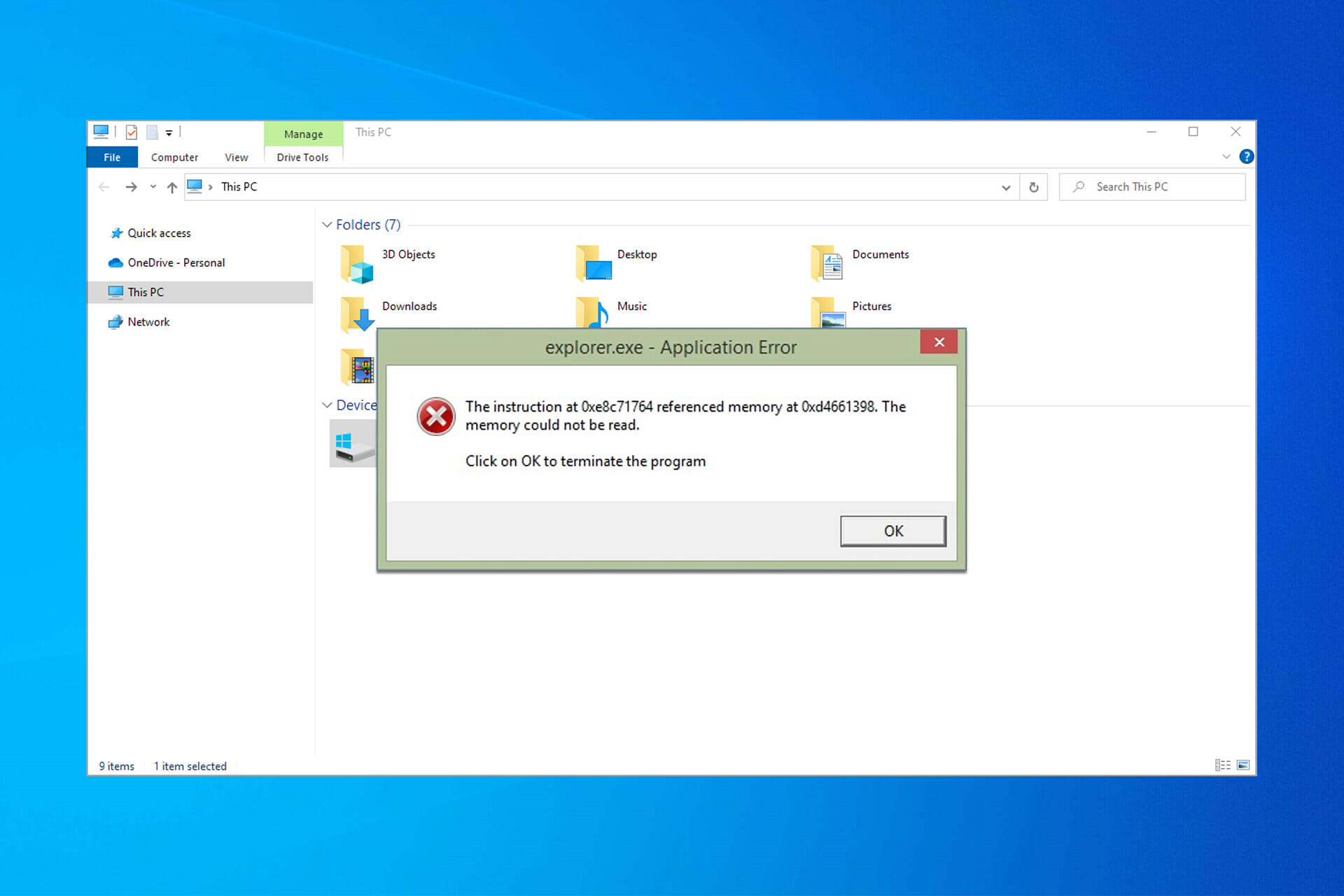
 windowsreport.com
Unspecified error when opening explorer
Whenever I attempt to open the file explorer either by hitting windows+e or clicking directly on the file explorer icon on the taskbar, a dialog window is displayed indicating an Unspecified error
answers.microsoft.com
Explorer.exe Application Error: How to Fix it in 8 Steps
Do you get an Explorer.exe application error while shutting down your computer? Try repairing some broken system files and faulty memory.
windowsreport.com
Upvote
0


Yes, same result. I will read the links you mentioned. Thanks.What happens if you click on the taskbar-icon of Windows-Explorer, the same "Unspecified Error" ?
View attachment 254439
Unspecified error when opening explorer
Whenever I attempt to open the file explorer either by hitting windows+e or clicking directly on the file explorer icon on the taskbar, a dialog window is displayed indicating an Unspecified erroranswers.microsoft.comExplorer.exe Application Error: How to Fix it in 8 Steps
Do you get an Explorer.exe application error while shutting down your computer? Try repairing some broken system files and faulty memory.
Upvote
0
I did a restart of the system. But with Win key+E and also opening the Explorer icon in the taskbar, it doesn't open.Did you restart the explorer with Task Manager ?
When clicking on the taskbar icon of File Explorer, it says:
Upvote
0
Thank you, system restore did work and solved the problem, but at the end of system restore, after it did a restart, it said it's not done fully, due to AV or something.I had that on a laptop twice a few years ago. Solutions 2 and 4 on this appuals webpage worked for me then. Granted back then, that article in specific wasn't written.
But after all, it solved the problem.
Anyway, to make things smooth, I will do a clean installation of 20H2.
Upvote
0

try "sfc /scannow" and "Dism /Online /Cleanup-Image /ScanHealth" commands within cmdThank you, system restore did work and solved the problem, but at the end of system restore, after it did a restart, it said it's not done fully, due to AV or something.
But after all, it solved the problem.
Anyway, to make things smooth, I will do a clean installation of 20H2.
Edit: Sorry, already mentioned on one of the websites in the post of @silversurfer.
Last edited:
Upvote
0
Recently browsing
Members who viewed this thread in the last 5 minutes


