

The MalwareTips app
Your community, one tap away.
Open MalwareTips from your Home Screen or desktop. Follow discussions, find answers and pick up where you left off.
- Home Screen access
- Optional push alerts
- Your community
You're ready to explore.Explore what's new
Installation instructions
iPhone & iPad
- Open MalwareTips in Safari and tap Share. You may need to open the Page Menu first.
- Choose Add to Home Screen. If it is not listed, use Edit Actions to add it.
- Keep Open as Web App enabled if shown, then tap Add.
Android
- Open MalwareTips in Chrome or another browser that supports app installation.
- Open the browser menu and look for Install app, Install and create shortcut, or Add to Home screen.
- Choose Install and confirm. Wording varies by browser.
Desktop
- Chrome: use the install icon in the address bar, or the menu under Cast, save and share.
- Edge: open the menu, then More tools, Apps and Install this site as an app.
- Safari on Mac: choose Share or File, then Add to Dock. Firefox on Windows: look for the web apps button in the address bar.
If you cannot find an install option, update your browser or use its bookmark option to keep MalwareTips close.
Keep up with your conversations
After installation, open the app and sign in. Enable push notifications in Preferences if you want alerts. On iPhone and iPad, push requires a Home Screen web app and iOS or iPadOS 16.4 or later.
Sign in to manage notificationsInstallation is optional. Your notification settings stay under your control.
You are using an out of date browser. It may not display this or other websites correctly.
You should upgrade or use an alternative browser.
You should upgrade or use an alternative browser.
Expired F-Secure 120 day extended trial
-
 Thread starter
Tiamati
Thread starter
Tiamati
- Start date
- 29 Replies
- 11,608 Views
This offer has expired or is no longer available. Check newer threads for current deals.
Thread details
- How to get a license
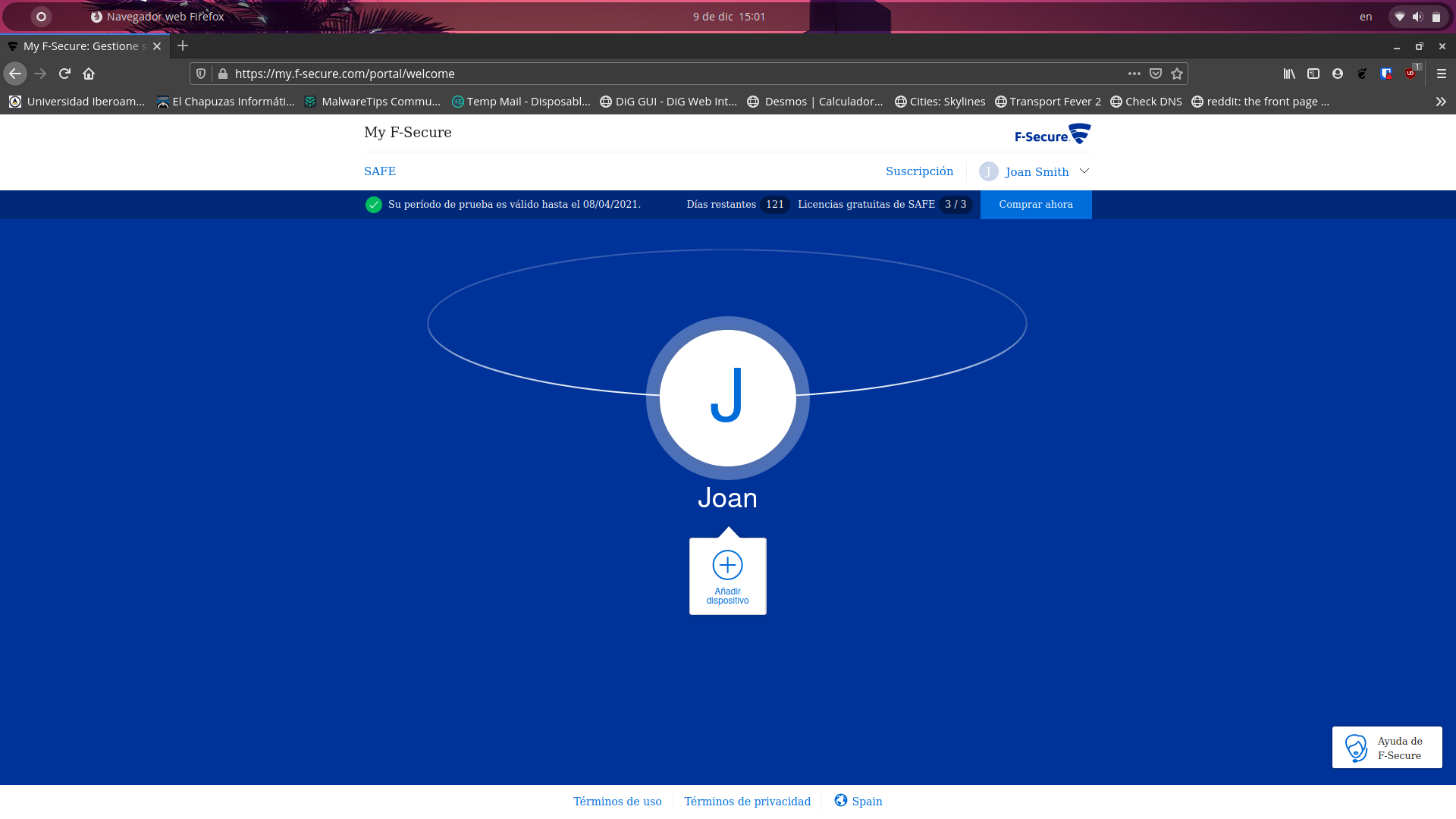
- Go to [URL='https://my.f-secure.com/register/Usblogger/CZTXR-RQHYA-DBDRH-TNVQK']My F-Secure[/URL] and create an account to receive 120 days.
If it doesn't work, you can try UK VPN

Working without VPN for me

Works great here in finland!
Thanks for the giveaway
Thanks for the giveaway

Setup PCPC setup
Thanks for sharing, gonna give it a try later.

Tried but it only gave me a 30 day trial for some reason, not 120 days.

Trying it now. Easy configuration and feels lighter than Eset so far. I like it. No firewall in this edition so I tried Symantec(firewall only) which had multiple errors. Not sure if its the issue with Symantec or F-secure or something else. I use simplewall with it now.

Did you create a new account?Tried but it only gave me a 30 day trial for some reason, not 120 days.
This thread is a lie. It gave me 121 days trial not 120. 
Send PM to me.Tried but it only gave me a 30 day trial for some reason, not 120 days.
Last edited:


Certainly did.Did you create a new account?
I always have my UK VPN enabled, weirdly turning it off and making another account did the trick.

Thanks for the link. Just tried it and installed it. Will keep an eye on it. Are the browser extensions really necesary? I always hated them when I used Norton. Assume that default settings are ok? I have never tried F-Secure before so any recommendations would be nice. Thank you.
The settings are really simple and easy, don't think I changed anything other than add my cloud storage folder to the ransomware protection list. The extensions seem alright too, just (optionally) putting green ticks next to searches and helping with the banking protection feature and a few other things.Thanks for the link. Just tried it and installed it. Will keep an eye on it. Are the browser extensions really necesary? I always hated them when I used Norton. Assume that default settings are ok? I have never tried F-Secure before so any recommendations would be nice. Thank you.
The settings are really simple and easy, don't think I changed anything other than add my cloud storage folder to the ransomware protection list. The extensions seem alright too, just (optionally) putting green ticks next to searches and helping with the banking protection feature and a few other things.
It was causing some weirdness in two of my browsers so uninstalled it.

good timing. my f-secure is expiring. they just sent me a notification ... their regular 1 year price in my notification is $140 to renew. that is insane. so another 4 months free is welcomed.


Recently browsing
Members who viewed this thread in the last 5 minutes

