Advanced Plus Security Gandalf_The_Grey's Mobile Security Config

Archived configuration (not current) · expand details
Thread details
Last updated
Oct 19, 2025
Mobile brand
Samsung
Mobile model
Galaxy A34
Mobile operating system
Android
Mobile OS version
16
Mobile security update support
Supported - still receiving security updates
Mobile system updates
Automatic updates
Google Play Protect settings
    • Scan apps with Play Protect
    • Improve harmful app detection
    • Permissions for unused apps to be removed
Google Play system update
Sep 1, 2025
App store(s)
    • Google Play Store
    • Samsung Galaxy Store
App updates
Auto-update on any connection
Screen lock method
PIN
Biometric security
    • Fingerprint(s)
SIM and mobile number protection
    • Lock SIM card with a PIN
Stolen Device Protection
On
Unknown tracker alerts
    • Unknown Tracker Alerts (Android)
Find a lost device
    • Google Find Hub (formerly Find My Device)
    • SmartThings Find (Samsung)
Security and privacy apps
Samsung Device Care powered by McAfee and Samsung Auto Blocker
Firewall and VPN apps
AdGuard ad blocker for Android and AdGuard VPN for Android
Mobile browsers
Microsoft Edge
Password and passkey manager
Bitwarden
Phone & Caller ID
Phone by Google
Messaging
WhatsApp
Note-taking
Microsoft OneNote
Cloud storage
Microsoft OneDrive
Android launcher
Samsung One UI 8.0
Two-factor authentication
Microsoft Authenticator
File and photo backups
Apps and settings automatically on Google One.
Photos automatically on Microsoft OneDrive
Subscriptions
    • Microsoft 365 Family (up to 1 TB per person)
Notable changes
2025.10.19 Got Samsung One UI 8.0 with Android 16 and back to Microsoft Edge.
2026.10.01 Back to Google Chrome and config up to date
Feedback preference

Only essential issues, please

New config for the new year relying on Samsung's own tools and AdGuard on my old work issued phone.
But there is hope, I can finally get a new phone when returning to the office after a long time working from home because of the Covid 18 pandemic.
Get a new one...its time or if you are hell-bent on keeping it why not make a switch to roms on XDA?
 
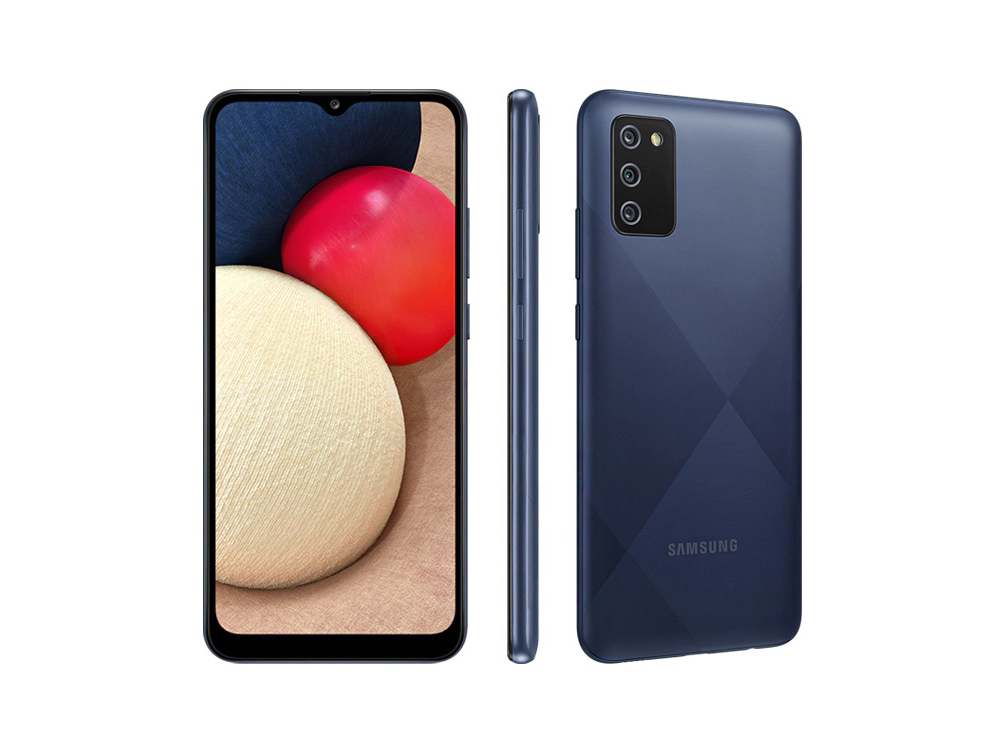
Got the Galaxy A02s from my employer, so I can't really complain...
But browsing is very very very slow on this device 🐌
Tried a lot of browsers and Opera is the most bearable so far.

A review of this phone:
 
Got the Galaxy A02s from my employer, so I can't really complain...
But browsing is very very very slow on this device 🐌
Tried a lot of browsers and Opera is the most bearable so far.

A review of this phone:

I saw the technical specs quickly... it's clearly bad.
Even a 200€ smartphone (Realme / Xiaomi) completely outperforms it....
 
For my limited use of smartphone's, it's ok, but not great.

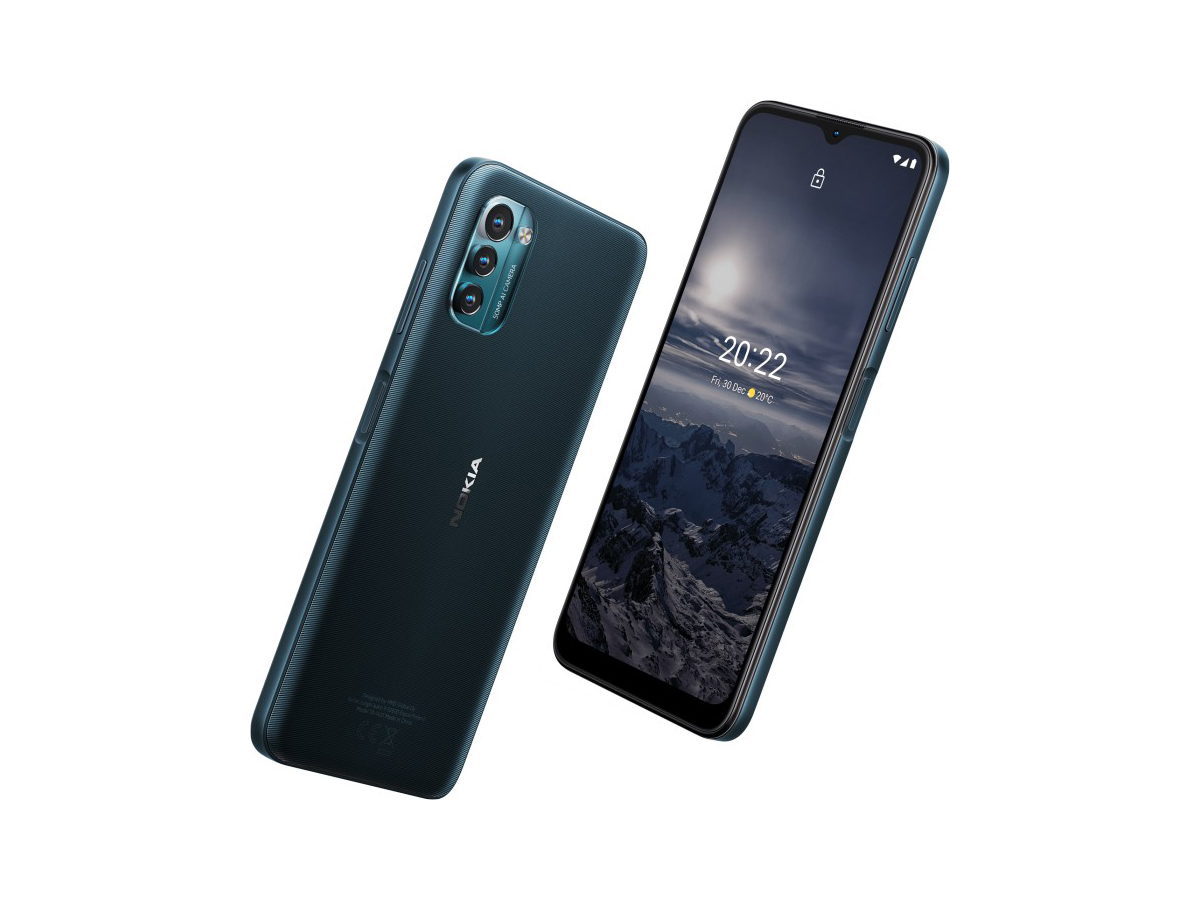
The Nokia G21 I just bought for my daughter is a much better smartphone.
 
Got the Galaxy A02s from my employer, so I can't really complain...
But browsing is very very very slow on this device 🐌
Tried a lot of browsers and Opera is the most bearable so far.

A review of this phone:
For what? just call things or what?
 
For what? just call things or what?
Phone Technology GIF by Ros na Rún

Tried a lot of browsers and Opera is the most bearable so far.
Same experience on several brands/models. I guess they made their phone version very compatible and again with some exclusive very smart features I only seen with Opera.
 
Switched from the Samsung to the Google phone app:
 

Recently browsing

Members who viewed this thread in the last 5 minutes

Back
Top