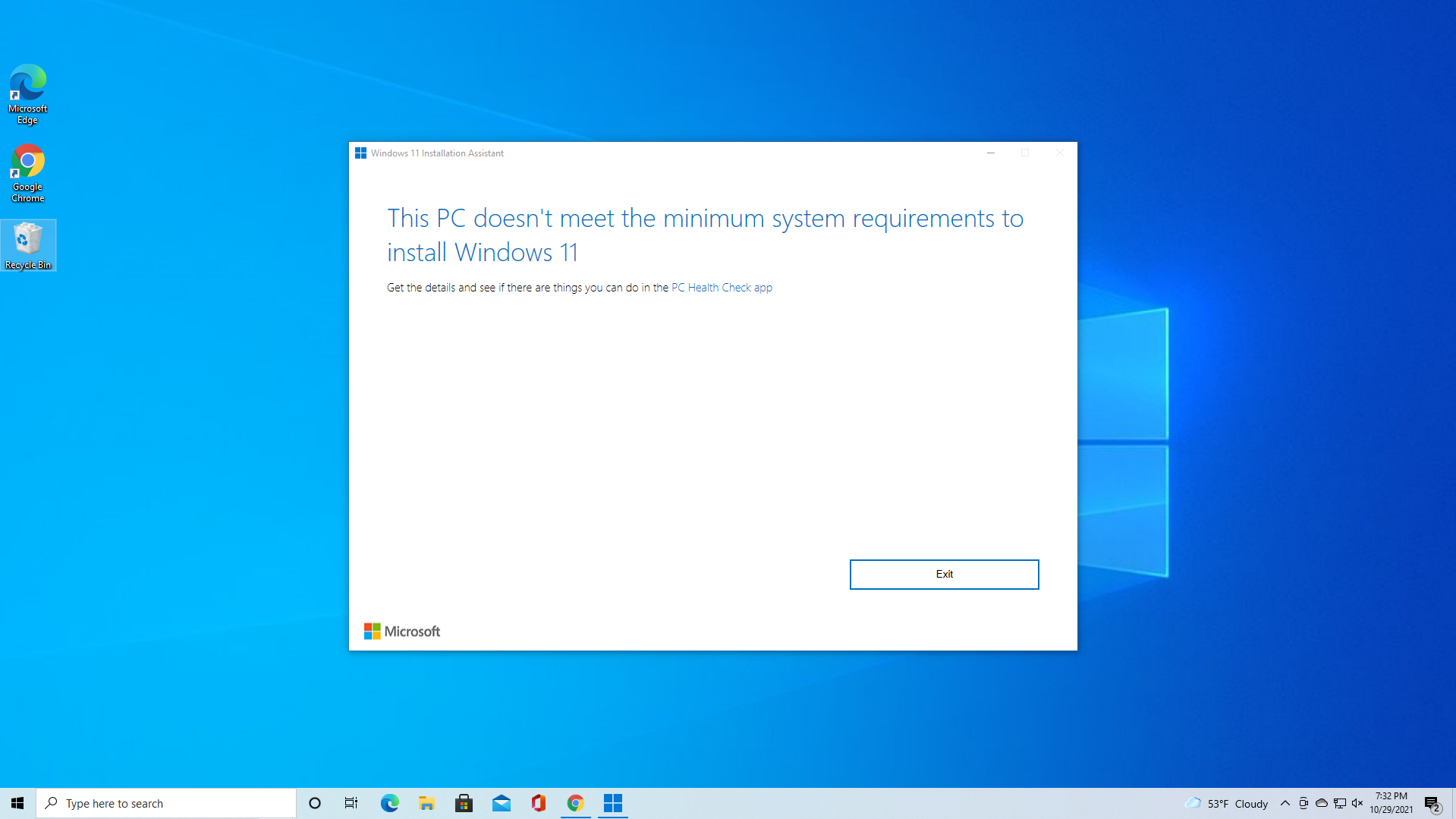
Advice Request Good Linux Distro alternative for Windows 11 for old laptop

Please provide comments and solutions that are helpful to the author of this topic.
Somewhat off topic but I've acquired a year old lappy that I'm going to put Linux on, I've used it in the past as dual boot on a desk PC, I'm seriously considering moving over to Linux hopefully this time for good - I've said it in the past & its not going to be straight away as I have to get to grips with it again - I really don't like the way MS is going- Some issues in the past such as needing 365 etc have now gone so, I will see...
If for browsing and playing media files, Linux will be okay.
Regarding productivity such as media editing, spreadsheets, and some games, will face difficulty.
 
Yes use Rufus as Parkinsond said.

And in case you will really go for W11 instead of Linux, I suggest hold for it until next week. The latest W11 25H2 will be out officially. Saves you the hassle from going 24H2 to 25H2. And your PC will run smoother from a Clean Install.
Good advice, thank you 🙏
 
Another alternative for burning the ISO is Balena Etcher. No offense intended to anyone who uses Rufus but in my case I tried multiple times but never could get Rufus to work when I made my Mint ISO. Balena is free and it worked great.

C.H.
Ventoy sometimes fail, but not Rufus.
Can Balena bypass W 11 requirements, such as Rufus and Ventoy?
 
If you are new to Linux, I will recommend using Linux Mint Cinnamon as your first distro, why?
  1. Linux mint is the most ready out-of-the-box distro for beginners.
  2. It is the closest to windows from a user experience perspective.
  3. You will not need to use terminal with it.
  4. It has tutorials all over the web and very helpful forum that will answer all your questions (if it is not already answered previously).
  5. Cinnamon desktop environment will be the simplest to feel home as a Windows user.
 
If you are new to Linux, I will recommend using Linux Mint Cinnamon as your first distro, why?
  1. Linux mint is the most ready out-of-the-box distro for beginners.
  2. It is the closest to windows from a user experience perspective.
  3. You will not need to use terminal with it.
  4. It has tutorials all over the web and very helpful forum that will answer all your questions (if it is not already answered previously).
  5. Cinnamon desktop environment will be the simplest to feel home as a Windows user.
i am still thinking, as i have already purchased and activated software such as Microsoft Office, AOEMI Backupper, and others. i take a backup, and I may proceed with upgrading to Windows 11 by bypassing the TPM / Processor requirement and monitor the behaviour, if not stable i may consider upgrading to Linux Mint.

Thanks for your advice
 
I've always used ElementaryOS due to cosmetic reasons (lol) but a few years back I switched to Manjaro, which is based in Arch, unlike ElementaryOS and all Ubuntu-like distros which are based on Debian. Ever since I never switched again. Manjaro is stable, secure, and good looking.
 
Debian forms the foundational base for popular distributions like Ubuntu and Linux Mint. It is renowned for its exceptional stability, which is why these other projects build upon it. Consequently, while Ubuntu and Mint are often suggested for novices due to their beginner-friendly nature, my extensive experience has led me back to Debian time and again. After years of using nearly every major Linux distribution, I consistently return to Debian for its reliability and its 'get-out-of-the-way' philosophy, which allows me to configure a system that simply works as it should.
 
Debian forms the foundational base for popular distributions like Ubuntu and Linux Mint. It is renowned for its exceptional stability, which is why these other projects build upon it. Consequently, while Ubuntu and Mint are often suggested for novices due to their beginner-friendly nature, my extensive experience has led me back to Debian time and again. After years of using nearly every major Linux distribution, I consistently return to Debian for its reliability and its 'get-out-of-the-way' philosophy, which allows me to configure a system that simply works as it should.
Good input and i agree
 

You may also like...