Troubleshoot High CPU when connected to Internet

Daisy1234

New Member
Thread author
Dec 15, 2019
7
6
4
Ivory Coast
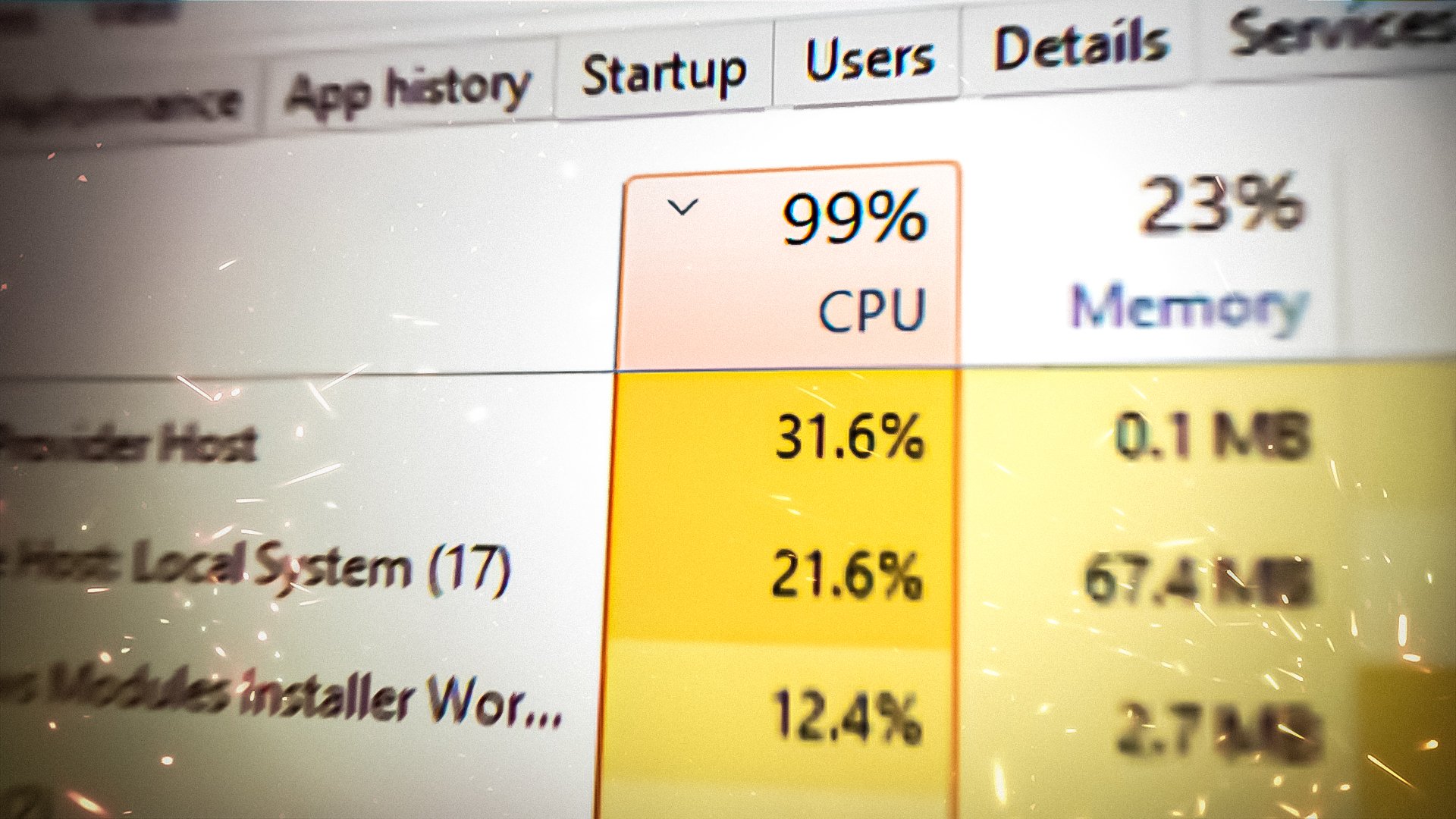
Hi ! I have an ASUS X541S and when I active the Wifi, the CPU and all others ( memory, disk but particularly) the CPU are around 100%. When I turn off the Wifi it's about 30%. My laptop is really slow and it also starts slowly even to put my password account. I noticed that it appears when I updated my computer to Windows 10 1909 but I can't go back to an older version.
Can someone help me, please ?
 
Hello, try to boot windows in safe mode with network and see if the CPU usage still goes high.
 
Upvote 0
Hi ! I have an ASUS X541S and when I active the Wifi, the CPU and all others ( memory, disk but particularly) the CPU are around 100%. When I turn off the Wifi it's about 30%. My laptop is really slow and it also starts slowly even to put my password account. I noticed that it appears when I updated my computer to Windows 10 1909 but I can't go back to an older version.
Can someone help me, please ?
Sometimes this is caused by a Windows update, in which case you just have to be patient and let the update download and install, or reschedule it for another time.
It is also possible that you have a weak processor and/or a lot of startup programs, so you get slowness for the first few minutes after startup. It is normal to see a CPU spike when opening heavy webpages such as Gmail.
 
Upvote 0
Hello, try to boot windows in safe mode with network and see if the CPU usage still goes high.
 
Upvote 0
Sometimes this is caused by a Windows update, in which case you just have to be patient and let the update download and install, or reschedule it for another time.
It is also possible that you have a weak processor and/or a lot of startup programs, so you get slowness for the first few minutes after startup. It is normal to see a CPU spike when opening heavy webpages such as Gmail.
Which update exactly cause in Windows update, no update is available.
 
Upvote 0
I waited some minutes in the safe mode and I noticed that when I was in the task manager with Chrome opened, the CPU was about 30% but when I came back to Chrome and reduce the window of task manager, it reached 100%. So maybe the problems are Chrome and the WIFI.
 
Upvote 0
I waited some minutes in the safe mode and I noticed that when I was in the task manager with Chrome opened, the CPU was about 30% but when I came back to Chrome and reduce the window of task manager, it reached 100%. So maybe the problems are Chrome and the WIFI.
you may remove chrome and reinstall it or try Microsoft edge to confirm that the problem with chrome. for the WIFI try use Ethernet if this fixed the issue and worked fine using Ethernet cable this might a problem with WIFI driver also you can run this command in CMD "sfc/scannow" without quotes this will scan system for any corruption in system files.
 
Upvote 0
Which update exactly cause in Windows update, no update is available.
Windows updates usually take place silently in the background, it is hard to know when they are even happening. It doesn't really matter which update it is, because most of them are a major strain on system resources.
I am not sure this is your problem, I was just mentioning it as a possibility.
 
Upvote 0
Windows updates usually take place silently in the background, it is hard to know when they are even happening. It doesn't really matter which update it is, because most of them are a major strain on system resources.
I am not sure this is your problem, I was just mentioning it as a possibility.
Ok thank you for your help
 
Upvote 0
If all else fails, maybe you could consider opening a support request. Even if it's not malicious, sometimes a FRST script can restore a corrupted process or remove bad entries in the registry.

 
Upvote 0
I had this problem once, thus the reason I started to disable services/tasks like:
Code:
schtasks /Change /TN "Microsoft\Windows\NlaSvc\WiFiTask" /Disable
schtasks /Change /TN "Microsoft\Windows\NetTrace\GatherNetworkInfo" /Disable
schtasks /Change /TN "Microsoft\Windows\WwanSvc\NotificationTask" /Disable
when I activated the WIFI, the CPU was at 100% because of WMI Provider that was at 80%.
 
Upvote 0
If all else fails, maybe you could consider opening a support request.


@Daisy1234 this is your best bet since you appear to need more help.
 
Upvote 0