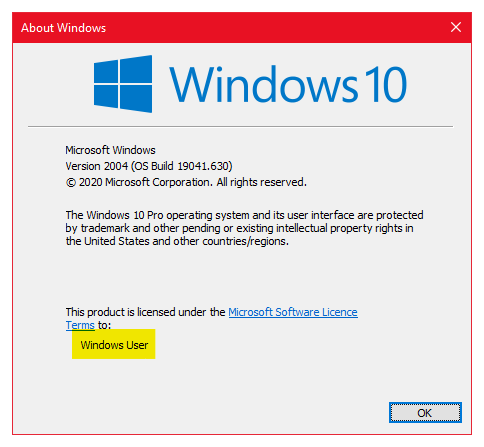
“/V” denotes a value name, which we’ve entered as “RegisteredOwner.” If we were changing the “CurrentBuild” string, this is where we’d enter that instead. “/T” specifies a key data type which, in this instance, is for a string value so we’ll enter “/REG_SZ.” “/D” is the data to enter, which changes depending on the owner that should be specified. Finally, we’re forcing an overwrite of existing values with the “/F” switch.
This should all be pasted in an elevated command prompt window. Open “cmd” by searching from the Start menu and then right-click to “Run as administrator.” Right-click in an empty space, choose “Paste,” and press Enter.