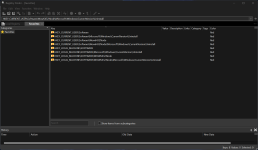
Some options you can do is to download a program called everything by voidtools and install it. After you run the the program just search for eset and it find the program file remnants , delete these if some folders are locked and cannot be deleted you need to.download iobit unlocker as well and run it in forced mode and then select unlock and delete. Another good option is to run autoruns and search for any left over start up entries / registry entries. Al these removal steps need a certain level of understanding of what you are doing , because you can definitely screw things up if you remove the wrong things and leave a corrupted or even worse , unboottable system. If you have some restore points save before you installed eset or even a good backup before you installed its best to revert to those , this is the safest method.