
Just the Browser

Brownie2019

Level 23
Thread author
Verified
Well-known
Forum Veteran
Mar 9, 2019
985
3,427
2,168
Germany
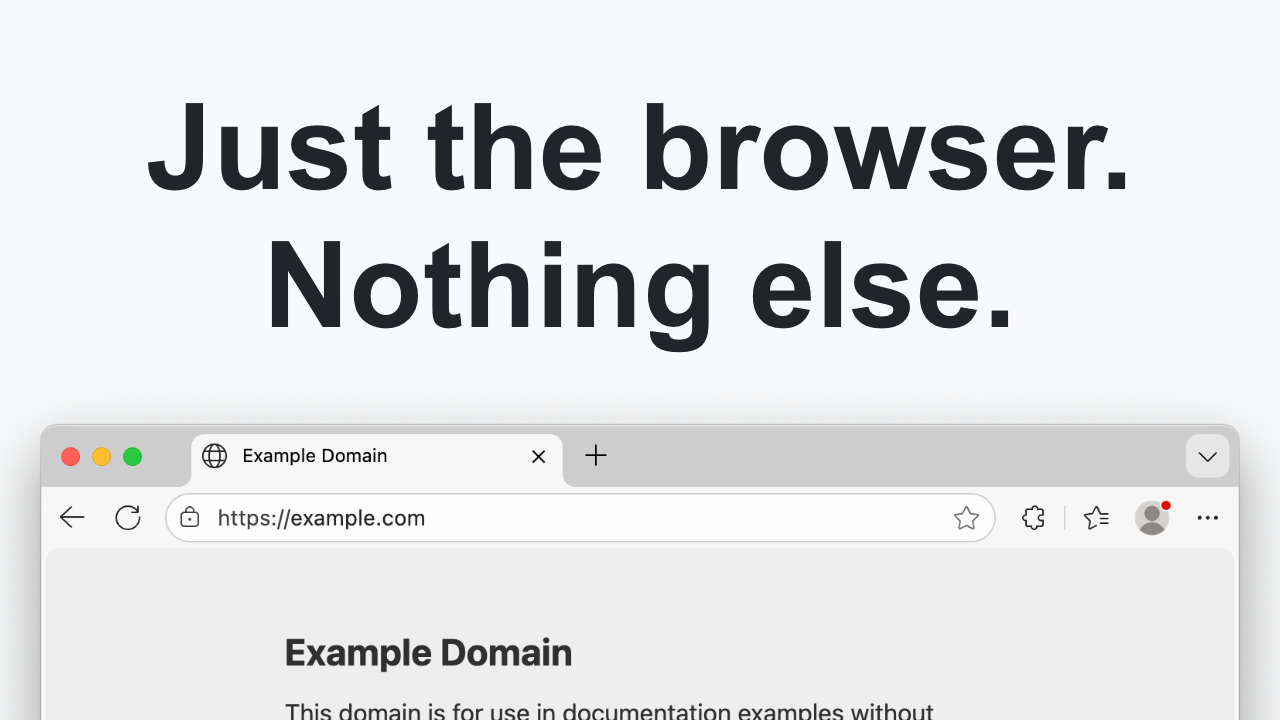
Just the Browser helps you remove AI features, telemetry data reporting, sponsored content, product integrations, and other annoyances from desktop web browsers. The goal is to give you "just the browser" and nothing else, using hidden settings in web browsers intended for companies and other organizations.

This project includes configuration files for popular web browsers, documentation for installing and modifying them, and easy installation scripts. Everything is open-source on GitHub.

The setup script can install the configuration files in a few clicks. You can also follow the manual guides for Google Chrome, Microsoft Edge, and Firefox. Try the guides if the script does not work.
 
Last edited by a moderator:
What you quoted matches what the project actually does: it’s essentially a set of browser “managed policies” (plus helper scripts) to disable specific features like AI integrations, telemetry, sponsored content, etc., for Chrome, Edge, and Firefox. It does this using mechanisms intended for enterprise/organization management, not by patching browser binaries. That also means it makes system-wide changes. ([justthebrowser.com](https://justthebrowser.com/))

How it works (important for security review)
  • Windows: imports .reg files under HKLM policy paths (e.g., Chrome policies under HKLM\SOFTWARE\Policies\Google\Chrome, Edge under HKLM\SOFTWARE\Policies\Microsoft\Edge). ([raw.githubusercontent.com](https://raw.githubusercontent.com/corbindavenport/just-the-browser/main/chrome/install.reg))
  • Firefox: drops a policies.json file (Firefox’s enterprise policy mechanism), e.g. disabling telemetry and “studies,” plus disabling “GenerativeAI”. ([raw.githubusercontent.com](https://raw.githubusercontent.com/corbindavenport/just-the-browser/main/firefox/policies.json))
  • Linux: places managed_policies.json under /etc/* policy directories (requires sudo). ([raw.githubusercontent.com](https://raw.githubusercontent.com/corbindavenport/just-the-browser/main/main.sh))

Security considerations / gotchas
  • Be careful with “paste this command into PowerShell/Terminal”. The site’s default method runs a script directly from GitHub (“irm … main.ps1” on Windows, “curl … main.sh” on macOS/Linux). That’s convenient, but from a security standpoint it’s safer to download the script/config files first, review them, then run locally. ([justthebrowser.com](https://justthebrowser.com/))
  • “Uninstall” removes the whole policy key. The provided uninstall .reg files delete the entire Chrome/Edge policy registry key. If your system already has policies set there (work/school device, hardening tools, your own policies), this could wipe them. ([raw.githubusercontent.com](https://raw.githubusercontent.com/corbindavenport/just-the-browser/main/chrome/uninstall.reg))
  • Expect “Managed by your organization” warnings. That’s normal when you apply policies, but it can confuse users and can block/lock some settings in the UI. ([justthebrowser.com](https://justthebrowser.com/))
  • Policy side-effects are possible. Example: both Chrome and Edge configs include “BuiltInDnsClientEnabled” changes (forcing OS DNS client behavior), and Edge sets many AI/diagnostic/shopping-related policies. These aren’t “dangerous” by default, but they can change behavior in ways you may not want in every environment. ([raw.githubusercontent.com](https://raw.githubusercontent.com/corbindavenport/just-the-browser/main/chrome/install.reg))

Safer way to try it
  • Use the manual install files (the .reg / .json / .mobileconfig) instead of executing a remote script.
  • Create a System Restore Point (Windows) / backup before applying machine-wide policies.
  • Verify what got applied using:
    • Chrome/Edge: chrome://policy or edge://policy ([justthebrowser.com](https://justthebrowser.com/))
    • Firefox: about:policies ([justthebrowser.com](https://justthebrowser.com/))
  • If you want community eyes on it: post the exact file(s) you plan to use (or their hashes) so others can review the policy set you’re applying.

Bottom line: it’s a policy-configuration project (not a “cleaner” or a browser fork), but because it applies system-wide managed policies and the default install method involves running remote scripts as admin/sudo, it should be treated like any other privileged configuration change and applied cautiously. ([justthebrowser.com](https://justthebrowser.com/))

Sources