Advice Request Kaspersky blocked 360 Total Security website?

Please provide comments and solutions that are helpful to the author of this topic.
Status
Not open for further replies.

SloppyMcFloppy

Level 13
Thread author
Verified
Sep 12, 2015
617
1,246
1,166
Earth
Okay first of all, I don't know if either Google Chrome or Kaspersky Internet Security 2016 blocked 360 Total Security site because over the last 2 days i tried to access 360 Total Security site, then Google Chrome tell me that " This Webpage is not available" But then i click more details and this is what is said " The webpage at
Code:
https://www.360totalsecurity.com/en might be temporarily down or it may have moved permanently to a new web address."

I then tried on Edge browser, and it seems like it able to connect to 360 Total Security site without any issues. By the way, this also happened on my trial Kaspersky Internet Security installed on my laptop as well. So I don't know what's going on because there is literary no malicious, phishing, or fraudulent alert from Kaspersky or Google Chrome. Is this some kind of bug?

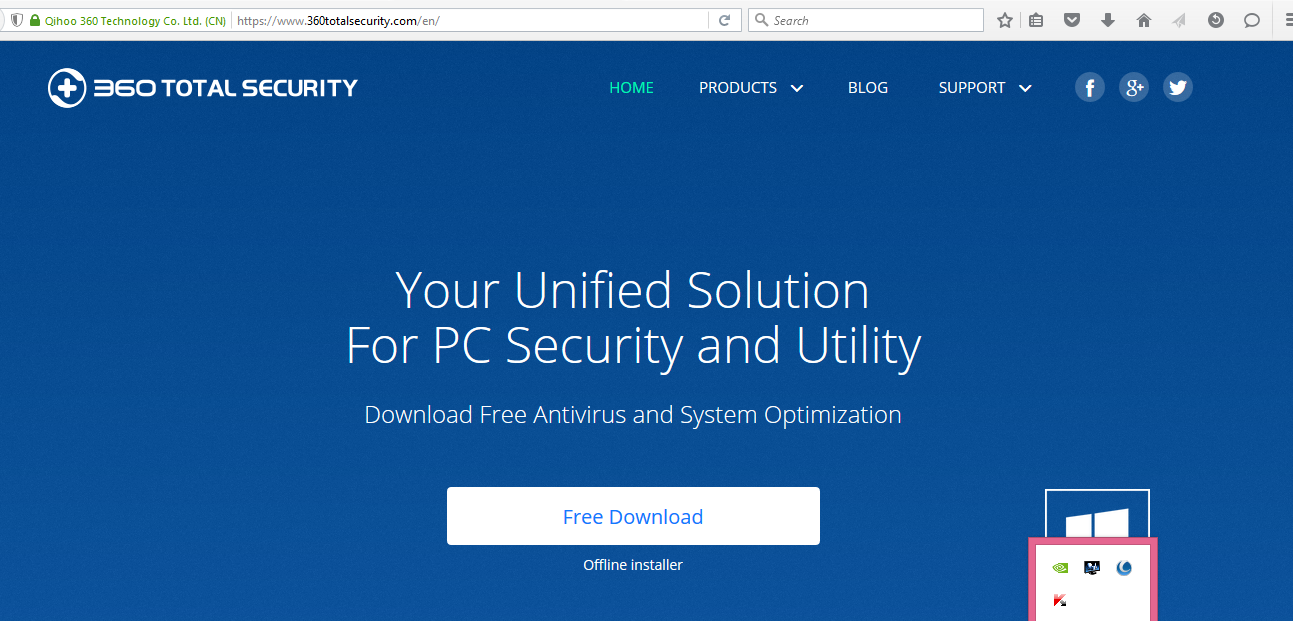
Here is the 360 Total Security site i tried to access over the last 2 days.
Code:
https://www.360totalsecurity.com/en/
 
Last edited by a moderator:
  • Like
Reactions: shukla44
No. It opens for me :)
Kaspersky didn't blocked it ;)
Untitled.png
 
Last edited by a moderator:
Have you guys try on Google Chrome yet? I have two machine installed Kaspersky Internet Security 2016, and I can't connect to 360 Total Security site on Chrome with the latest version.
 
Indeed!Kaspersky is not blocking it!!:)
 
I skeptical that Kaspersky blocked it without notification? Because after uninstalled Kaspersky trial from my laptop I can able accessed to 360 Total Security site.
I can confirm that on my machine KIS is definitely not the culprit!!
Thanks!!
 
Last edited:
  • Like
Reactions: Venustus
I'm getting problems with KTS2016MR1 final with Chrome + Facebook (and setting in KTS2016MR1 -> NetWork -> always scan encrypted connections on). Page is not load at all, and stuck... only an exclusion for Chrome in encrypted traffic permits load completely the info in FaceBook, anyone having this issue?. We have some cases in Kaspersky Spanish forum, and I managed to reproduced it also...
 
I'm getting problems with KTS2016MR1 final with Chrome + Facebook (and setting in KTS2016MR1 -> NetWork -> always scan encrypted connections on). Page is not load at all, and stuck... only an exclusion for Chrome in encrypted traffic permits load completely the info in FaceBook, anyone having this issue?. We have some cases in Kaspersky Spanish forum, and I managed to reproduced it also...
Most likely this is the cause. I've had the same issue with ESET which when set on scanning HTTPS sometimes causes Chrome to show this error.
 
Last edited:
Here there is no error message, in this case with Kaspersky 2016MR1 + FaceBook, just the page does not load completely... I'll try to confirm the issue and report it to Kaspersky (with traces).

Anyway I think a Patch A for this new release will come soon :D as always...
 
Check for proxy or LAN settings in your chrome browser, it could be messing with your connections as well
 
Chrome uses the same Proxy settings than Windows/IE, so no way, not the case... if You stop Kaspersky protection or make the exclusion I meant then works fine, it's clearly a Kaspersky traffic issue...
 
  • Like
Reactions: shukla44
Yes, same here. Cannot load, server not responding/webpage not available.

MQJ1D78.jpg


This is related to 500px problem.

icjKDYs.jpg


Both these go away if you select 'do not scan encrypted connections' in network settings in Kaspersky.

NOTE: I am using Kaspersky MR0 16.0.0.614
 
Last edited:
  • Like
Reactions: harlan4096
JUST NOW TESTED WORKS JUST FINE WITH CHROME+KASPERSKY EXTENSION and i'm using KAV 16 MR1 Final vesion
OiDaSxr.png
 
Yes, same here. Cannot load, server not responding/webpage not available.

MQJ1D78.jpg


This is related to 500px problem.

icjKDYs.jpg


Both these go away if you select 'do not scan encrypted connections' in network settings in Kaspersky.
Enable again scan encrypted connections and create an Exclusion in "Specify Trusted Applications" for Chrome and " do not scan encrypted traffic", that fixes the issue... but for me it's only a temporal "workaround"... Kaspersky should fix it.
 
Status
Not open for further replies.