Hello,
If you are experiencing high CPU usage, like me, and see in the process manager that "Widgets process" is the cause, exist a very easy solution.
This is a problem with the latest windows 11 update, and Microsoft doesn't release a fix.
So if you have this problem like me, just do this:
Just go to command prompt and type the following:
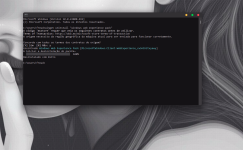
Latest Windows update consuming CPU and overheats PCs
P.S. - Yes I don't been around so much because I am complete addicted playing DIvision 2
If you are experiencing high CPU usage, like me, and see in the process manager that "Widgets process" is the cause, exist a very easy solution.
This is a problem with the latest windows 11 update, and Microsoft doesn't release a fix.
So if you have this problem like me, just do this:
Just go to command prompt and type the following:
winget uninstall "windows web experience pack"
Latest Windows update consuming CPU and overheats PCs
P.S. - Yes I don't been around so much because I am complete addicted playing DIvision 2
Last edited by a moderator: