Privacy News Microsoft built a dedicated app that forces Bing everywhere on Windows 11, including Chrome, Firefox, and Brave

Parkinsond

Level 65
Thread author
Verified
Top Poster
Well-known
Dec 6, 2023
5,458
17,451
6,369
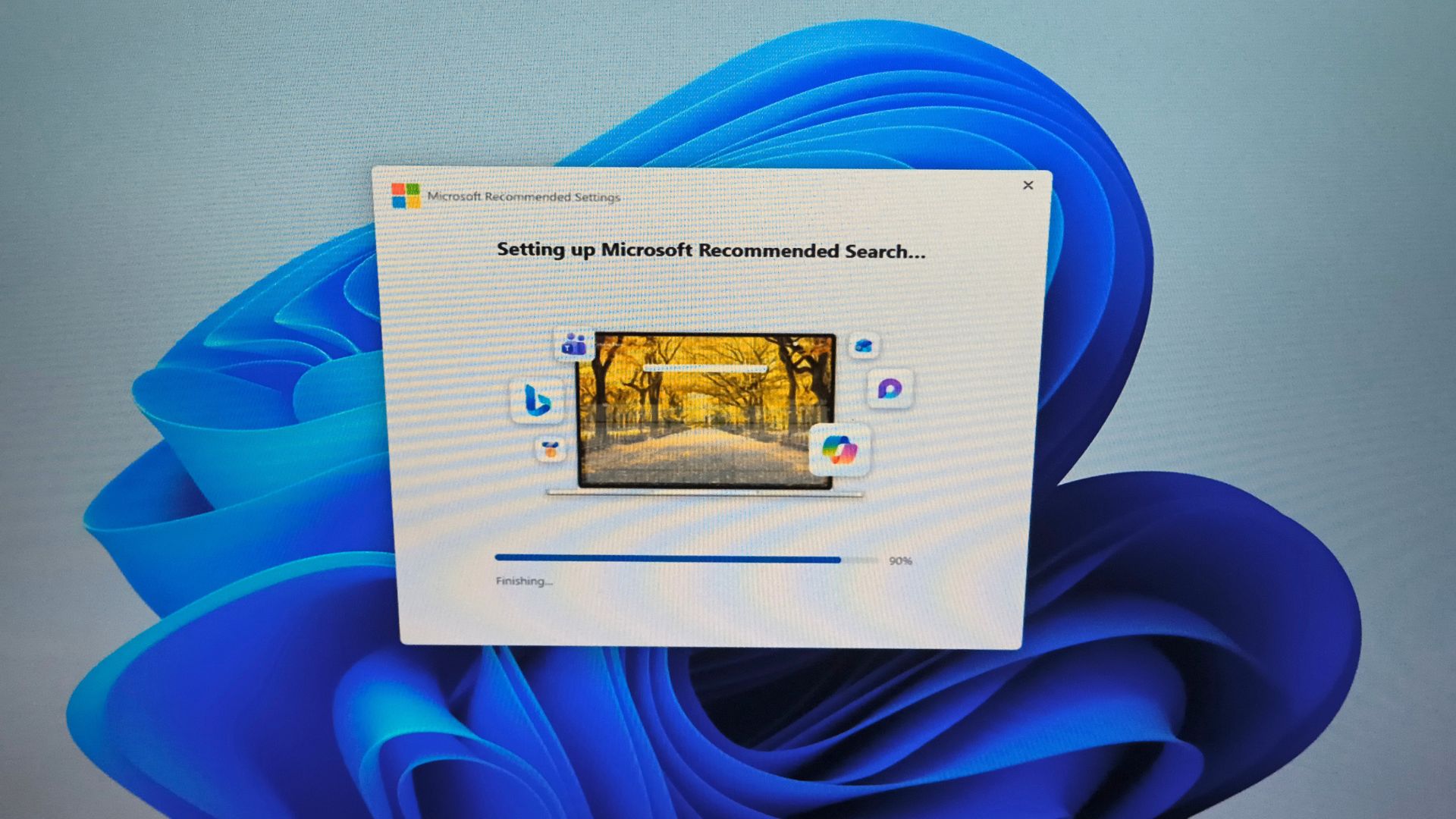
Microsoft has apparently found the free time to build a standalone app whose only job is switching your default search engine to Bing across every browser on your PC. It is not force-installed through Windows Update yet, and it is not available in the Microsoft Store either. It is a standalone executable hosted on Microsoft’s official download servers, and we wonder why it even exists.

The app is called Microsoft Recommended Search Settings, and once installed, it prompts you to add extensions to all your installed browsers, which does the job of switching to the Bing homepage experience. After finishing installation, you also get redirected to the Microsoft Rewards page, which is basically a bribe for switching.
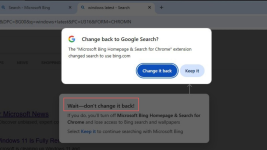

1787362512248.png

 
Your data is very valuable so it makes sense they are using malware technqiues to get it.

Edge isn't nagging users constantly to switch to Microsoft recommended settings because it's a bug. No, it does it so you'd eventually cave in the pressure and switch to Microsoft services.

Unfortunately for them, when I see aggressive marketing campaign, I just switch to another product.
 
To prevent this extension from ever installing, use this .reg file:

Code:
Windows Registry Editor Version 5.00

[HKEY_LOCAL_MACHINE\SOFTWARE\Policies\Microsoft\Edge\ExtensionInstallBlocklist]
"1"="ddojnmkongaimkdddgmcccldlfhokcfb"

[HKEY_LOCAL_MACHINE\SOFTWARE\Policies\Google\Chrome\ExtensionInstallBlocklist]
"1"="ddojnmkongaimkdddgmcccldlfhokcfb"

[HKEY_LOCAL_MACHINE\SOFTWARE\Policies\Chromium\ExtensionInstallBlocklist]
"1"="ddojnmkongaimkdddgmcccldlfhokcfb"

[HKEY_LOCAL_MACHINE\SOFTWARE\Policies\BraveSoftware\Brave\ExtensionInstallBlocklist]
"1"="ddojnmkongaimkdddgmcccldlfhokcfb"
 
Last edited:
To prevent this extension from ever installing, use this .reg file:

Code:
Windows Registry Editor Version 5.00

[HKEY_LOCAL_MACHINE\SOFTWARE\Policies\Microsoft\Edge\ExtensionInstallBlocklist]
"1"="ddojnmkongaimkdddgmcccldlfhokcfb"

[HKEY_LOCAL_MACHINE\SOFTWARE\Policies\Google\Chrome\ExtensionInstallBlocklist]
"1"="ddojnmkongaimkdddgmcccldlfhokcfb"

[HKEY_LOCAL_MACHINE\SOFTWARE\Policies\Chromium\ExtensionInstallBlocklist]
"1"="ddojnmkongaimkdddgmcccldlfhokcfb"

[HKEY_LOCAL_MACHINE\SOFTWARE\Policies\BraveSoftware\Brave\ExtensionInstallBlocklist]
"1"="ddojnmkongaimkdddgmcccldlfhokcfb"

I enabled this setting in Brave some time ago:

Code:
Always show confirmation dialog for new search engine overrides
When enabled, all newly-installed search engine-overriding extensions encounter the confirmation dialog (exceptions for some extensions are removed). – Mac, Windows


Note that this does not work on Linux.;)
 
🥱

Code:
rem Force the default Search engine and Prevent adding custom search engines
reg add "HKLM\Software\Policies\Microsoft\Edge" /v "ManagedSearchEngines" /t REG_SZ /d "[{\"allow_search_engine_discovery\":false},{\"is_default\":true,\"name\":\"DuckDuckGo\",\"keyword\":\"duckduckgo.com\",\"search_url\":\"https://duckduckgo.com/?q={searchTerms}\",\"suggest_url\":\"https://www.duckduckgo.com/qbox?query={searchTerms}\",\"image_search_url\":\"https://www.duckduckgo.com/images/detail/search?iss=sbiupload\"}]" /f

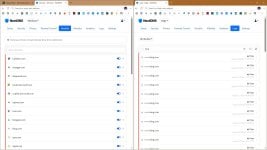
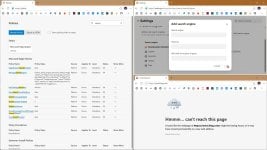
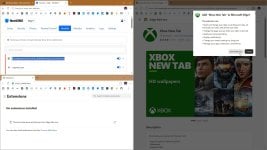
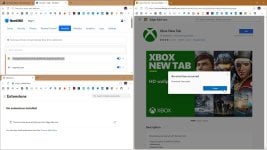
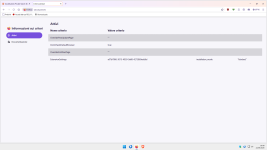
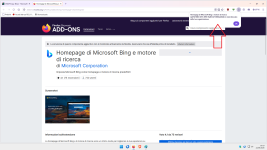
capture_08222026_170720.jpg capture_08222026_171303.jpg capture_08222026_171957.jpg capture_08222026_172001.jpg
 
Last edited:
🥱

Code:
rem Force the default Search engine and Prevent adding custom search engines
reg add "HKLM\Software\Policies\Microsoft\Edge" /v "ManagedSearchEngines" /t REG_SZ /d "[{\"allow_search_engine_discovery\":false},{\"is_default\":true,\"name\":\"DuckDuckGo\",\"keyword\":\"duckduckgo.com\",\"search_url\":\"https://duckduckgo.com/?q={searchTerms}\",\"suggest_url\":\"https://www.duckduckgo.com/qbox?query={searchTerms}\",\"image_search_url\":\"https://www.duckduckgo.com/images/detail/search?iss=sbiupload\"}]" /f

View attachment 299572 View attachment 299573 View attachment 299577 View attachment 299578

I acknowledge the policy I published years ago on WSF.;)
 
So you need to find the extension's ID in Firefox's style.;)
Ah, so to block the extension Microsoft Bing Homepage and Search Engine, this would be the .reg file to add:

Code:
Windows Registry Editor Version 5.00

[HKEY_LOCAL_MACHINE\SOFTWARE\Policies\Mozilla\Firefox]
"ExtensionSettings"="{\"{a07b7886-3015-4959-9a88-4273860edd6d}\": {\"installation_mode\": \"blocked\"}}"

Note, that applying this .reg file will overwrite the entire ExtensionSettings key.
If you have other extensions configured here, they will be wiped out.

BTW, there is also another similar extension in the Mozilla store:
Microsoft Bing Search Engine – Get this Extension for 🦊 Firefox (en-US)
 
@Sampei.Nihira You don't really have to do anything. They couldn't push this crap to us, EU users even if they wanted because EU would fine the hell out of them.

I enjoy doing these things; for me, it's like drinking a glass of water... it takes very little effort. You know, when I used to work, I taught this subject in school—the one we're all so passionate about.;)
 
And I still think it's better to add the policy through the Distribution folder:
Yes, that is a much safer way, instead of messing with the registry each time.
And it works in Linux as well (not that I expect MS to push this cr*p to my main OS).
I have now put this in policies.json and it worked:

Code:
{
"policies": {
"ExtensionSettings": {
"*": {
"blocked_install_message": "This extension has been blocked by your administrator."
},
"{8d8ca802-6b23-43ed-9445-e05d48579542}": {
"installation_mode": "blocked"
},
"{a07b7886-3015-4959-9a88-4273860edd6d}": {
"installation_mode": "blocked"
}
}
}
}