

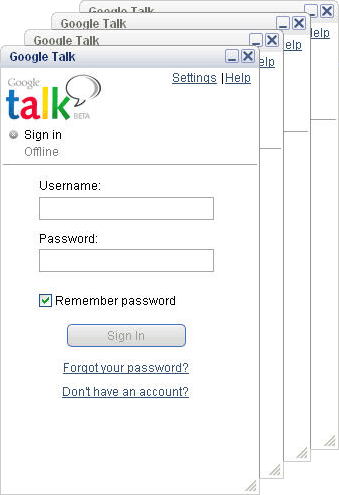
Guide | How To Multiple Google talk login

The associated guide may contain user-generated or external content.

Shadow King

Level 1
Thread author
Jun 11, 2012
114
10
31
New Delhi
Multi_Google_Talk.gif

1. Right-click on the desktop

2. Select New
3. Select Shortcut

4. Paste this into the text box:
"c:\program files\google\google talk\googletalk.exe" /nomutex
(dont miss even a comma)
5. Click Next
6. Name it whatever: Google Talk Multiple, etc.

7. Click OK until you are done.
ENJOY.....!~


This would be good if you have 2 YouTube accounts for instance, and have to talk to people on both. Only thing I can see with this is that you would get confused too easily. :P
 

You may also like...