Open MalwareTips in Safari and tap Share. You may need to open the Page Menu first.
Choose Add to Home Screen. If it is not listed, use Edit Actions to add it.
Keep Open as Web App enabled if shown, then tap Add.
Android
Open MalwareTips in Chrome or another browser that supports app installation.
Open the browser menu and look for Install app, Install and create shortcut, or Add to Home screen.
Choose Install and confirm. Wording varies by browser.
Desktop
Chrome: use the install icon in the address bar, or the menu under Cast, save and share.
Edge: open the menu, then More tools, Apps and Install this site as an app.
Safari on Mac: choose Share or File, then Add to Dock. Firefox on Windows: look for the web apps button in the address bar.
If you cannot find an install option, update your browser or use its bookmark option to keep MalwareTips close.
Keep up with your conversations
After installation, open the app and sign in. Enable push notifications in Preferences if you want alerts. On iPhone and iPad, push requires a Home Screen web app and iOS or iPadOS 16.4 or later.
[HEADING=2]How do I get the license?[/HEADING]
[LIST]
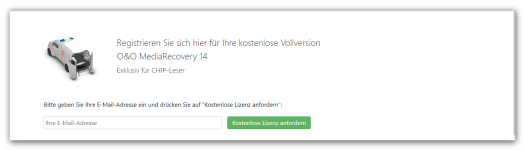
[*]You will receive an email confirming your registration - click on the link to complete the registration.
[*]If you have not received a message, please check your spam folder.
[*]After confirmation, the activation code and the download link will be sent to the specified email address.
[*]Please note that due to the many inquiries about this promotion, the creation of the personalized license may take longer.
[/LIST]
[B]Note on data protection:[/B] By submitting this form, you consent to your data being electronically stored and processed by O&O Software GmbH. Please also note our [URL='https://www.oo-software.com/de/company/privacy']data protection guarantee[/URL] .
Please note that we only create and send one free license per email address.