
Osenpa Disk Analyzer

Brownie2019

Level 23
Thread author
Verified
Well-known
Forum Veteran
Mar 9, 2019
1,085
5,962
2,168
Germany
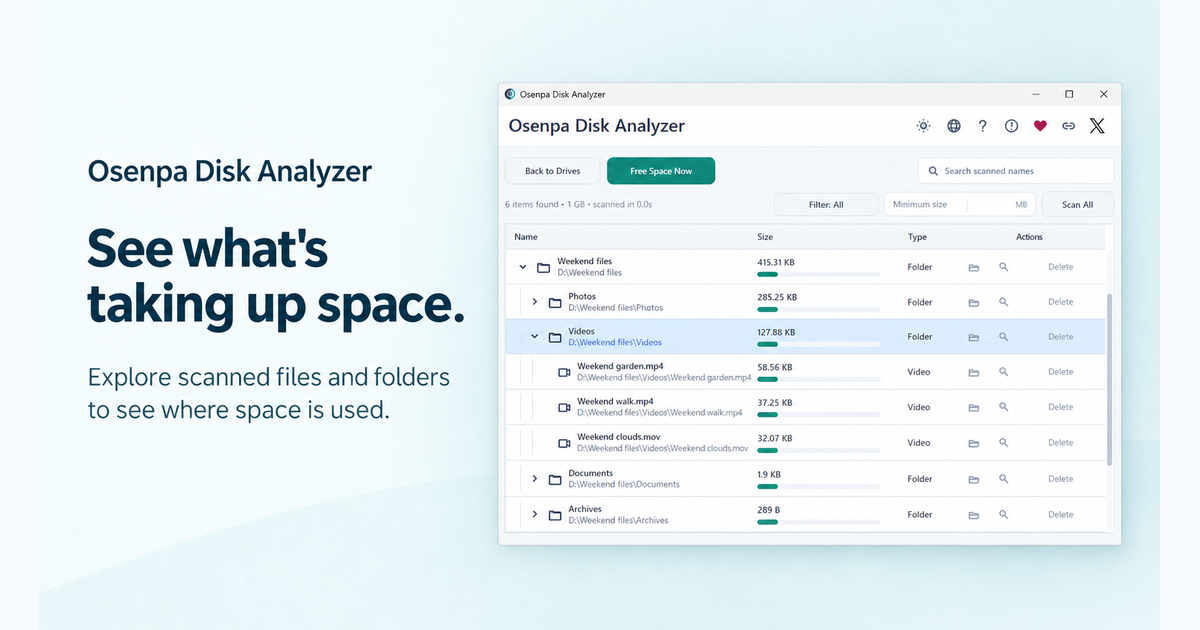
Osenpa Disk Analyzer is a free Windows storage tool for people who need to find large files and folders before moving, archiving, or deleting data. It scans local drives on Windows 10 or 11, supports fast NTFS analysis and guarded temporary-file cleanup, and keeps file lists on the PC. Users should review personal files before deleting anything.
 
  • Like
Reactions: Sorrento
Osenpa Disk Analyzer is a free Windows storage tool for people who need to find large files and folders before moving, archiving, or deleting data. It scans local drives on Windows 10 or 11, supports fast NTFS analysis and guarded temporary-file cleanup, and keeps file lists on the PC. Users should review personal files before deleting anything.

Osenpa Disk Analyzer may be useful for locating large files and folders, but the product claims should be verified against the vendor’s current documentation.

Before installing or using any disk-cleanup feature:

  • Download it only from the official website.
  • Scan the installer with reputable security software and, if needed, submit its hash or installer to VirusTotal.
  • Review detected files manually before deleting them, especially files in system, application, profile, and backup directories.
  • Create a backup or restore point before performing bulk cleanup.
  • Avoid deleting files simply because they are large or located in a temporary folder; some applications may still depend on them.

I cannot independently confirm the software’s safety, NTFS performance, privacy behavior, or cleanup safeguards from the information provided. Treat those as vendor claims until they are supported by documentation or community testing.
 

You may also like...