



7.6.0 (2026-07-27)
- Added specific monitor capture — users can now choose a specific display from a dropdown.
- Improved the color theme selector in the image editor.
- Added drawing tools to the Quick Access Toolbar.
- Added a Reflection effect.
- Enhanced the Text tool with resizable text boxes and accurate font previews.
- Text now keeps its own color instead of unexpectedly inheriting the shape outline color.
- Reopen closed screenshots from the tab context menu or with Ctrl+Shift+T.
- Added a color picker to the color buttons.
- Faster image switching with Ctrl+1–9.
- Fixed an issue with Ctrl+Tab navigation.
- When saving images automatically, deleted or renamed file numbers are no longer reused.
- Added an option to save all images as a single PDF.
- Other minor bug fixes.
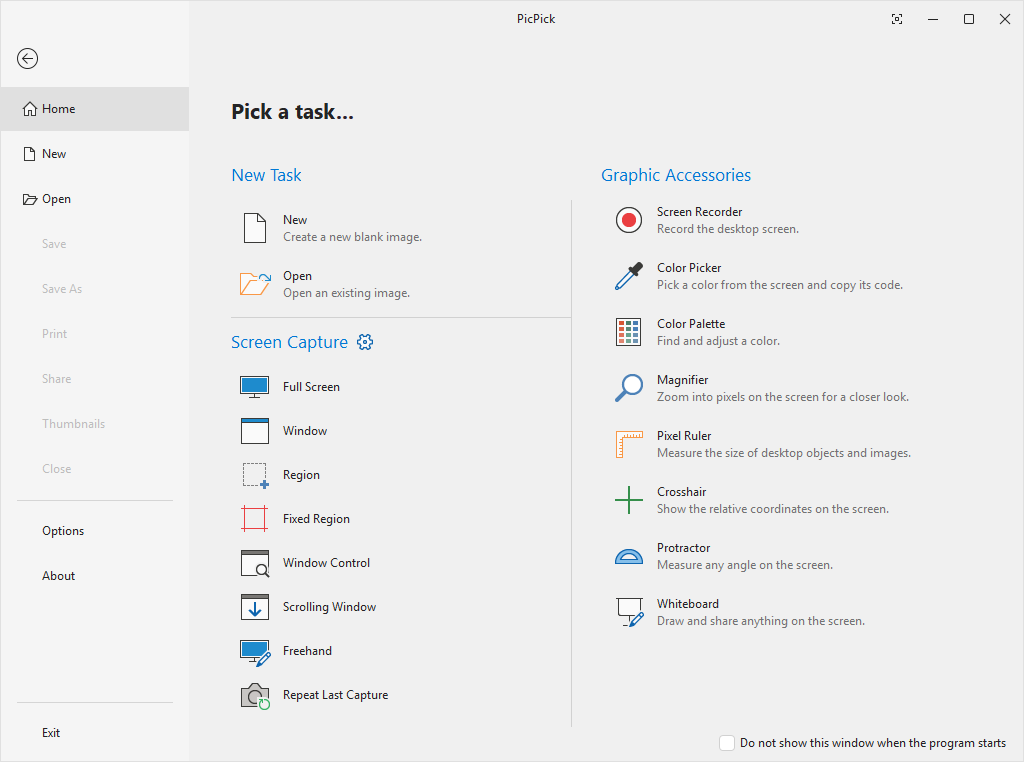
PicPick - Every screen tool you need, in one place.
Capture, record, edit, and share your screen with PicPick. Includes an image editor, color picker, pixel ruler, and more screen tools in one place.
 picpick.app
