

The MalwareTips app
Your community, one tap away.
Open MalwareTips from your Home Screen or desktop. Follow discussions, find answers and pick up where you left off.
- Home Screen access
- Optional push alerts
- Your community
You're ready to explore.Explore what's new
Installation instructions
iPhone & iPad
- Open MalwareTips in Safari and tap Share. You may need to open the Page Menu first.
- Choose Add to Home Screen. If it is not listed, use Edit Actions to add it.
- Keep Open as Web App enabled if shown, then tap Add.
Android
- Open MalwareTips in Chrome or another browser that supports app installation.
- Open the browser menu and look for Install app, Install and create shortcut, or Add to Home screen.
- Choose Install and confirm. Wording varies by browser.
Desktop
- Chrome: use the install icon in the address bar, or the menu under Cast, save and share.
- Edge: open the menu, then More tools, Apps and Install this site as an app.
- Safari on Mac: choose Share or File, then Add to Dock. Firefox on Windows: look for the web apps button in the address bar.
If you cannot find an install option, update your browser or use its bookmark option to keep MalwareTips close.
Keep up with your conversations
After installation, open the app and sign in. Enable push notifications in Preferences if you want alerts. On iPhone and iPad, push requires a Home Screen web app and iOS or iPadOS 16.4 or later.
Sign in to manage notificationsInstallation is optional. Your notification settings stay under your control.
You are using an out of date browser. It may not display this or other websites correctly.
You should upgrade or use an alternative browser.
You should upgrade or use an alternative browser.
Advice Request Question about system backup
-
 Thread starter
Watarud
Thread starter
Watarud
- Start date
- 10 Replies
- 2,079 Views
Share practical recommendations that address the author's needs.

For years my favorite backup sw is R-Drive Image (paid): works perfectly and does not change the EFI of the operating system when you perform an image restore: everything returns the same as the saved image.
I use it like this: I download and install the sw, connect a pendrive to the pc, open the software and via the menu I create the bootable media on a pendrive.
Here on the forum I see that many use macrium reflect but I prefer R-Drive Image.
Regards
I use it like this: I download and install the sw, connect a pendrive to the pc, open the software and via the menu I create the bootable media on a pendrive.
Here on the forum I see that many use macrium reflect but I prefer R-Drive Image.
Regards

Watarud
Level 1
Thanks for your advice.For years my favorite backup sw is R-Drive Image (paid): works perfectly and does not change the EFI of the operating system when you perform an image restore: everything returns the same as the saved image.
I use it like this: I download and install the sw, connect a pendrive to the pc, open the software and via the menu I create the bootable media on a pendrive.
Here on the forum I see that many use macrium reflect but I prefer R-Drive Image.
Regards
Can you please tell me after the restoration, do you save all the windows settings? (group policies) registry service ssd speed?
Thanks for your advice.
Can you please tell me after the restoration, do you save all the windows settings? (group policies) registry service ssd speed?
Yup! If you want you can give it a try: download the trial version from here:
Drive Image and Hard Disk Backup Software
R-Drive Image for disk backup or recovery purposes to prevent losing your data after fatal system failure.
 www.drive-image.com
and proceed with a test
Watarud
Level 1
Thanks again and have a great evening/dayYup! If you want you can give it a try: download the trial version from here:
Drive Image and Hard Disk Backup Software
R-Drive Image for disk backup or recovery purposes to prevent losing your data after fatal system failure.
and proceed with a test
Watarud
Level 1
Please tell me how to create a backup from under Windows? Or create from a bootable flash drive?Yup! If you want you can give it a try: download the trial version from here:
Drive Image and Hard Disk Backup Software
R-Drive Image for disk backup or recovery purposes to prevent losing your data after fatal system failure.
and proceed with a test
Please tell me how to create a backup from under Windows? Or create from a bootable flash drive?
First you need to make a bootable usb drive: see this video:
Then, you need to boot from usb drive just created: Watch this video: I don't have time to make a decent one but I think by looking at it you can understand how to make backups and how to restore backups:
Watarud
Level 1
First you need to make a bootable usb drive: see this video:
Then, you need to boot from usb drive just created: Watch this video: I don't have time to make a decent one but I think by looking at it you can understand how to make backups and how to restore backups:
Thanks I will try

I personally, never create system image file as a backup method. I backup my personal files in a external hard disk. I re-install Windows when needed and start from scratch.
I recommend you read this:
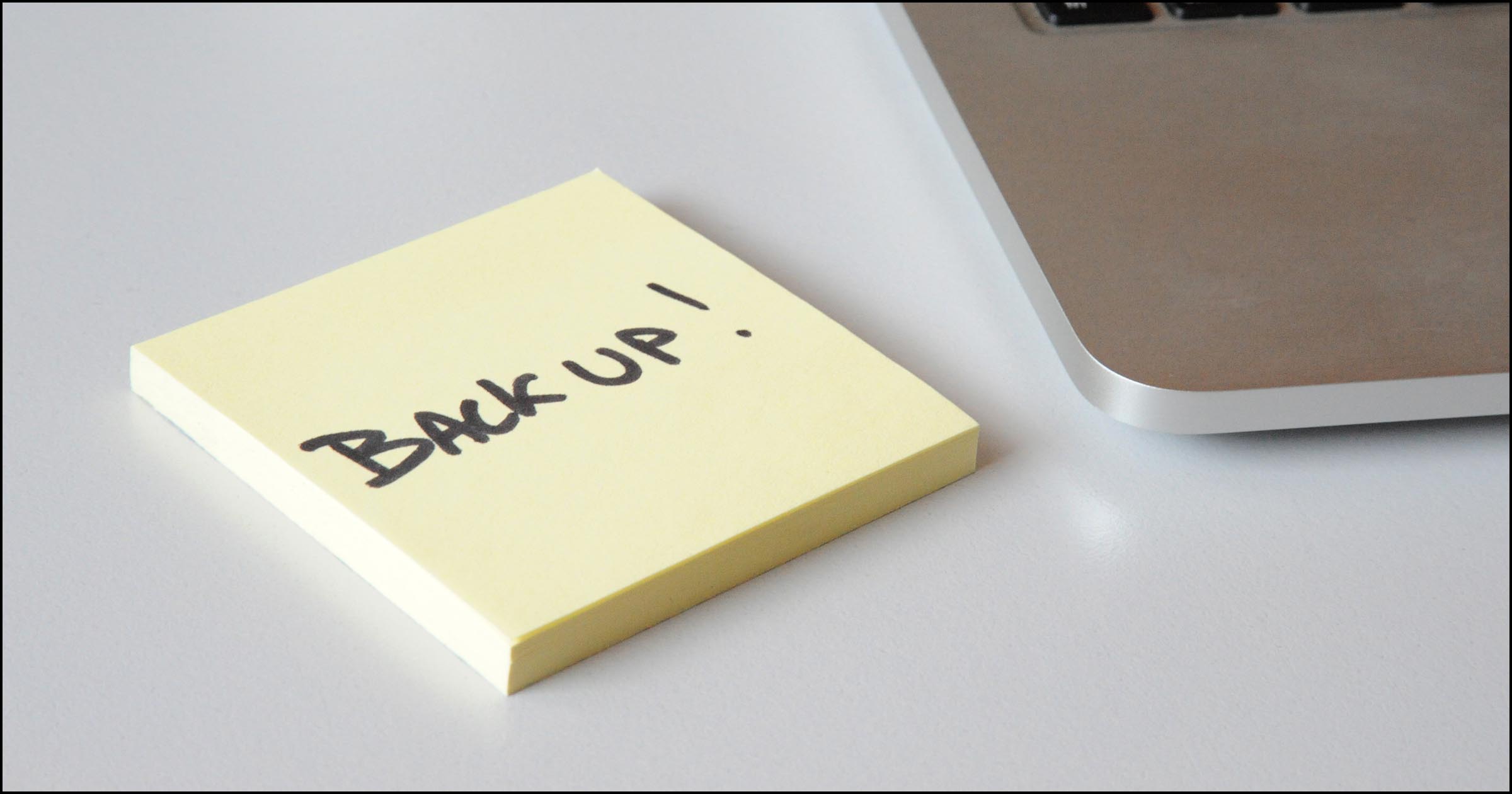
 askleo.com
I recommend you read this:
What Backup Program Should I Use?
Backing up your computer's data is critical. What backup program should you use? There are many, but pragmatically, the best is whatever you'll actually use.
askleo.com
I save some clean images of the newly installed operating systems. Then I start from these to make subsequent incremental bachups. This allows me to save time and especially avoid re-installing when problems arise that are difficult to solve. For important files, I use dedicated internal disks plus cloud services like one drive and others.
Recently browsing
Members who viewed this thread in the last 5 minutes
You may also like...
-

-
-

-

-
 Setup Idea Pretty Good PC Security Regimen