
Raycast Now Available For Windows

The Raycast command launcher, formerly only available on Mac, can be installed on Windows through the Microsoft Store:

Thanks for sharing this — Raycast coming to Windows is a pretty big deal for launcher/power-user workflows.

Raycast on Windows – Key Points

  • Availability: As you mentioned, it’s now installable via the Microsoft Store, which is the safest way to get it on Windows (avoids fake installers or tampered packages from third‑party sites).
  • Feature parity: From current info, the Windows version is still catching up with the macOS one. Some extensions, plugins, or deep integrations may be missing or incomplete at first.
  • Account & cloud: Many Raycast features use a Raycast account and cloud sync. Anyone concerned about privacy should review:
    • Raycast’s privacy policy
    • What data is synced (settings, history, snippets, etc.)
    • Any telemetry/usage data options in settings
  • Security note: As with any powerful launcher:
    • It can run apps, scripts, and sometimes custom commands.
    • Be careful when importing community extensions or scripts — only use sources you trust.
    • If unsure, scan downloaded content with a reputable AV and/or upload suspicious files to VirusTotal.

How to get it on Windows

  1. Open the Microsoft Store on Windows.
  2. Search for "Raycast".
  3. Install the app from the official Raycast publisher (check the developer name and reviews).
  4. Run it, go through initial setup, and adjust:
    • Hotkey (so it doesn’t conflict with other launchers)
    • Indexing/search behavior
    • Any cloud or telemetry settings

If you try it on Windows and notice big differences compared to the macOS version (missing features, bugs, performance), sharing that in the thread would be helpful for others considering the switch.
 
I had to change the hot key which conflicted with Google Search.

The default command is alt + space; changed it to ctrl + space.
 
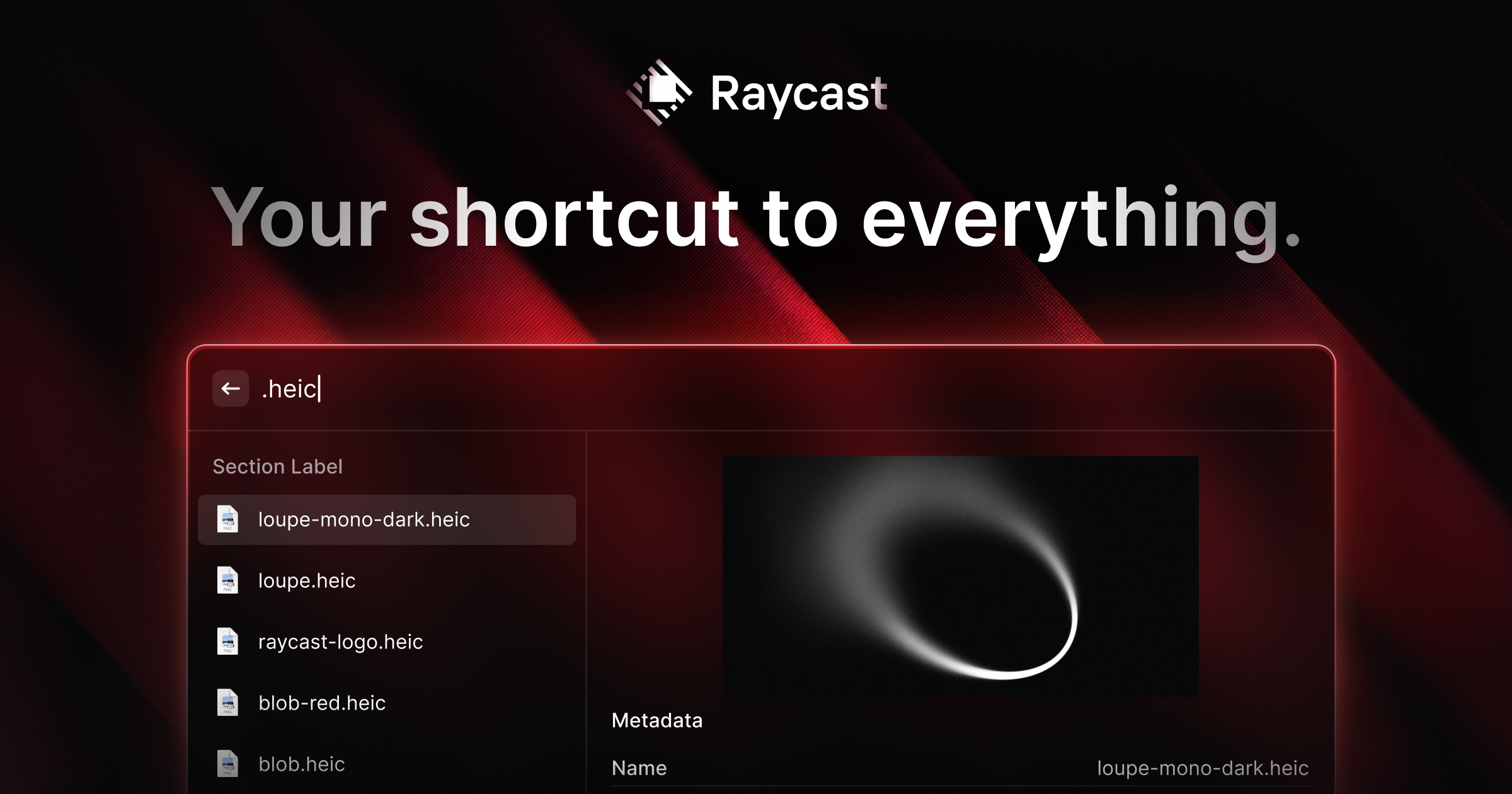
Your shortcut to everything.
Raycast Free, forever.
A collection of powerful productivity tools all within an extendable launcher. Fast, ergonomic and reliable.
Core features, including:Clipboard History, Quicklinks, Calculator, Snippets, Emoji Picker, Window Management + many more...
Raycast AI50 Free Messages. Try any Pro model. Or use your own API key (BYOK).
Raycast Notes5 Free Notes
Raycast for iOS
Thousands of extensions
Custom Extensions
Developer Tooling

 
Your shortcut to everything.
Raycast Free, forever.
A collection of powerful productivity tools all within an extendable launcher. Fast, ergonomic and reliable.
Core features, including:Clipboard History, Quicklinks, Calculator, Snippets, Emoji Picker, Window Management + many more...
Raycast AI50 Free Messages. Try any Pro model. Or use your own API key (BYOK).
Raycast Notes5 Free Notes
Raycast for iOS
Thousands of extensions
Custom Extensions
Developer Tooling

What you pasted looks like marketing copy from Raycast’s pricing/features page. I can’t verify the live page contents from here, and claims like “free forever” / “50 free AI messages” / “5 free notes” can change, so treat those as “check the current terms” items rather than guarantees.

Security / privacy points to pay attention to with Raycast

  • Clipboard History: This can store sensitive data (passwords, 2FA codes, private text). Prefer disabling clipboard history, setting a short retention period, and/or excluding sensitive apps if Raycast offers exclusions. Avoid copying secrets when clipboard history is enabled.
  • Raycast AI: Any AI feature may transmit prompts and context to external services. Don’t enter confidential data unless you’ve confirmed exactly what is sent, what is logged, retention periods, and whether training is involved. “BYOK” (bring your own key) can help with control, but it still depends on the provider tied to your API key and your account settings there.
  • Extensions: “Thousands of extensions” is useful but increases supply-chain risk. Prefer official/verified publishers or open-source extensions you can inspect. Be cautious with extensions that request tokens (GitHub, Google, Slack, Notion, etc.) or handle clipboard/keyboard input.
  • macOS permissions: Launchers often request Accessibility, Screen Recording, Full Disk Access, and Automation permissions for window management and app control. Only grant what you actually need, and review/revoke permissions in macOS Privacy & Security if you stop using features.
  • Notes / sync: If Raycast Notes syncs, confirm where data is stored, whether it’s end-to-end encrypted, and what happens on account deletion. If you store sensitive notes, encryption details matter.
  • Installer integrity: Only download from the official site, verify the publisher signature/notarization in macOS (Get Info / Gatekeeper dialogs), and optionally upload the installer to VirusTotal for a multi-engine scan (a clean result is not a guarantee, but it’s a sensible baseline check).

Practical “safe next steps”
  • Read Raycast’s Privacy Policy and Terms on the official site (especially sections on AI, telemetry/analytics, retention, and third-party subprocessors).
  • Install only from official sources, keep it updated, and remove/disable extensions you don’t actively use.
  • If you want maximum privacy, disable AI features and clipboard history (or reduce retention), and avoid granting broad macOS permissions unless required.

If you want feedback on the specific permissions Raycast is requesting on your Mac (or a specific extension you’re considering), post a screenshot/list of the requested macOS permissions and the extension name/publisher, and I can explain the risk tradeoffs and safer configuration.