

Shade Sandbox - Free Anti-Malware Protection

Status
Not open for further replies.

Terry Ganzi

Level 26
Thread author
Verified
Top Poster
Well-known
Feb 7, 2014
1,537
7,271
2,469
51
Homepage: Shade Sandbox | Malware and Cyber-Attacks Protection for Windows
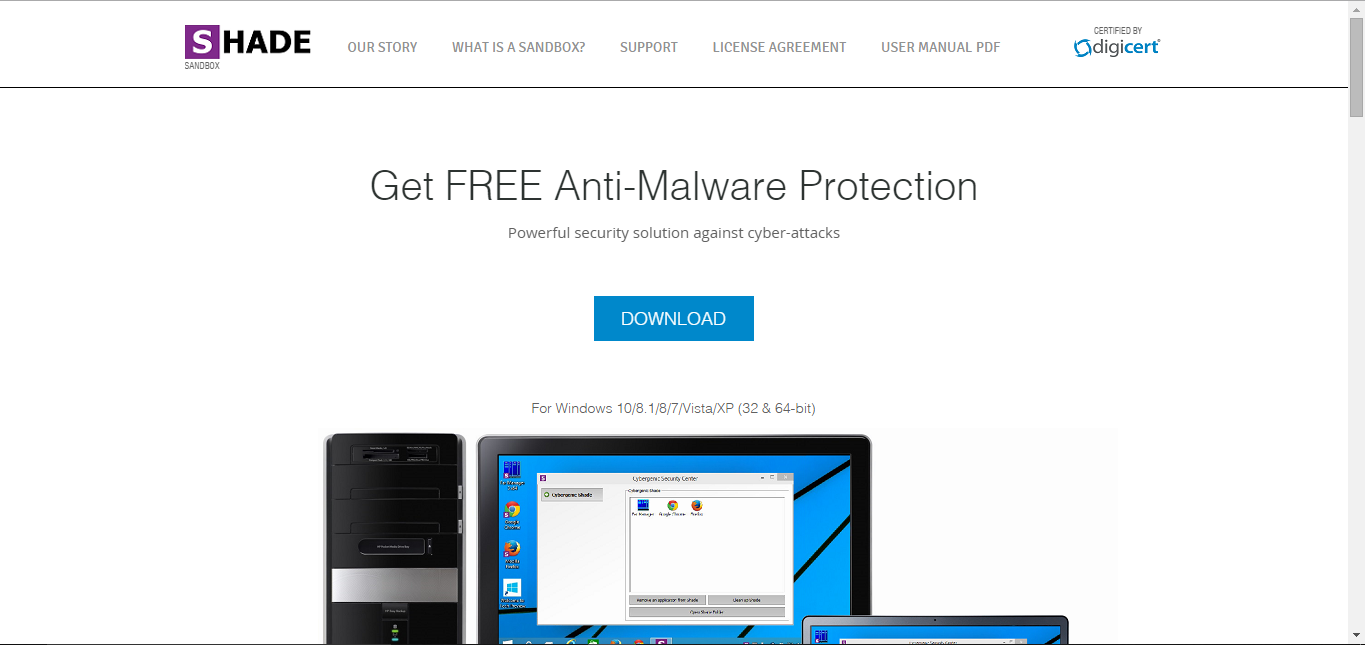
Capture.PNG


Mod Edit: This is not a News article. Moved to All Other Security Products for Windows. Altered thread title.
 
Registration is required with a valid email address, where your license key will be sent. You must restart Windows before loading and entering the license.
upload_2015-10-5_14-27-58.png


upload_2015-10-5_14-29-39.png

Edit: Reboot may take longer than required.
 
Last edited:
I don't like how they don't have a paid version, question in funding is a little fishy to me, watch out for this software, might be snooping on you.
 
I think Digi cert certification is strict so if it is really certified by them then it is ok. So to me the question should be if they are really certified by them? & if the certificate is valid.
 
Added some screenshots. The product needs a lot of improvements, are you sure this isn't in beta phase?

Adding an application to Shade. Or can drag-n-drop into Cybergenic Security Center UI.

upload_2015-10-5_14-41-36.png


Applications under SHADE appear in the white box.

upload_2015-10-5_14-42-27.png


Once added to SHADE Sandbox. Applications can be run but will be indicated by a Purple outline.

upload_2015-10-5_14-43-26.png


Applications and data are sandboxed, under the Shade directory.

upload_2015-10-5_14-47-3.png

Verdict: Runs like a Beta product.
  • After installation, the first reboot takes a while with a black screen.
  • Registration and license required to use.
  • No start-up wizard to help new users.
  • Tooltips contain errors and typo's.
  • GUI is forced to front of screen, unable to hide behind other running applications - unless minimised or closed to system tray.
  • Needs polishing up on English US, Spelling and Grammar.
upload_2015-10-5_14-53-13.png

?
upload_2015-10-5_14-59-13.png
 
Added some screenshots. The product needs a lot of improvements, are you sure this isn't in beta phase?

Adding an application to Shade. Or can drag-n-drop into Cybergenic Security Center UI.

View attachment 73586

Applications under SHADE appear in the white box.

View attachment 73588

Once added to SHADE Sandbox. Applications can be run but will be indicated by a Purple outline.

View attachment 73589

Applications and data are sandboxed, under the Shade directory.

View attachment 73590

Verdict: Runs like a Beta product.
  • After installation, the first reboot takes a while with a black screen.
  • Registration and license required to use.
  • No start-up wizard to help new users.
  • Tooltips contain errors and typo's.
  • GUI is forced to front of screen, unable to hide behind other running applications - unless minimised or closed to system tray.
  • Needs polishing up on English US, Spelling and Grammar.
View attachment 73591
?
View attachment 73593

You should removed Sbie while testing it, they may have some conflicts since they surely use the same mechanics. Maybe the reason if the slow boot. Who knows.
 
I forgot I had Sandboxie installed, because I have it disabled on boot / services. I'm planning on installing a VM to test future products. At the moment, the program doesn't feel stable or polished-enough for anyone to use.
 
I installed on my virtual machine and testing a little bit.
IE won't work in sandbox, crushes.
Chrome work OK, this one process "Filewall.exe" is taking more than 60% of CPU when browsing in sandbox

1.jpg
 
Status
Not open for further replies.