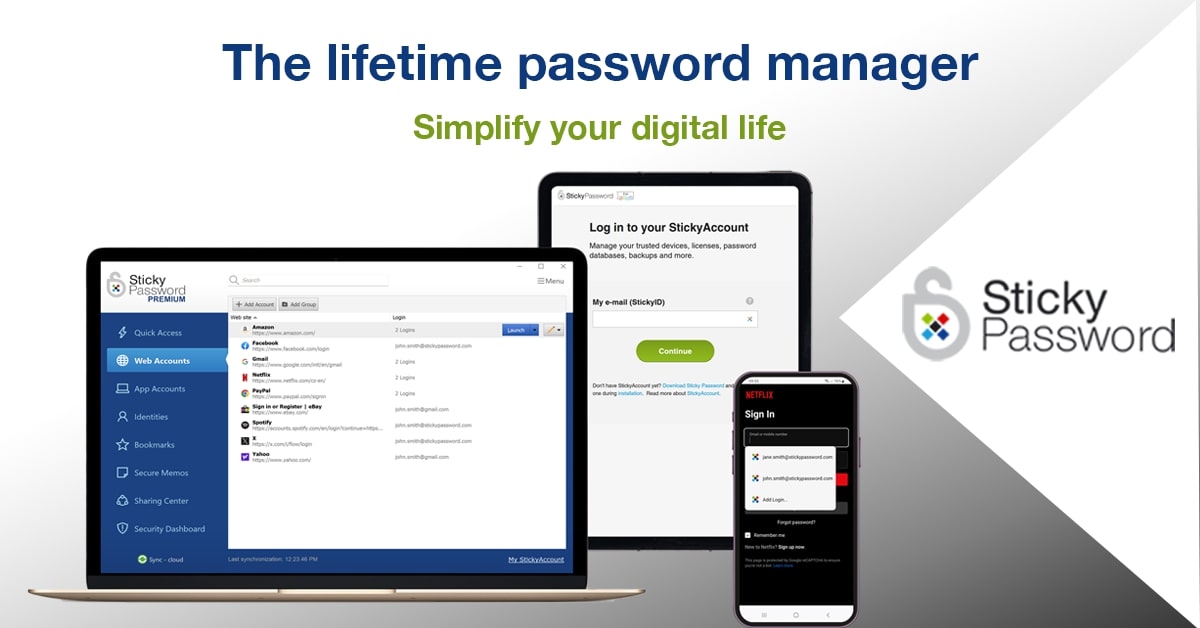
Expired Sticky Password Premium is a free license for 1 year. For all devices

Disclaimer: We cannot guarantee that all promo codes will remain active. Some offers have a short validation period and expire.

Status
Not open for further replies.
Promo page
https://www.comss.ru/page.php?id=4435
How to get a license
Free Sticky Password Premium License
To get a free 1-year Sticky Password Premium license, follow these steps:

Download and install Sticky Password for Windows or MacOS from the link below:

https://www.comss.ru/download/page.php?id=4435


System Requirements

Windows 7 and above, Mac OS 10.9 and above

Activate the program with the following license:

DA00PR-C54C6A-92647F
You can create a new account or activate a license in an existing account (renew your subscription) in Menu > Settings > My StickyAccount > I have a license key.

After that, you can install the app on mobile devices (Android 4.x and above, iOS 9.x and above) using the account you created.
Terms and Conditions of the Offer
You get a one-year license of Sticky Password Premium for 1 user for home use only.
The license can be used for all your devices, including computers, laptops, smartphones, and tablets.
Free updates and technical support are available for the duration of the license.

BigWrench

Level 20
Thread author
Verified
Top Poster
Well-known
Forum Veteran
Apr 13, 2014
900
5,684
1,868
Mid Michigan
Get a free Sticky Password Premium license for all devices for 1 year. A reliable password manager with on-premise database and cloud-based data syncing

Sticky Password Premium is a password manager that allows you to store your credentials locally or in the cloud, syncing them with Windows, Mac, Android devices, iPhones, and iPads, ensuring that you can create secure passwords and autofill them wherever you are.

Sticky Password Premium for Windows can automatically sign in to websites and apps, import data from browsers and other password managers, automatically recognize and save the type of web account created, create passwords, and has a dashboard that shows all weak passwords so the user knows where to strengthen security.


Sticky Password Free vs. Premium Comparison​

Free version of Sticky Password

  • Unlimited encrypted storage for passwords and data.
  • Automatic form filling and auto-login.
  • A strong password generator.
  • Secure digital wallet.
  • Secure notes.
  • Two-factor authentication.
  • Biometric authentication.
  • Portable USB version (Windows).
  • For all devices and browsers.
Sticky Password Premium – Extra Features

  • Cloud and on-premise (Wi-Fi) synchronization between devices.
  • Secure cloud storage for your passwords and data.
  • Secure password sharing.
  • Helping endangered manatees.
  • Priority technical support.
 
New giveaway codes…

New Users License Code: DA00PR-754C4C-C7E91E
Existing Users License Code: DA00PR-A54C4F-470C65

✌️
 
Last edited:
I have a lifetime license but I stopped using it after it was hacked. I also find it trying to connect to suspicious sites that Bitdefender blocks
 
  • Wow
Reactions: piquiteco
Out of curiosity - when was Sticky Password hacked? (Not trying to promote it, just asking.) Are you by chance thinking of Lastpass, which was?
They won't admit being hacked but mine was hacked last fall. I immediately changed all my passwords after someone got into some of my streaming accounts and tried to get into my bank account. All my passwords were only in Sticky Password. I then noticed that suspicious sites were trying to access Sticky Password. That's when I stopped using it.
 
  • Wow
Reactions: piquiteco
I have a lifetime license but I stopped using it after it was hacked. I also find it trying to connect to suspicious sites that Bitdefender blocks
That's worrying to hear, since I also use SP. The right thing to do would be to have more compelling evidence on their side, as happened with Lastpass. The good news is that on my side all my passwords on SP will be useless if they fall into the hands of an attacker, because all the accounts there have 2FA enabled for all the accounts that are on my separate Aegis Authenticator device. Even so tomorrow I'm going to do some research on this, if I find any information that proves your statement I won't use it anymore either. It's a good PW I hope that's not true. :)
 
  • Like
Reactions: Sammo
That's worrying to hear, since I also use SP. The right thing to do would be to have more compelling evidence on their side, as happened with Lastpass. The good news is that on my side all my passwords on SP will be useless if they fall into the hands of an attacker, because all the accounts there have 2FA enabled for all the accounts that are on my separate Aegis Authenticator device. Even so tomorrow I'm going to do some research on this, if I find any information that proves your statement I won't use it anymore either. It's a good PW I hope that's not true. :)
Also make sure there are no bad extensions in your browser that can be used by hackers
 
  • Like
Reactions: piquiteco
Is it possible that the passwords were hacked b/c of a virus on your computer, or that the sites to which the PWs belong were breached? (I don't use SP any more, but since I do have passwords stored there this is obviously a matter of concern.)
 
Is it possible that the passwords were hacked b/c of a virus on your computer, or that the sites to which the PWs belong were breached? (I don't use SP any more, but since I do have passwords stored there this is obviously a matter of concern.)
No virus for certain. Even now, when I run Sticky Password it tries to connect to suspicious sites that are blocked by Bitdefender
 
  • Like
Reactions: piquiteco
No virus for certain. Even now, when I run Sticky Password it tries to connect to suspicious sites that are blocked by Bitdefender
False positive, when I used Bitdefender it would sometimes block legitimate sites over suspicious connections and when I went to load a bookmark URL favicon that was in PW it would sometimes do this. I used several AVs after that and it never blocked suspicious connections coming into Sticky Password. On this PC\Desktop I'm using kasperksy. I checked the IPs through spyshelter to see where it led, they are IPs of the Amazon Web Services (AWS) servers where the encrypted backups are made. Nothing shady or suspicious on the SP side.(y)
 
  • Like
Reactions: Sammo and roger_m
False positive, when I used Bitdefender it would sometimes block legitimate sites over suspicious connections and when I went to load a bookmark URL favicon that was in PW it would sometimes do this. I used several AVs after that and it never blocked suspicious connections coming into Sticky Password. On this PC\Desktop I'm using kasperksy. I checked the IPs through spyshelter to see where it led, they are IPs of the Amazon Web Services (AWS) servers where the encrypted backups are made. Nothing shady or suspicious on the SP side.(y)
Not aa false positive. Even the websites that are blocked have very suspicious names.
 
  • Like
Reactions: Gandalf_The_Grey
Status
Not open for further replies.

You may also like...