this SVCHost has be baffled. I have tried several methods with out any luck.
If you guys have any ideas I am open to them.
I have spent 3 days on this and I am about ready to do a clean install of W10 and call it a day.
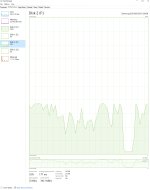
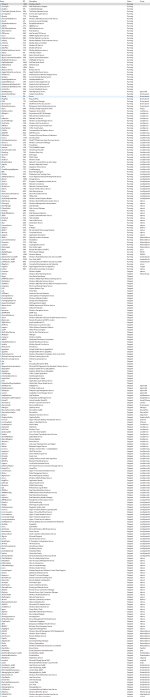
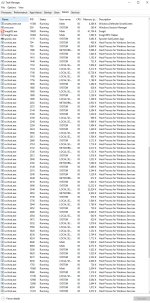
Besides your required files, i have sent screen shots of my Task Manager. I installed 3 new SSD drives in the machine they are all formatted but nothing on them, The one last night shows the new SSD F Drive with write activity. Strange no process or program running that should be accessing that new drive.
Respectfully
Mark P
If you guys have any ideas I am open to them.
I have spent 3 days on this and I am about ready to do a clean install of W10 and call it a day.
Besides your required files, i have sent screen shots of my Task Manager. I installed 3 new SSD drives in the machine they are all formatted but nothing on them, The one last night shows the new SSD F Drive with write activity. Strange no process or program running that should be accessing that new drive.
Respectfully
Mark P