Troubleshoot Troubleshooter doesn't work

YuanJiawj

Level 12
Thread author
Verified
Top Poster
Well-known
Forum Veteran
Oct 9, 2014
579
3,159
1,069
37
Unknown
Briefly explain your current issue(s)
Troubleshooter doesn't start to detect errors
Steps taken to resolve, but have been unsuccessful
- sfc /scannow was run and didn't find any wrong
- Scan performed with Norton Power Eraser/ESET Online Scanner/Emsisoft Emergency Kit -> Everything is Clean
- Windows 11 up to date
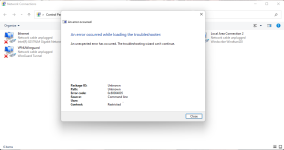
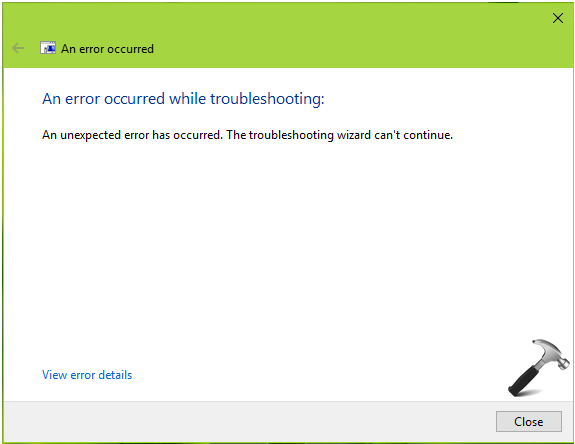
Today i'm getting an unusual error when i try run Troubleshooting wizard at Control Panel\Network and Internet\Network Connections
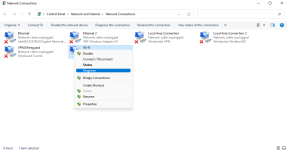
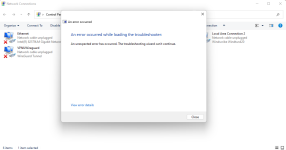
01.png02.png03.png


can't finy for any solution to this strange error. What do ya'll think?
 
FWIW, I get that error on W10 if I run the troubleshooter *from a browser link* (e.g., a page load error) after the latest security update for MSDT. If I run it from the notification area, it runs as it normally does.
 
  • Like
Reactions: vtqhtr413
Upvote 0
FWIW, I get that error on W10 if I run the troubleshooter *from a browser link* (e.g., a page load error) after the latest security update for MSDT. If I run it from the notification area, it runs as it normally does.
It’s strange, can’t find info about that error
 
Upvote 0
Upvote 0
There are some troubleshooting steps at the following link.
i've checked every step, in my Services window one option is not running and cannot be enabled

Screenshot 2022-06-25 082426.png


well, in Registry Editor this key was not found
HKEY_LOCAL_MACHINE\SOFTWARE\Policies\Microsoft\Windows\ScriptedDiagnostics

it's weird :unsure:
 
  • Like
Reactions: South Park
Upvote 0