Troubleshoot USB unusable after format

Atlas147

Level 30
Thread author
Verified
Honorary Member
Top Poster
Content Creator
Well-known
Forum Veteran
Jul 28, 2014
1,989
8,250
2,889
Briefly explain your current issue(s)
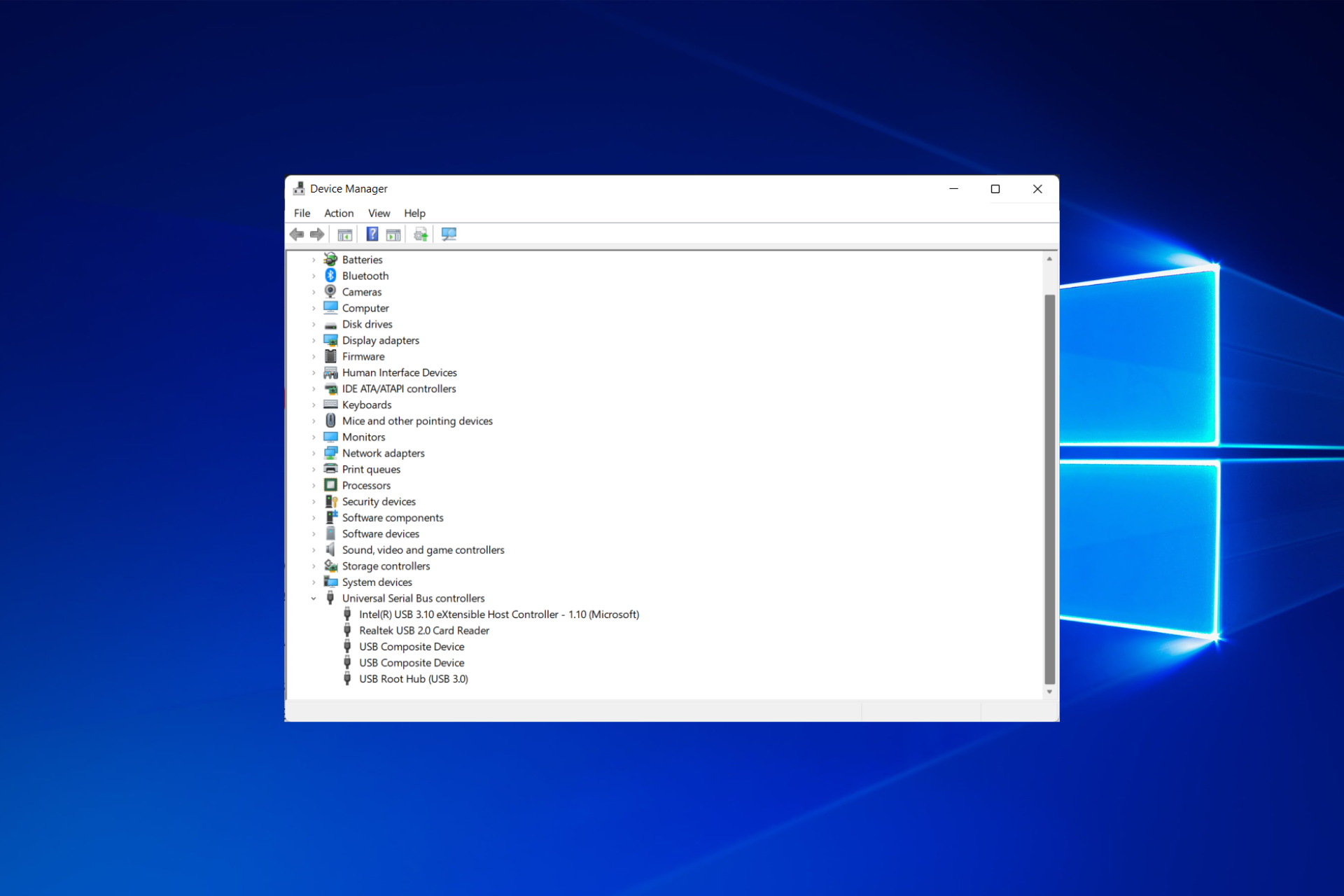
After formatting my USB drive it now runs into some issues. It would read at first when you plug it in, but within 10 seconds it would disappear from my computer. Under device manager it shows up as Unknown USB device (Set Address Failed).


Within it, it says

"Windows has stopped this device because it has reported problems. (Code 43)

The USB set address request failed."


When looking at Event Viewer, it shows "Device USB\VID_0000&PID_0004\5&1b9aaa77&0&14 was not migrated due to partial or ambiguous match."
Steps taken to resolve, but have been unsuccessful
I've tried to plug it in and immediately format it but it always disconnects itself before I can complete it. Once it changes itself to unknown device I am unable to format it because it doesn't even show up under "this pc"
After formatting my USB drive it now runs into some issues. It would read at first when you plug it in, but within 10 seconds it would disappear from my computer. Under device manager it shows up as Unknown USB device (Set Address Failed).


Within it, it says
"Windows has stopped this device because it has reported problems. (Code 43)

The USB set address request failed."

When looking at Event Viewer, it shows "Device USB\VID_0000&PID_0004\5&1b9aaa77&0&14 was not migrated due to partial or ambiguous match."

I've tried to plug it in and immediately format it but it always disconnects itself before I can complete it. Once it changes itself to unknown device I am unable to format it because it doesn't even show up under "this pc"
 
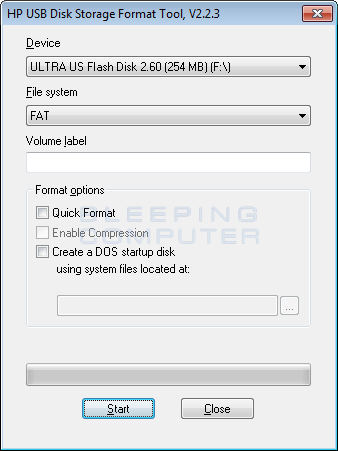
I had good luck when having problems with am USB flash drive with a reformat using the HP USB Disk Storage Format Tool:
 
Upvote 0
Sometime I experienced a solution using USB Oblivion, USB Oblivion

Other times I just had better success using a Linux distro and gparted, other times MiniToolPartitionWizard or HDDLLF

But if the problem is the chip memory, this won't help.

but within 10 seconds it would disappear from my computer. Under device manager it shows up as Unknown USB device (Set Address Failed).
Would you mind trying usboblivion Sir? That problem is really similar to what I have experienced in the past, and probably releated

to a bad registry key into Windows, if it is recognized on Linux you should try this approach. Regards.
 
Upvote 0
Upvote 0
If it is not a hardware problem, then the usb driver wasn't installed successfully. Try uninstalling the problematic device's driver from the device manager.

If you ask me, I would boot into some Linux distro and see what's going on from within Linux Live OS.
 
Upvote 0
I had good luck when having problems with am USB flash drive with a reformat using the HP USB Disk Storage Format Tool:

Thanks for the advice! Unfortunately I am unable to even see the device on my computer when going to "this pc", so it doesn't actually show up on this format tool. :(
 
Upvote 0
Is it possible to connect the drive to another PC? In most cases, usb memory becomes unusable without warning. If the memory has been used for a long time, it may be the end of its life.

Yeah actually I was thinking of this, might try to plug it into one of my friend's computer and see how it reacts
 
Upvote 0
Sometime I experienced a solution using USB Oblivion, USB Oblivion

Other times I just had better success using a Linux distro and gparted, other times MiniToolPartitionWizard or HDDLLF

But if the problem is the chip memory, this won't help.


Would you mind trying usboblivion Sir? That problem is really similar to what I have experienced in the past, and probably releated

to a bad registry key into Windows, if it is recognized on Linux you should try this approach. Regards.


Thank you for the program! I've actually tried it but to no avail, the problem still persists
 
Upvote 0
Upvote 0
If it is not a hardware problem, then the usb driver wasn't installed successfully. Try uninstalling the problematic device's driver from the device manager.

If you ask me, I would boot into some Linux distro and see what's going on from within Linux Live OS.

When I open device manager the only device I see is the unknown USB which I uninstall, plug out and plug back in my USB only to have it appear as unknown USB again. It does appear as USB mass storage device for 10 seconds or so but changes to unknown USB after that.
 
Upvote 0
This is interesting, will try to use this and report back!
BTW, while you are in Gparted, don't mess with your C: partition, although it may be tempting. It can cause disk errors, or even failure in booting. Best to let Windows handle its precious C: partition on its own :)
 
Upvote 0
When I open device manager the only device I see is the unknown USB which I uninstall, plug out and plug back in my USB only to have it appear as unknown USB again. It does appear as USB mass storage device for 10 seconds or so but changes to unknown USB after that.
And what's going on when you boot into Safe Mode with Networking or GParted Live?
 
Upvote 0