
Using the Cosmetic in Dynamic filtering or uBlock Origin - Lite or uBlock stripped - Dynamic filtering

LinuxFan58

Level 20
Thread author
Nov 30, 2025
981
3,644
1,867
Hi both extensions have an element picker which works by hiding elements by clicking on it. When you select elements with a seamingly random name in it, it is a generated name which is changes at every refresh of the page. This is done to make it difficult for filter maintainers to create rules. So (tip 1) always look for ¨fixed¨ names and when an other element is shown which has container in its name, use that one.

For instance on a Dutch newspaper AD.NL it has a blank placeholder (the link to advertising company serving ads is blocked, but the placeholder is still present, using screen space)
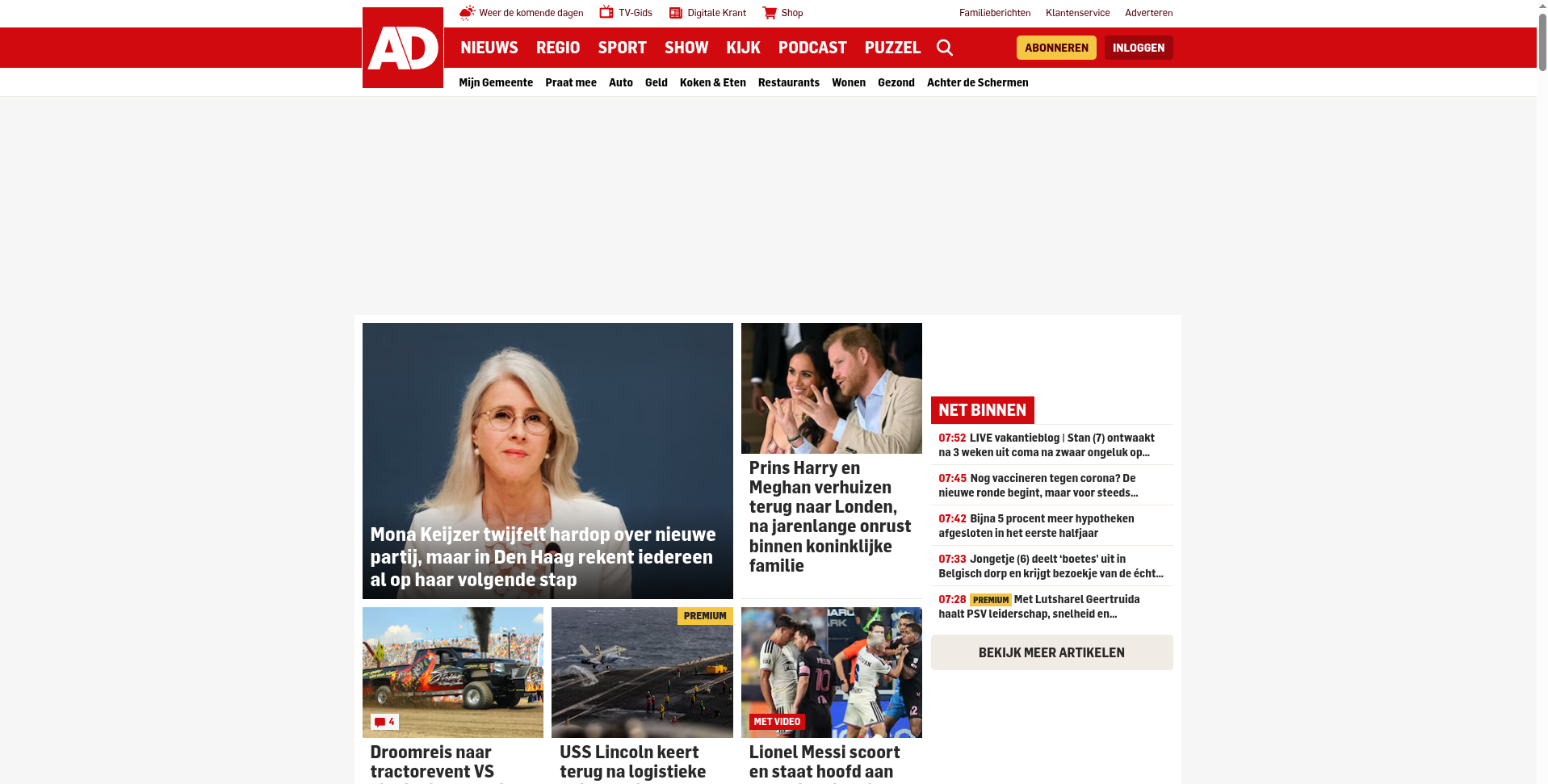
1787205602790.png


So click on the extension Icon and choose Cosmetic Element picker
(In uBlock Stripped, you get a popup first explaining how to use, in uBO-lite, the below screen is shown right away_
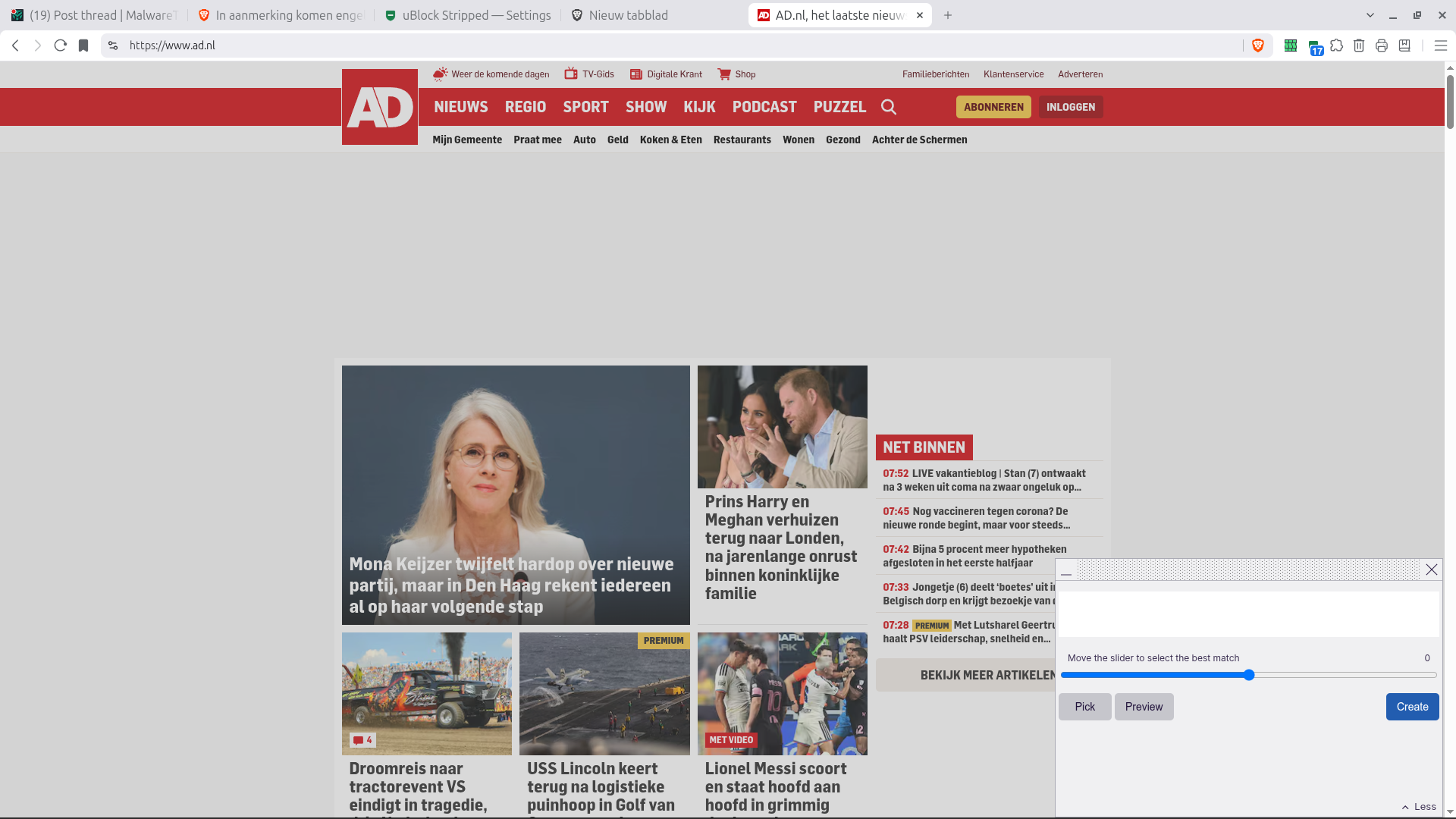
1787205743588.png


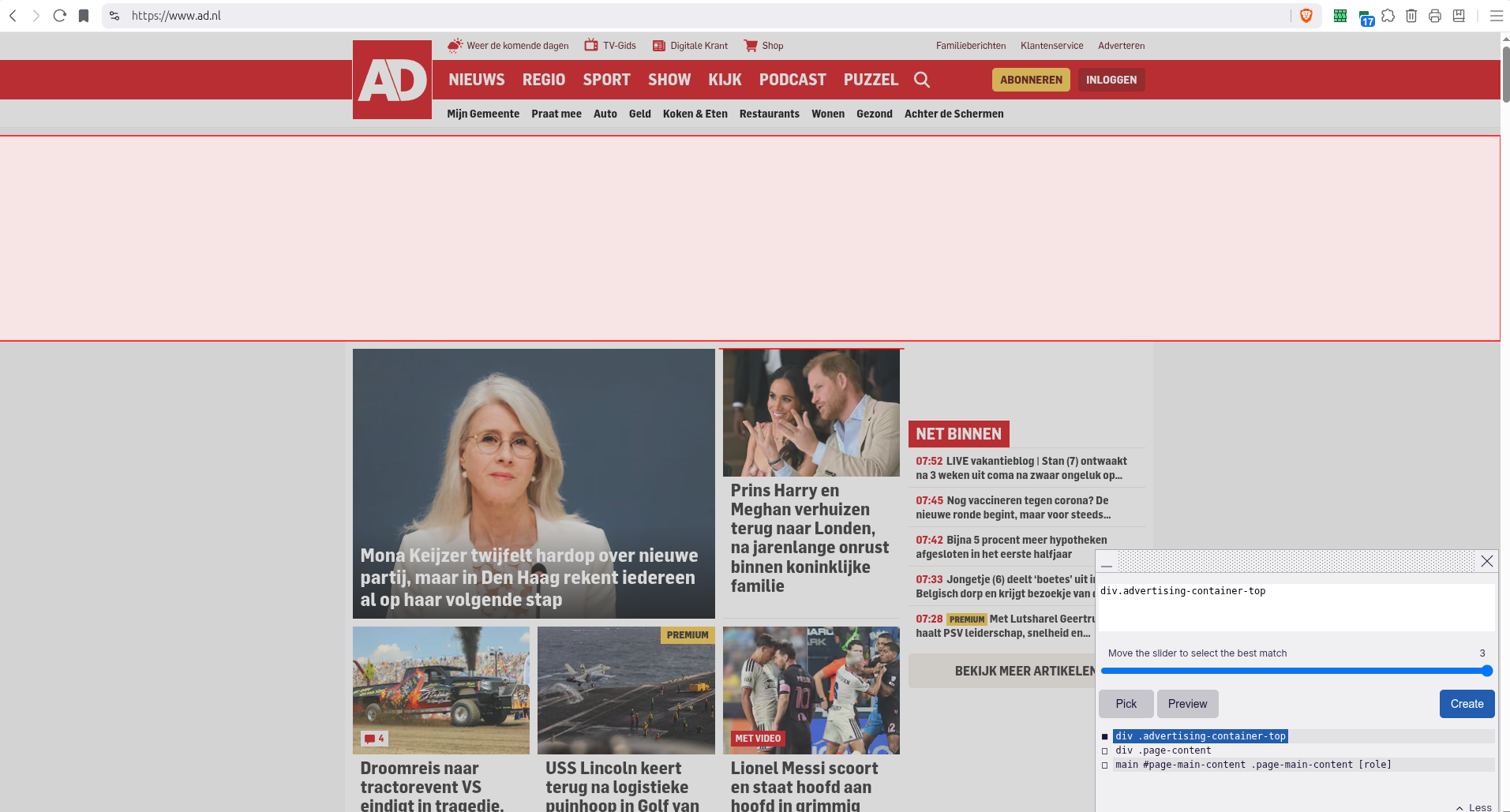
Now click on the white space, the element picker automatically selects the element and highlights it in the popup
1787205863098.png


This is a good catch: no random letters or numbers and a name containing advertisement and placeholder, Simply select and create rule
1787205984297.png


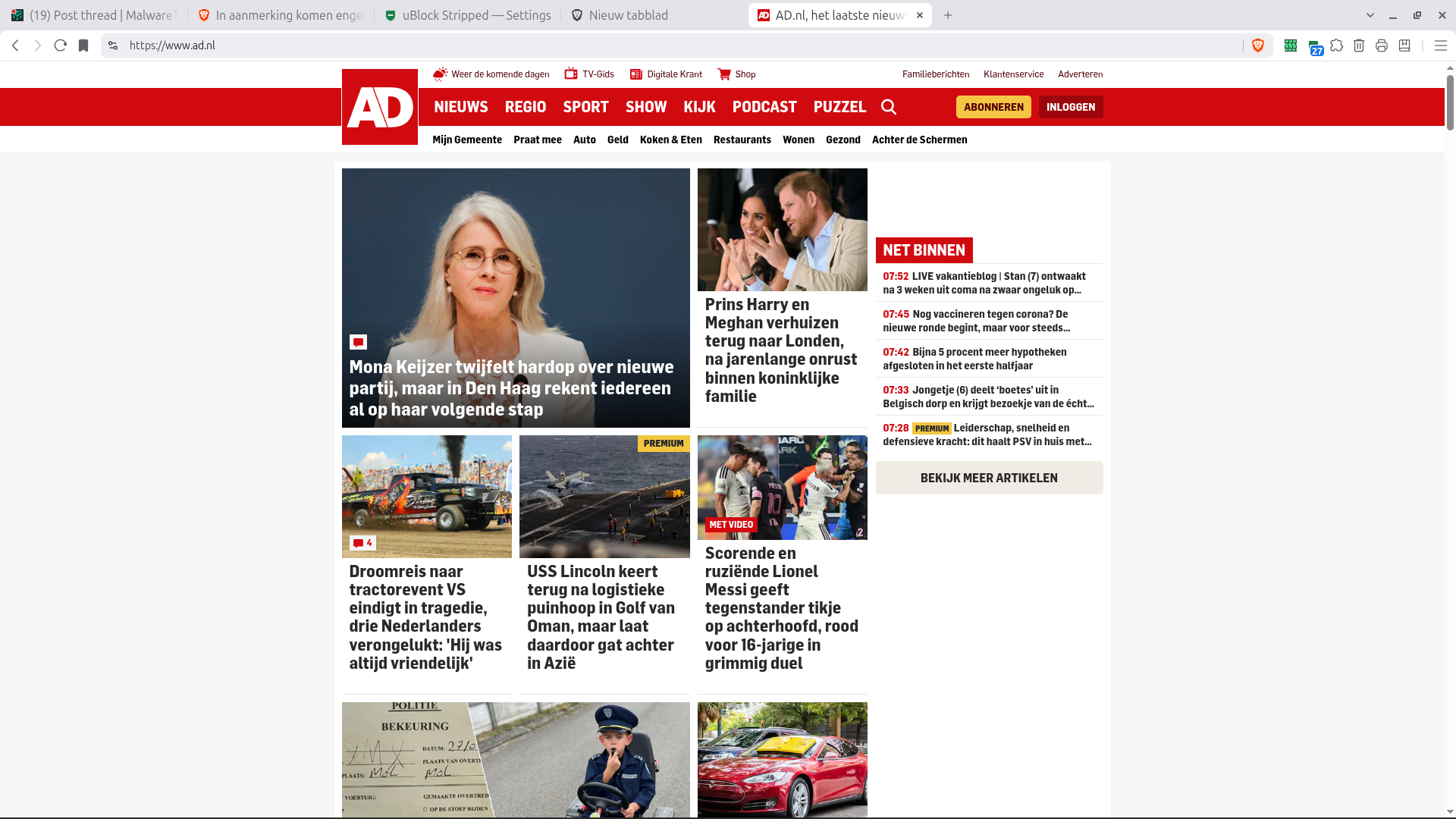
After refresh the place holder is away! ==> RESULT
 
Hi both extensions have an element picker which works by hiding elements by clicking on it. When you select elements with a seamingly random name in it, it is a generated name which is changes at every refresh of the page. This is done to make it difficult for filter maintainers to create rules. So (tip 1) always look for ¨fixed¨ names and when an other element is shown which has container in its name, use that one.

For instance on a Dutch newspaper AD.NL it has a blank placeholder (the link to advertising company serving ads is blocked, but the placeholder is still present, using screen space)

View attachment 299505

So click on the extension Icon and choose Cosmetic Element picker
(In uBlock Stripped, you get a popup first explaining how to use, in uBO-lite, the below screen is shown right away_

View attachment 299506

Now click on the white space, the element picker automatically selects the element and highlights it in the popup
View attachment 299507

This is a good catch: no random letters or numbers and a name containing advertisement and placeholder, Simply select and create rule
View attachment 299508

After refresh the place holder is away! ==> RESULT
Why this can happen

The behavior you describe is common with dynamically generated class names. A class or element name that changes after each page load is not a reliable selector for a content-blocking rule.

When using an element picker, prefer selectors based on stable attributes, such as:

  • A fixed class or ID
  • A stable parent container
  • Specific data attributes
  • The advertising or tracking domain, where appropriate

Selecting a larger, stable container can remove the empty space left behind after an advertising request is blocked. However, avoid selecting overly broad containers, because this can also hide legitimate page content.

A placeholder disappearing after refresh may indicate that the cosmetic rule is being applied correctly, but it can also be affected by cached page data, delayed page loading, responsive layout changes, or the advertising slot not being created on that particular load. Therefore, one refresh alone is not conclusive.

For reliable testing:

  • Open the page in a private window or clear the site cache.
  • Test several refreshes and different viewport sizes.
  • Check that the rule does not hide unrelated content.
  • Prefer a stable selector over a randomly generated class name.
  • If possible, confirm that the empty space is part of the advertising container rather than a normal site element.

The key takeaway is to target the smallest stable container that removes the unwanted placeholder without affecting the surrounding article layout.
 
Now an example how to handle a harder to hide element.

Seemingly same problem: a blank place holder is shown
1787209380898.png


Click on icon, choose Cosmetic element picker and click on the white space place holder
1787206508011.png


Sadly the selected area contains random numbers (left) en when I unselect the random name and choose something else (right) the placeholder is not hidden
1787206680288.png


So what to do? Wel there is a manual trick, look for an identifier in the name. Big companies use standards including naming conventions (the place and size have standaard names when people learn on-line marketing, so most companies use similar naming conventions).

When we look at the popup (on the right) we see that a part of the name a normal constant ("advertisement-slot-module"). We can use this constant part to create a custom rule in uBO-lite (only processes cosmetic rules) or user rules in AdGuard Mv3 or in ABP-import of uBlock stripped (which is based on AdGuard's user rules and processes network DNR rules, cosmetic rules and scriptlets).

Now add the rule below

1787209455351.png


The line AD.NL##[class*="advertisement"]. [id*="advertisement"] does the magic. It tells your extension to hide classes and ID's (CSS/HTML) elements containing (that is the *) the text "advertisement".

In AG Mv3 and uBO-lite the rules work immediately, in uBlock-stripped it is an import, so you might have to exit and reload the extension.
 
  • Like
Reactions: Jan Willy