



Hi both extensions have an element picker which works by hiding elements by clicking on it. When you select elements with a seamingly random name in it, it is a generated name which is changes at every refresh of the page. This is done to make it difficult for filter maintainers to create rules. So (tip 1) always look for ¨fixed¨ names and when an other element is shown which has container in its name, use that one.
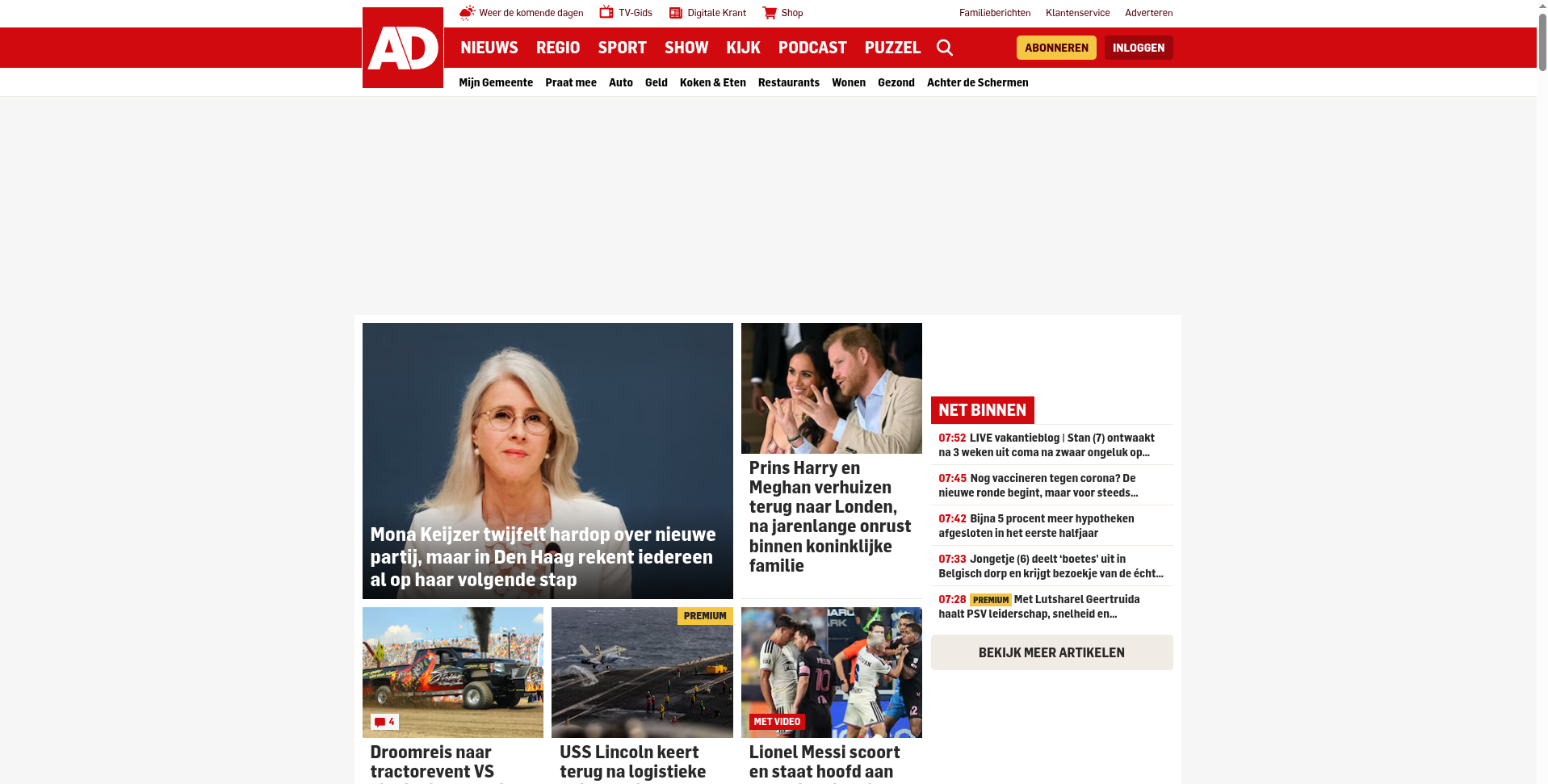
For instance on a Dutch newspaper AD.NL it has a blank placeholder (the link to advertising company serving ads is blocked, but the placeholder is still present, using screen space)
So click on the extension Icon and choose Cosmetic Element picker
(In uBlock Stripped, you get a popup first explaining how to use, in uBO-lite, the below screen is shown right away_
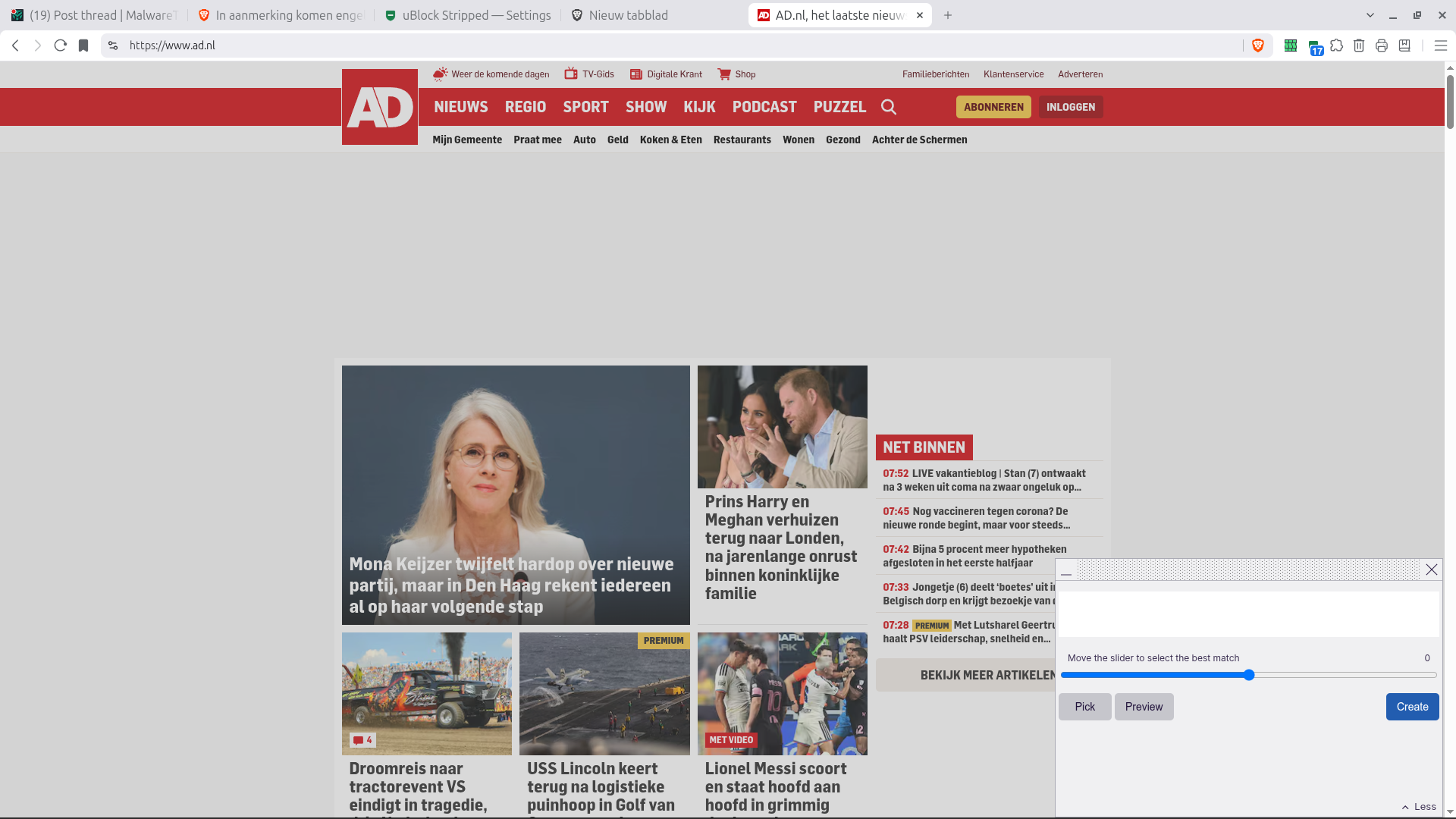
Now click on the white space, the element picker automatically selects the element and highlights it in the popup
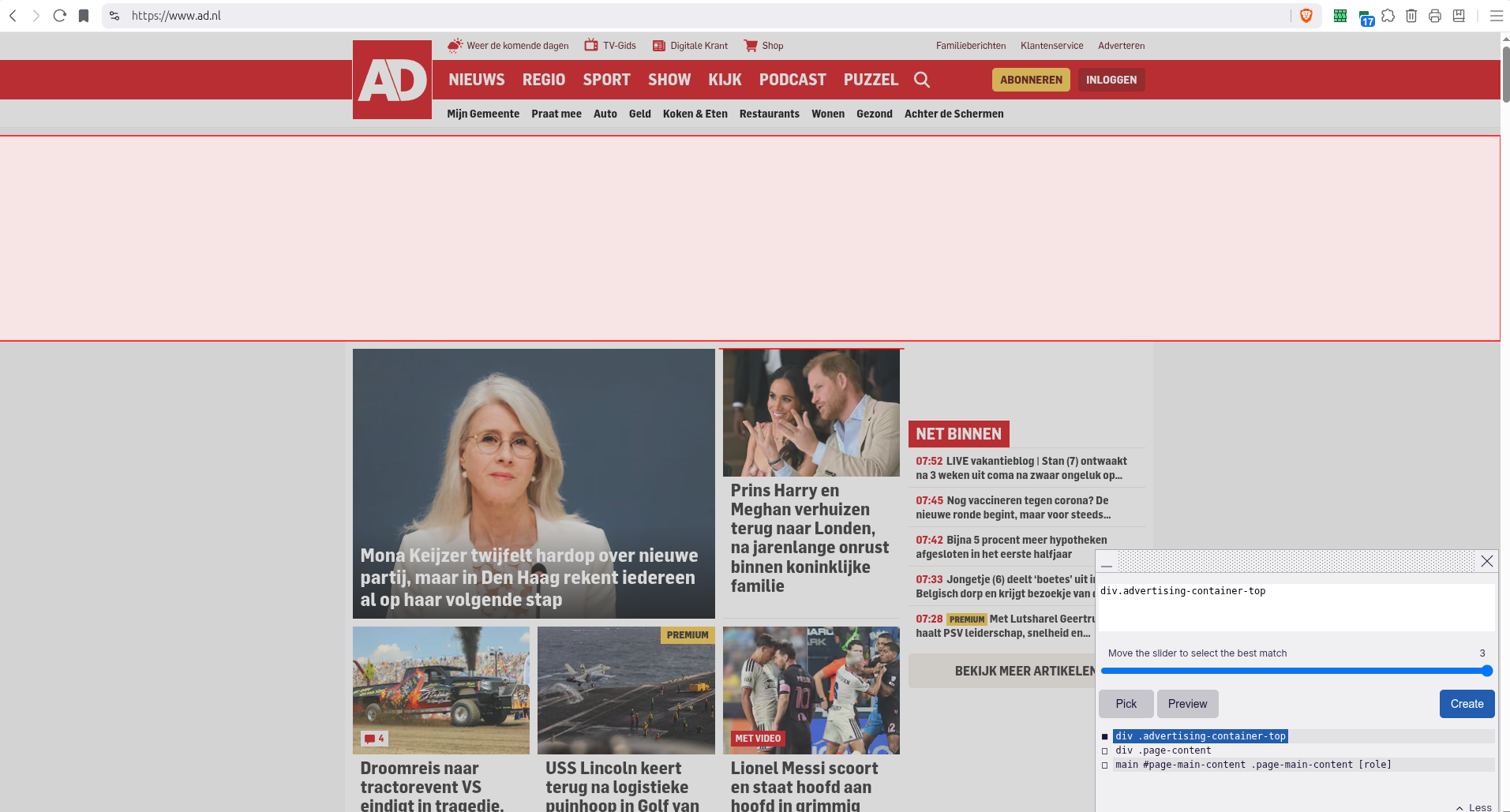
This is a good catch: no random letters or numbers and a name containing advertisement and placeholder, Simply select and create rule
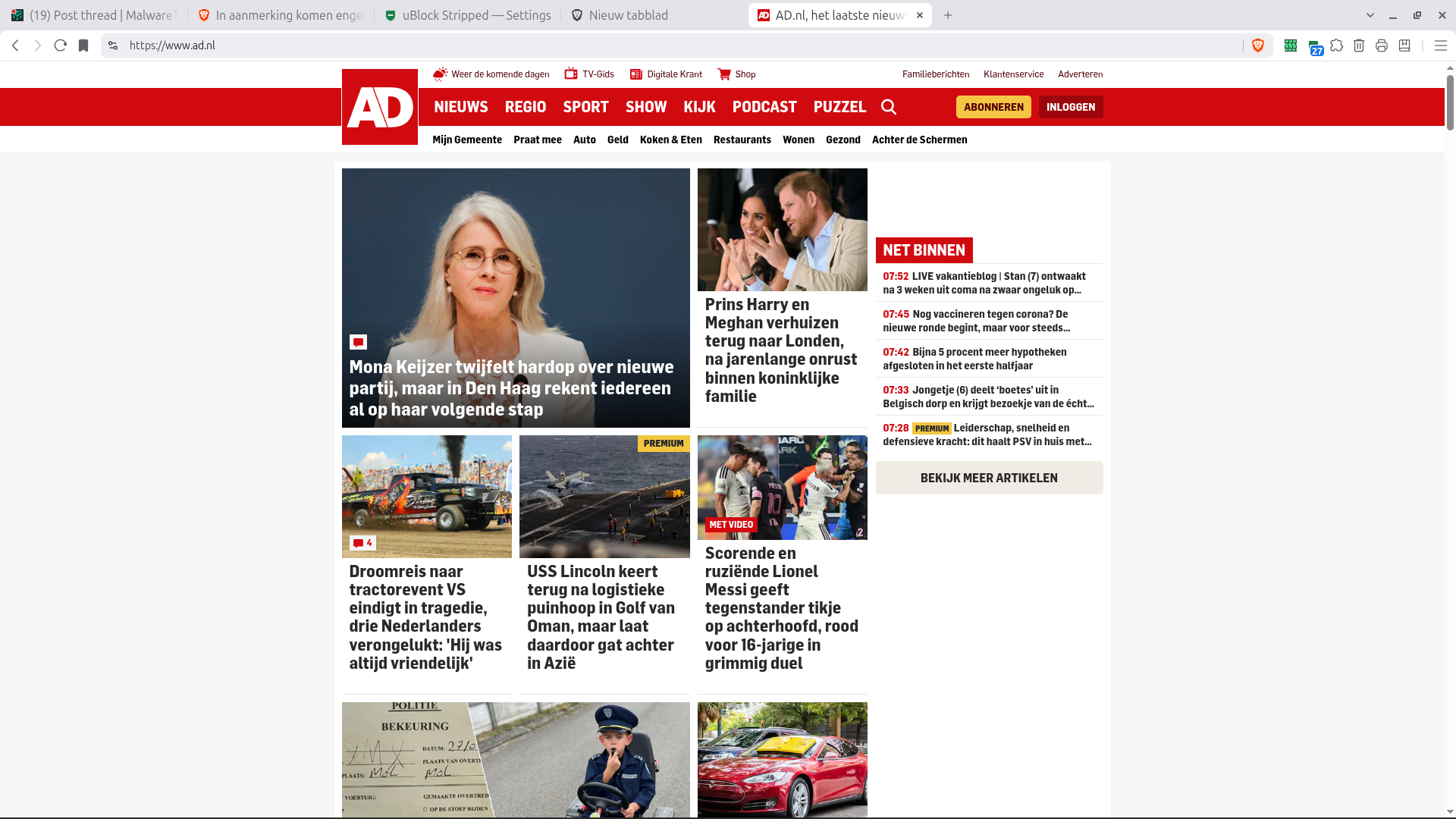
After refresh the place holder is away! ==> RESULT
For instance on a Dutch newspaper AD.NL it has a blank placeholder (the link to advertising company serving ads is blocked, but the placeholder is still present, using screen space)
So click on the extension Icon and choose Cosmetic Element picker
(In uBlock Stripped, you get a popup first explaining how to use, in uBO-lite, the below screen is shown right away_
Now click on the white space, the element picker automatically selects the element and highlights it in the popup
This is a good catch: no random letters or numbers and a name containing advertisement and placeholder, Simply select and create rule
After refresh the place holder is away! ==> RESULT

