New Update Vivaldi Desktop Releases

Vivaldi 8.3 Build 4191.26
Vivaldi 8.3 is bad news for bad ads. A rebuilt Ad and Tracker Blocker puts you in charge of what gets through, one site at a time, and vertical tabs get even better.
The updated Ad and Tracker Blocker gives you four default levels of protection to choose from:
  • Off: turns the built-in blocker off completely
  • Light: blocks most known trackers and some ads
  • Strong: blocks more trackers and ads, sites may break
  • Aggressive: blocks almost all trackers and ads, sites may break
You can set your default level of blocking from settings or when onboarding to Vivaldi. The level you select from here will be applied to all sites, but in Vivaldi we always give you more. Ad blocking shouldn’t be all or nothing. In Vivaldi, you can decide how much of the web gets through, one site at a time, on every device you use. That’s the kind of control a browser should give the people who use it.

Levels really pay off when you set them per site. Put that dj-set on Youtube on full blast without ads breaking your beat with Aggressive. Keep your bank on Light so every form works as expected. Turn protection down on the small independent site you trust and whose ads you’re happy to see. To set a level for the site you’re on, click the shield icon in the Address Bar. Vivaldi remembers your choice, so each site loads the way you decided.

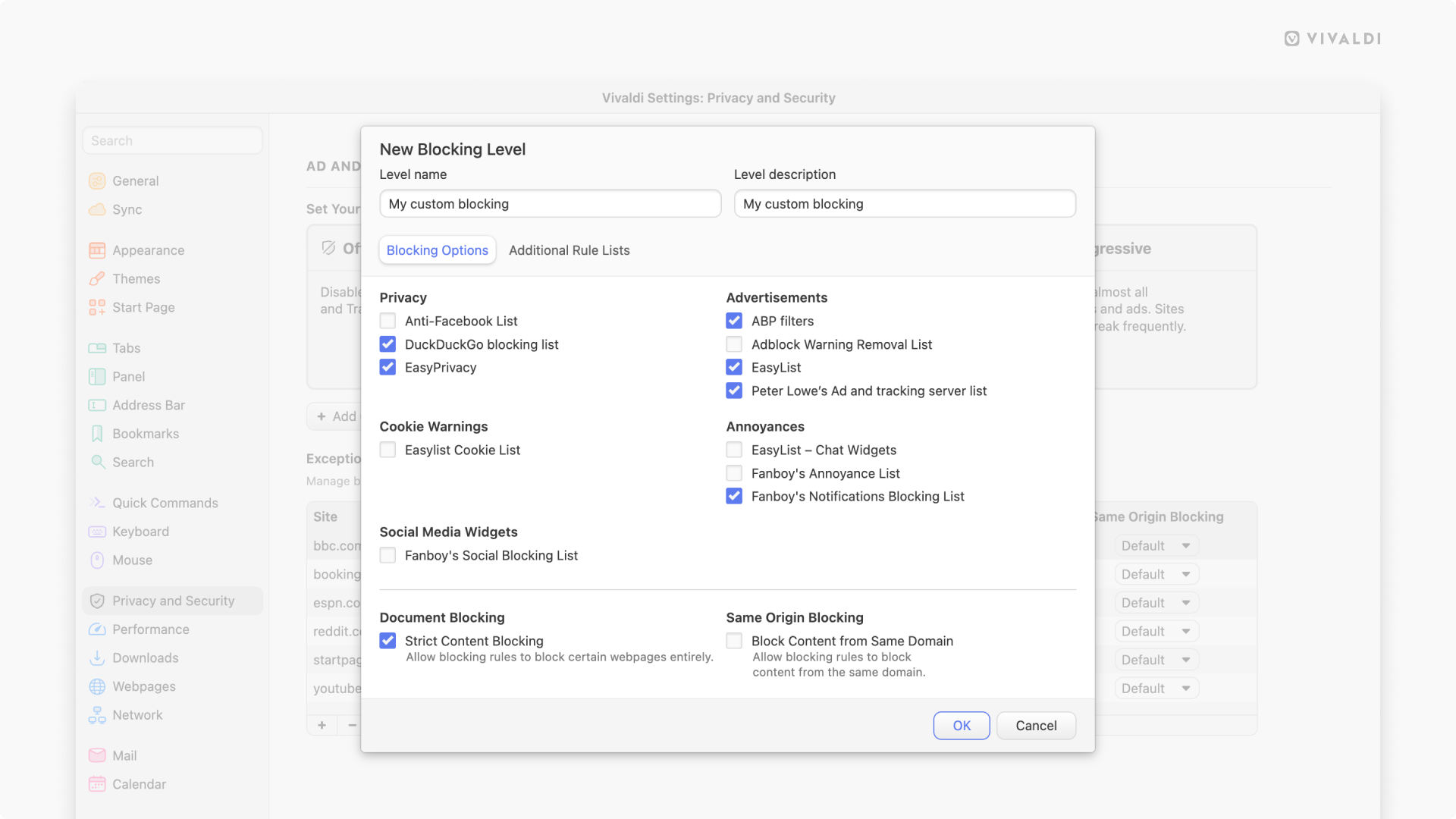
If you are particularly interested in the topic, we’ve also added the option to create “custom” levels. In these levels you configure everything yourself, giving you full control over which blocklists are used. You can add a custom block list either added from a remote URL or from their file manager.

8.3_desktop_reader_mode_carousel_2-1.png
 

Join the discussion

Write your reply below. You'll create a free account or log in before it's posted.

Recently browsing

Members who viewed this thread in the last 5 minutes

Back
Top