


Gandalf_The_Grey
Level 85
Thread author
Verified
Honorary Member
Top Poster
Content Creator
Well-known
Forum Veteran
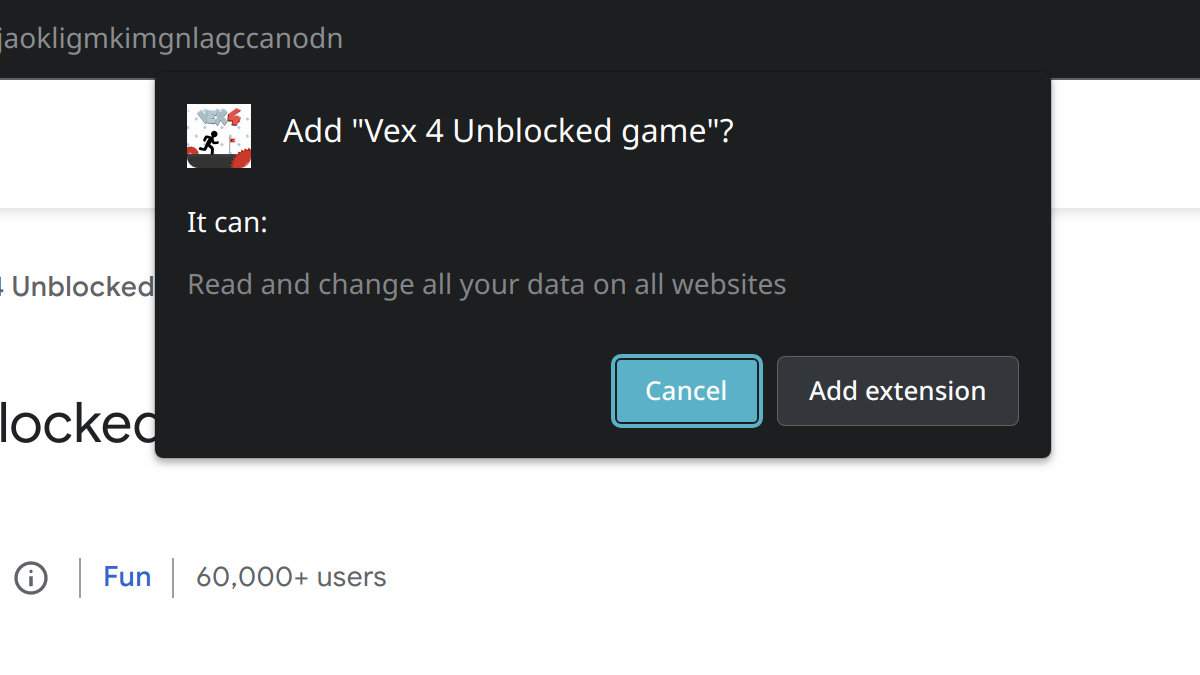
The affected extensions:When installing browser extensions in Google Chrome, you are asked to confirm the extension’s permissions. In theory, this is supposed to allow assessing the risk associated with an extension. In reality however, users typically lack the knowledge to properly interpret this prompt. For example, I’ve often seen users accusing extension developers of spying just because the prompt says they could.
On the other hand, people will often accept these cryptic prompts without thinking twice. They expect the browser vendors to keep them out of harm’s way, trust that isn’t always justified [1] [2] [3]. The most extreme scenario here is casual games not interacting with the web at all, yet requesting access to all websites. I found a number of extensions that will abuse this power to hijack websites.
The extensions listed below belong to three independent groups. Each group is indicated in the “Issue” column and explained in more detail in a dedicated section below.
As the extension IDs are getting too many, I created a repository where I list the IDs from all articles in this series. There is also a check-releases utility available for download that will search local browser profiles for these extensions.
Why browser extension games need access to all websites
Quite a few casual games browser extensions request access to all websites. I look into some of these extensions which you should obviously avoid.
Why browser extension games need access to all websites
Quite a few casual games browser extensions request access to all websites. I look into some of these extensions which you should obviously avoid.


