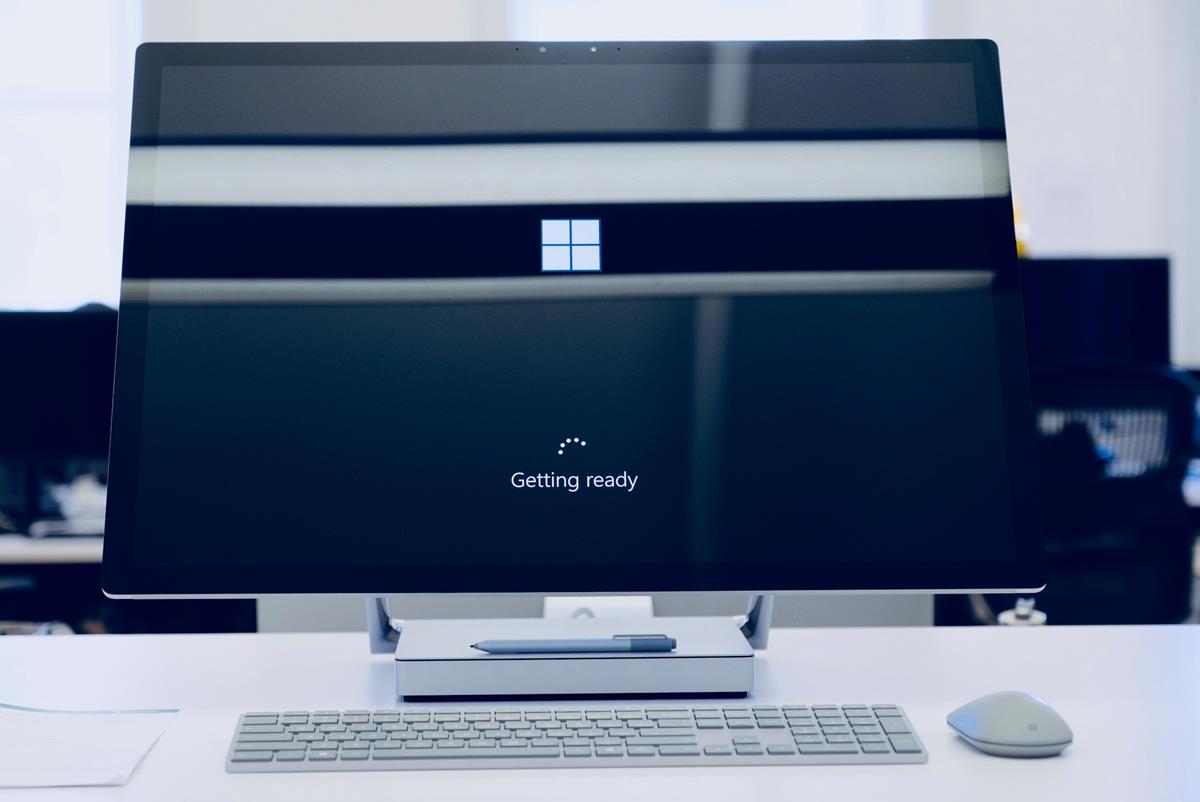
Microsoft revealed that Windows 11 will be getting such functionality this year. It works for Microsoft accounts and will save information about apps in the cloud. A user who has used the feature on a PC in the past may use it to restore apps and some settings on another device. This may speed up setup of a new Windows PC's.
Windows users who sign-in with a Microsoft account receive a prompt during the initial setup of the device. Microsoft asks them whether they want to restore apps and settings from a backup. Users who accept this will have the apps downloaded from the Microsoft Store when they select the application icons on their taskbar and Start Menu. It is not as automated as it could be, as apps appear to be downloaded only when a user activates an icon for the first time.

Windows 11 may soon restore apps during setup - gHacks Tech News
Microsoft Windows 11 users may soon restore applications during setup if they have used the operating system's cloud backup feature.
www.ghacks.net