New Update Zorin OS 18 Has Arrived

lokamoka820

Level 43
Thread author
Verified
Top Poster
Well-known
Mar 1, 2024
3,243
3
10,661
4,169
Banana Republic
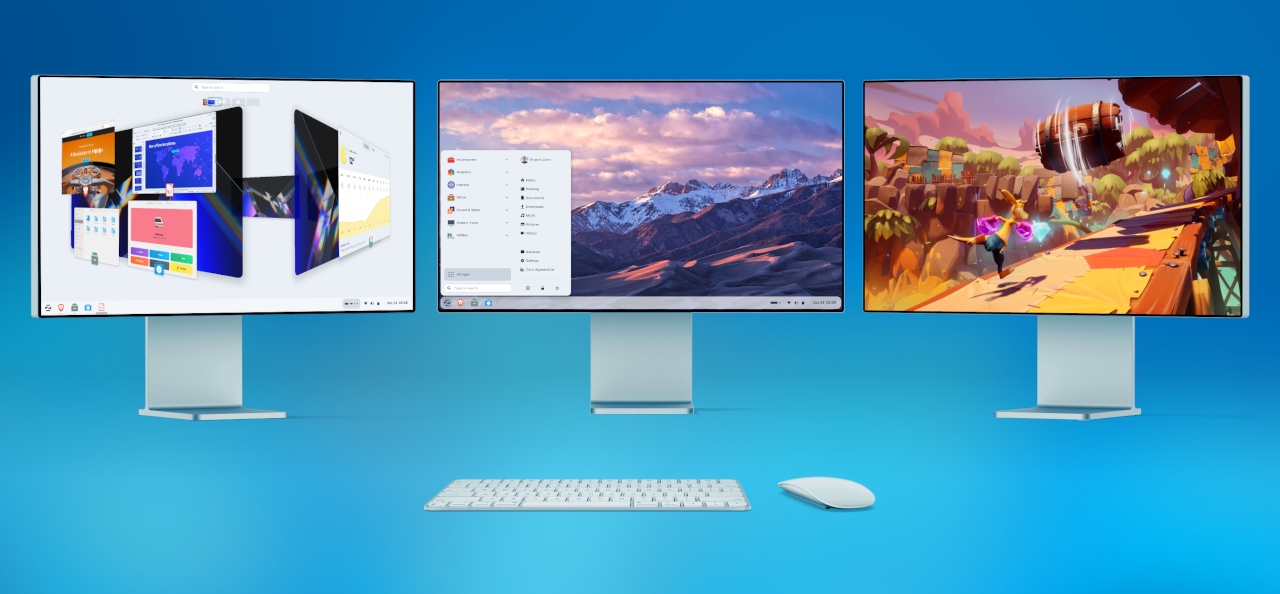
A huge leap forward. Packed with improvements to make your computer more powerful, easy, and enjoyable to use.
With Zorin OS, your next computer can be the one you already own. It’s designed to be the perfect Windows replacement for everyday users, professionals, and everyone in between. Thanks to its ease of use and powerful features, Zorin OS has earned wide critical acclaim throughout the years.
The improvements in Zorin OS 18 make the transition from Windows easier than ever, offering a familiar and intuitive experience for Windows users while unlocking the full potential of your existing computer.
 
Upgrades from Zorin OS 17 to 18 Are Now Available
We’re excited to launch upgrades from Zorin OS 17 to 18 today!

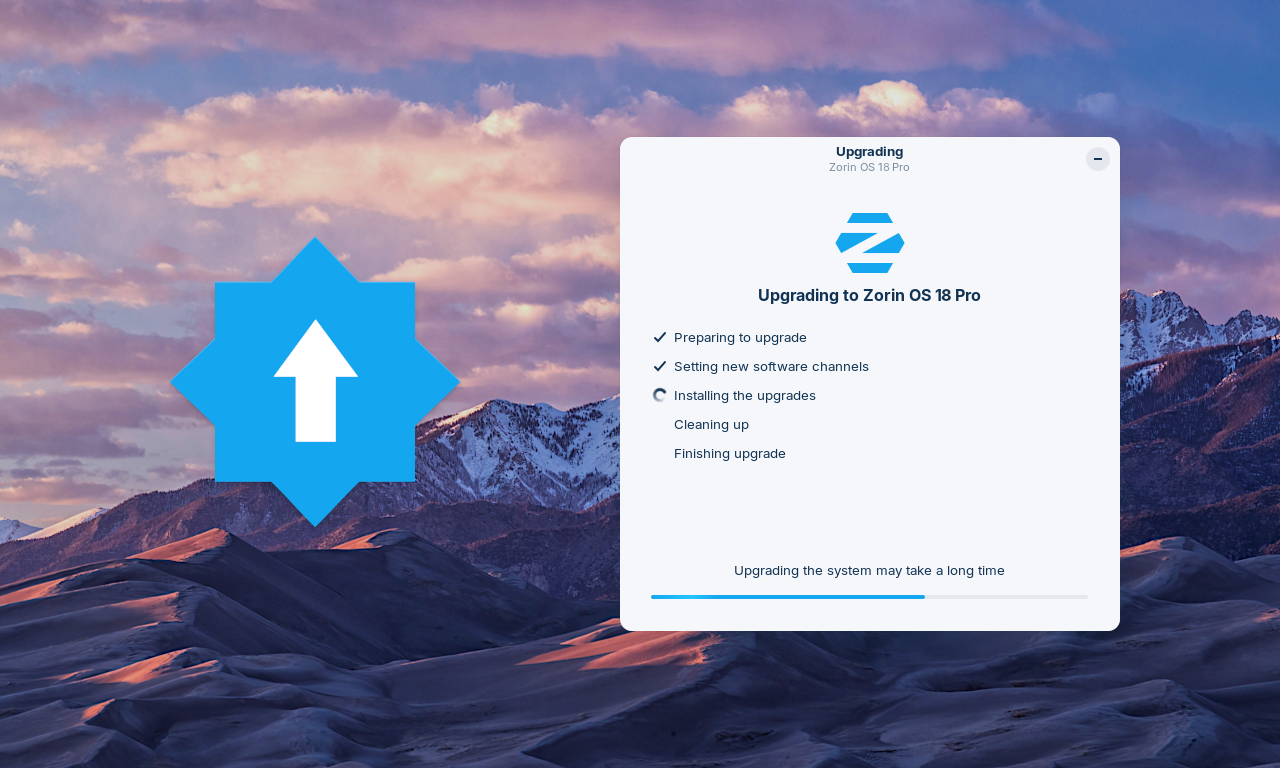
If you’re using Zorin OS 17, you can now upgrade your computer to Zorin OS 18 directly using the Upgrade Zorin OS app, without needing to re-install the operating system.

That means you’ll be able to keep your files, apps, and settings, all while taking advantage of the new features and improvements in Zorin OS 18.
How to upgrade from Zorin OS 17 to 18
  1. To avoid data loss, please back up all important files on your computer to an external drive or cloud storage service. Learn how to back up your files ›
  2. Install the latest software updates by opening the Zorin Menu → System Tools → Software Updater and following the on-screen instructions.
  3. Open the Zorin Menu → System Tools → Upgrade Zorin OS to start the upgrade process.
 
Linux Mint was the first and only Linux distro I tried because I had read it provided an easy change from Windows to Linux. Zorin OS claims it is the best Windows alternative, but when I look at the screen prints, it does not seems a lot different. What are the special features of Zorin that makes it more Windows lookalike?
 
All apps of Windows, such as MS Office?
I think it has standard windows emulator installed like Wine, for Office you need the paid version of the windows emulator called cross over, but when I checked Office 2019 was not supported but Office365 was supported with limitations. I read a lot about people struggling to implemented that I choose to move to Libre Office (and now Only Office because of Powerpoint problems with Libre Office)
 
All apps of Windows, such as MS Office?
Just as @LinuxFan58 mentioned, but the program is called Bottles, and it is available for all Linux distributions, but it comes pre-installed on ZorinOS. You can simply download the EXE installer and double-click on it to run the Windows application. The installer will launch immediately, and you can install it just as you would on Windows.

virtualbox_zorin_1.jpgvirtualbox_zorin_2.jpgvirtualbox_zorin_3.jpg
 
Causing any performance impact or requires a large percentage of RAM as in the case with VM in Windows?
It is lighter on resources than a Windows VM because it is a compatibility layer that translates Windows system calls into Linux-compatible calls, allowing Windows programs to run efficiently without the need for a full emulator.
 
@lokamoka820 I am looking for backup software for Linux, similar to Aomei or Macrium Reflect, to back up partitions in ext3 and ext4 formats and save these backups to an NTFS partition. I found backup software that recognized ext4 partitions, but it copies the entire disk, which would take a long time, and I ended up giving up because the image file would also be huge. 😞
 
@piquiteco Have you tried Rescuezilla and Redo Rescue? They're both good programs.
I hadn't tried those, I had heard of Rescuezilla, but I didn't get around to downloading and testing it. I hadn't heard of Redo Rescue, but I visited the URL you gave me, and Kaspersky blocked the Redo Rescue page. I believe it's a false positive due to an expired certificate. I'm going to test Rescuezilla on a USB stick and boot it up, and I hope it works. Thank you very much! (y) I really appreciate the tip @lokamoka820 ;)
 
@lokamoka820 Late last night, I received an email newsletter from Zorin about the upgrade from Zorin OS 17 to 18. It must be great. I only tested version 17 and liked it. I didn't download version 18, but I watched a video to see what the interface looks like. They are doing a great job with Zorin 18. They will surely gain many fans for the Zorin Linux distro. :)

1772076373549.png
 
Zorin OS 18.1 Boosts Windows App Support by 40%, Improves Window Tiling
Zorin OS 18.1 is out today as the first minor update to the latest Zorin OS 18 series of this Ubuntu-based distribution that aims to convert more Windows users to switch to Linux due to its friendly look and feel.

Zorin OS 18.1 comes six months after Zorin OS 18 with an up-to-date base from the Ubuntu 24.04.4 LTS (Noble Numbat) operating system, featuring the Linux 6.17 HWE (Hardware Enablement) kernel and Mesa 25.2 graphics stack, as well as the latest LibreOffice 26.2 office suite.

This release bumps the suggested alternatives for Windows apps by more than 40 percent to a total of 240 applications. This is one of Zorin OS’s niche features, recommending users tailored alternatives to sideloading their Windows executables.

“If you’re migrating from Windows, this means you’ll get tailored guidance on how to get the most compatible versions of your favourite apps in Zorin OS. It’s one of many reasons why Zorin OS is the ideal choice for Windows users making the switch,” said the Zorin OS team.
 

You may also like...