


You ask a shopping assistant to find a winter jacket, and it comes back with exactly the kind you wanted. There’s a price, a store, and a link.
The recommendation is easy to follow. The harder question is what, if anything, it tells you about the shop on the other end.
Overview
A shopping recommendation can point to a fake store
A chatbot can help narrow down a search without knowing whether the seller it recommends is legitimate. Matching the product is not the same as verifying the store.
The Guardian reported that fake online stores can show up in AI shopping results as well as traditional searches, ads, and social feeds.
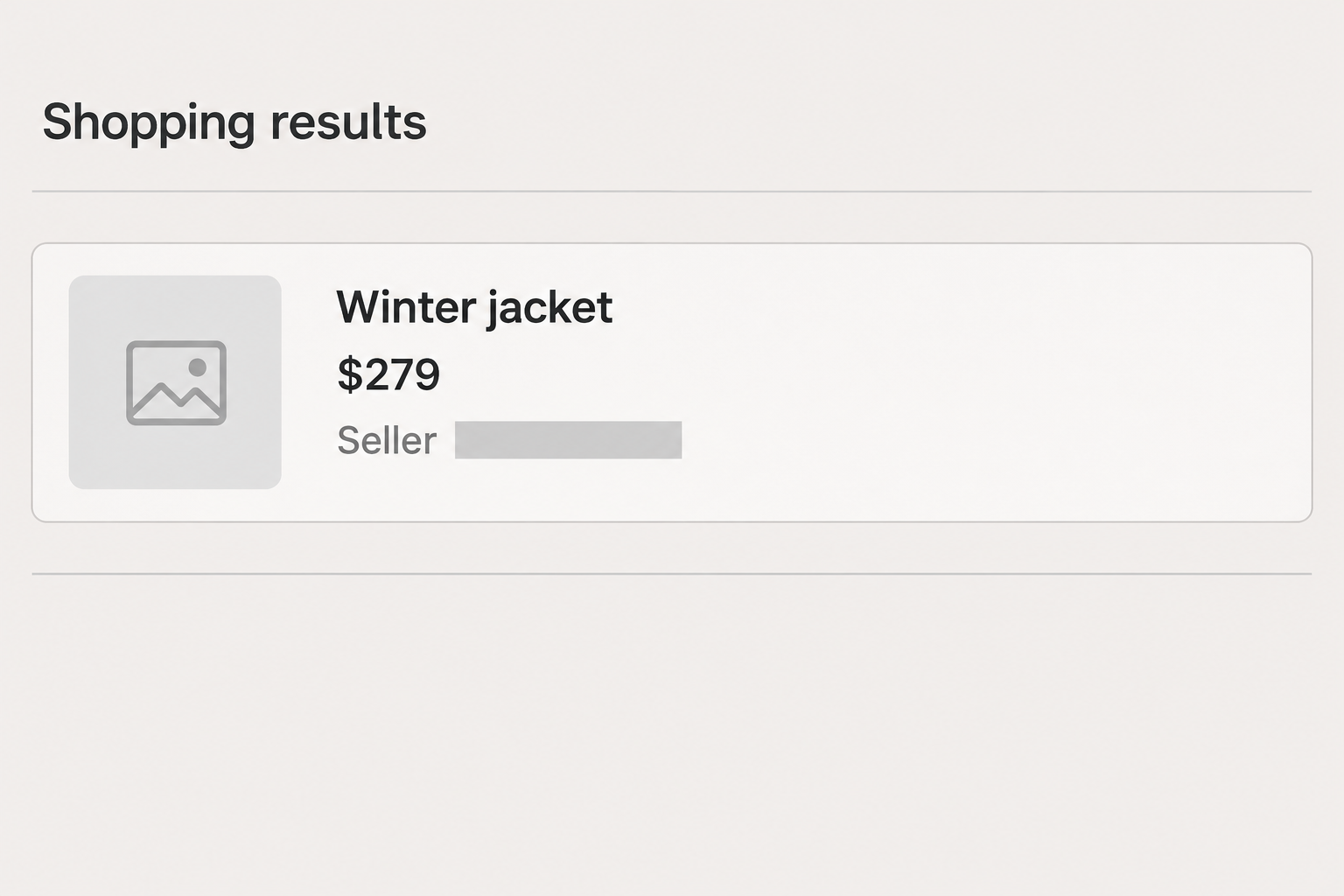
Norton described a $279 jacket listing from a fraudulent store appearing alongside genuine options. The recommendation displayed no warning about that shop.
The jacket wasn’t suspicious because it was cheap enough to look absurd. The example matters because a fraudulent seller can sit beside ordinary recommendations without appearing out of place.
What the recommendation tells you, and what it doesn’t
The result can match your size, color, budget, or preferred brand. It cannot, by itself, establish who runs the store or whether that store will ship anything.
National Trading Standards warned that scam sites can be surfaced by AI models. A recommendation alone doesn’t show how a particular store ended up there.
The seller could be impersonating a retailer, or it could present itself as a new independent outlet. An answer that calls it an official shop isn’t proof either way.
Some assistants send you to another site to buy. Wherever you check out, look for the seller and payment recipient before confirming the order.
What to verify before you follow the recommendation
At first, the recommendation looks like one piece of information. It is really a series of claims you can check separately.
- Confirm that the retailer you recognize lists the deal through its official website or app.
- Identify the actual seller if the recommendation sends you to a marketplace.
- Read who receives the payment before confirming the order.
- Check return terms and a usable contact route.
- Take your time if a store gives you no payment method with protections you understand.
If you cannot confirm the exact offer on the retailer’s site, look for it through a trusted seller or leave it alone. You don’t owe the suggested store a sale.
How the Scam Works
Step 1: The shopper starts with a normal request
A shopper asks for a product within a budget or compares prices before Black Friday. The search can be as ordinary as trying to replace last winter’s coat.
The shopping assistant brings useful information together in one place. That convenience can make it tempting to treat the top few recommendations as if someone had screened each business.
If one result matches better than the others, that’s where you may stop asking questions. Note the product model and search for it independently before you follow the store link.
The same check applies when the discount isn’t dramatic. An apparently routine price does not tell you whether the merchant is suitable to buy from.
Step 2: A bad link appears beside ordinary ones
Just as an ordinary search result can lead to a fraudulent page, so can a recommendation from a chatbot. The other suggestions may be entirely legitimate.
You can learn useful things from a result, such as product names, model numbers, and typical prices. It is the link and the seller that need independent verification.
Some answers include source links or retailer names to make it easier to follow up. A citation gives you something to inspect, not a guarantee about the destination.
Don’t use the assistant’s answer as its own confirmation. Asking it whether the same link is safe can produce more words without providing a separate source of evidence.
Step 3: The store looks familiar enough at a glance
A destination can look like a brand’s official website even when someone else runs it. Photos, navigation labels, sale graphics, and logos don’t settle the issue.
On a small screen, you may see only part of the address. If you don’t recognize the destination, start over from a known address.
Similar problems can occur with a new store name and no obvious brand copied. The practical checks are the business behind the sale and the terms you can verify.
There’s no need to load a suspected page again to collect evidence. Save details you already have and check the genuine business through a separate channel.
Step 4: The checkout asks for information or money
A fake store can collect money without shipping the item. It may also ask for card, contact, or account information that you wouldn’t share with an unknown party.
A payment instruction that shifts from a normal checkout to a bank transfer or an informal payment deserves a pause. You should know which transaction you’re authorizing.
The seller may frame a different method as a favor, a fee saving, or the only way to keep the discount. That explanation does not replace your payment protections.
Before you type payment details, look at the billing business and currency. If either is unexpected, stop until you can explain why it differs from the offer.
Step 5: The confirmation doesn’t settle who took the order
An order email can look plausible even if the store does not fulfill the sale. A tracking reference also needs checking through a recognized carrier or merchant account.
If you receive a second message asking for extra shipping money or details to release the item, don’t follow that message. Check the original order through a verified route.
There are legitimate shipping delays, and a missing parcel alone doesn’t prove a scam. But you can talk to your card issuer promptly when the business or transaction looks wrong.
Keep the original advertised terms in case the item arrives but differs from what you ordered. The evidence for that dispute is different from evidence you never placed an order.
How to Check an AI Shopping Recommendation
Use the answer to identify the product
Write down the model and variant instead of following the suggested retailer immediately. These details can help you compare the same item rather than similar-looking products with different materials.
If the assistant gives you a store’s name, find the store independently. Use a known bookmark, a retailer’s verified app, or an address you already trust.
A retailer might have different sites in different countries. Follow country or region links from its established site rather than trusting a second domain that looks similar.
Compare the final price, including shipping, taxes, or duties when shown. A lower price isn’t much help if it applies to a different size, model, or seller.
Check who is selling and who will handle a return
A familiar marketplace name appears on many pages. Read the seller line and check whether the marketplace or a third party is actually offering the item.
Look at where returns go and how to reach customer service. A help page that sounds polished doesn’t give you much if it has no usable method of contact.
A payment provider’s logo or a padlock doesn’t tell you whether the business is honest. Use the name shown on the final review screen to check where the money goes.
A real independent retailer might be unfamiliar to you and still be legitimate. If you can’t verify enough about it today, you can buy somewhere you understand.
Sometimes a big retailer’s product page lists several sellers. Look for the seller on the exact variation you added, because changing the size or color can change who supplies it.
If the checkout says one business sold the item and another will ship it, write down both. You’ll know who to approach about payment and who handles delivery.
Don’t let a time limit replace an independent check
A seasonal event creates legitimate deadlines, but they’re not a reason to skip verification. If the price requires an immediate decision, be willing to miss it.
Ask someone you trust to look at an offer if you’re unsure what doesn’t fit. Give them the product details rather than asking them to open a suspicious link.
If you find the sale through the genuine store, use its own checkout. There is no advantage in returning to a link you weren’t able to verify.
Don’t share sensitive records to see if the assistant can judge the offer. A product number and seller name should be enough for ordinary price comparisons.
For buyers in the United States, the FTC’s online shopping advice explains how to check sellers and understand what payment records are worth keeping.
What to Do If You Have Fallen Victim to This Scam
Contact the institution that handled the payment
Call using the number on your card or in your banking app. Explain how you placed the order, what you paid, and why you think the seller was fraudulent.
If you don’t recognize a later charge, identify it separately. Ask about dispute options, deadlines, and any action needed to prevent new charges.
Preserve what you saw without revisiting the shop
Save the recommendation, order confirmation, merchant name, payment reference, and any messages already on your device. Note dates and what the seller said would happen.
Keep store and transaction information privately. Redact any account or order details before posting a warning publicly.
Protect the payment details you entered
Tell the card issuer if you typed card data even if no charge appeared. Ask whether monitoring, a temporary lock, or replacement makes sense.
If you authorized a bank transfer or another payment, contact the provider promptly to ask about its process. Do not assume it can recover the payment.
Check whether you reused a password
If you made a store account with a password you use elsewhere, change it on the genuine services. Start with email and payment accounts.
Review account recovery settings and active sessions if you think someone gained access. Use a unique password and stronger sign-in protection wherever possible.
Report the result and the destination separately
Report the merchant or ad through the service where you encountered it. If a shopping assistant supplied the result, report the specific response through its feedback controls.
If a real retailer was impersonated, use that retailer’s genuine contact channel. Don’t forward an active link to friends who might accidentally open it.
Treat any offer of easy recovery cautiously
An unsolicited message that promises your money back for another fee can create a second loss. Check with the bank or provider handling the original complaint.
Do not provide codes or give someone access to your account because they know the order number. Confirm any update through the channel you first contacted.
Frequently Asked Questions
Does a shopping assistant check every seller it recommends?
Do not assume that it does. Even when an answer correctly describes a product, the seller, listing, and payment destination need separate checks.
Use the answer to narrow down what to buy, not to decide who gets your money. Find the offer through a channel you trust.
Do fake stores have to offer very large discounts?
No unusually large discount is necessary for this kind of scam. One fraudulent jacket listing in Norton’s research appeared for $279 among genuine shopping recommendations.
Compare prices for the same item but verify the business independently. A normal-looking price can make a questionable listing easier to overlook.
Is a result safe if the shopping assistant cites a page?
A citation identifies a page the answer refers to. It does not establish that the cited store belongs to the brand or will deliver the item.
An independently confirmed retailer can tell you whether it recognizes the site or promotion. That is more useful than checking whether the answer sounds certain.
What if the store accepts a credit card?
A store can display card logos or collect card data without operating honestly. Check the merchant before entering details and read the final charge before approving it.
If you already entered details, tell the issuer what happened even if the order claims it failed. Ask how to monitor and protect the account.
What if the order arrives but isn’t what I bought?
Keep the order description, the receipt, and photos of what arrived. Those records can help show the difference between the original offer and the delivered item.
If the seller doesn’t resolve it, ask the payment provider what dispute categories apply. Don’t assume a wrong item and an unauthorized charge are treated identically.
Can I let the assistant complete the purchase for me?
Decide how you’d verify the seller, terms, price, and payment destination before granting permission. Review what the platform will actually authorize on your behalf.
If you can’t inspect the order or understand who handles returns, stop before buying. You can still use the assistant for product comparisons without handing over checkout.
The Bottom Line
An AI shopping recommendation can help you find a product, but it cannot replace checking who sells it. Open a trusted store independently before paying.
If you followed a suspicious result, preserve the order and payment details. Contact your provider through a known route and report the recommendation where you saw it.

Join the discussion
0 commentsShare your experience or ask a question about this article.
Community experiences
Did this happen to you?
Your experience could help someone recognize the same scam. Submit a private report for our team to review.
I experienced this tooReports are reviewed before publication. Sharing publicly is always your choice.
Discussion
Start the conversation
Have a question or something useful to share? Add the first comment.