


You like the inbox you’ve had for years, but don’t want to keep handing out the address you picked in school. Starting over would mean moving more than mail.
Eligible users can now change their primary Gmail address without starting over. The important part is knowing what the new name will and won’t change.
Overview
A rename can keep your existing Google Account
A Gmail-to-Gmail change is not a second inbox. Google’s account email guide says that, where available, you can set a new Gmail address on the account you already use.
Your old address remains attached as an alternate. Existing email and other account data aren’t removed simply because you changed the primary email address.
You don’t need to set up forwarding between two accounts for this feature. A message addressed to either of the two Gmail addresses should reach the same inbox.
Google’s rollout announcement says the feature reached U.S. users in March 2026. Its help page still directs users to check their own settings for availability.
That distinction matters if you’re reading a tutorial made for another country or a different account. Use the option in your own settings to decide whether you can proceed.
The old address isn’t erased
Google says the previous address can still receive mail, and either one can be used to sign in to Google services. Other people cannot claim the old name.
That’s good news if you worry about losing mail. It’s less useful when your reason for switching is to stop a former contact from sending to that address.
Google also says older items, such as events created before the change, can still show the original address. The feature doesn’t rewrite every record bearing your old name.
Check your device and outside logins before switching
Google warns about Chromebooks, Chrome Remote Desktop and outside sign-ins. Read the section that applies before changing an account you use for work or remote access.
Don’t switch minutes before an application deadline or a remote repair. Pick a time when you can test essential access and contact support if necessary.
- Look for the change option on the intended Google Account before committing to a plan.
- Check which sites use Google to sign you in or contact you.
- Keep important local or account data backed up before making the change.
- Confirm that the old address remaining active fits your goal.
What to Do Before You Change Your Gmail Address
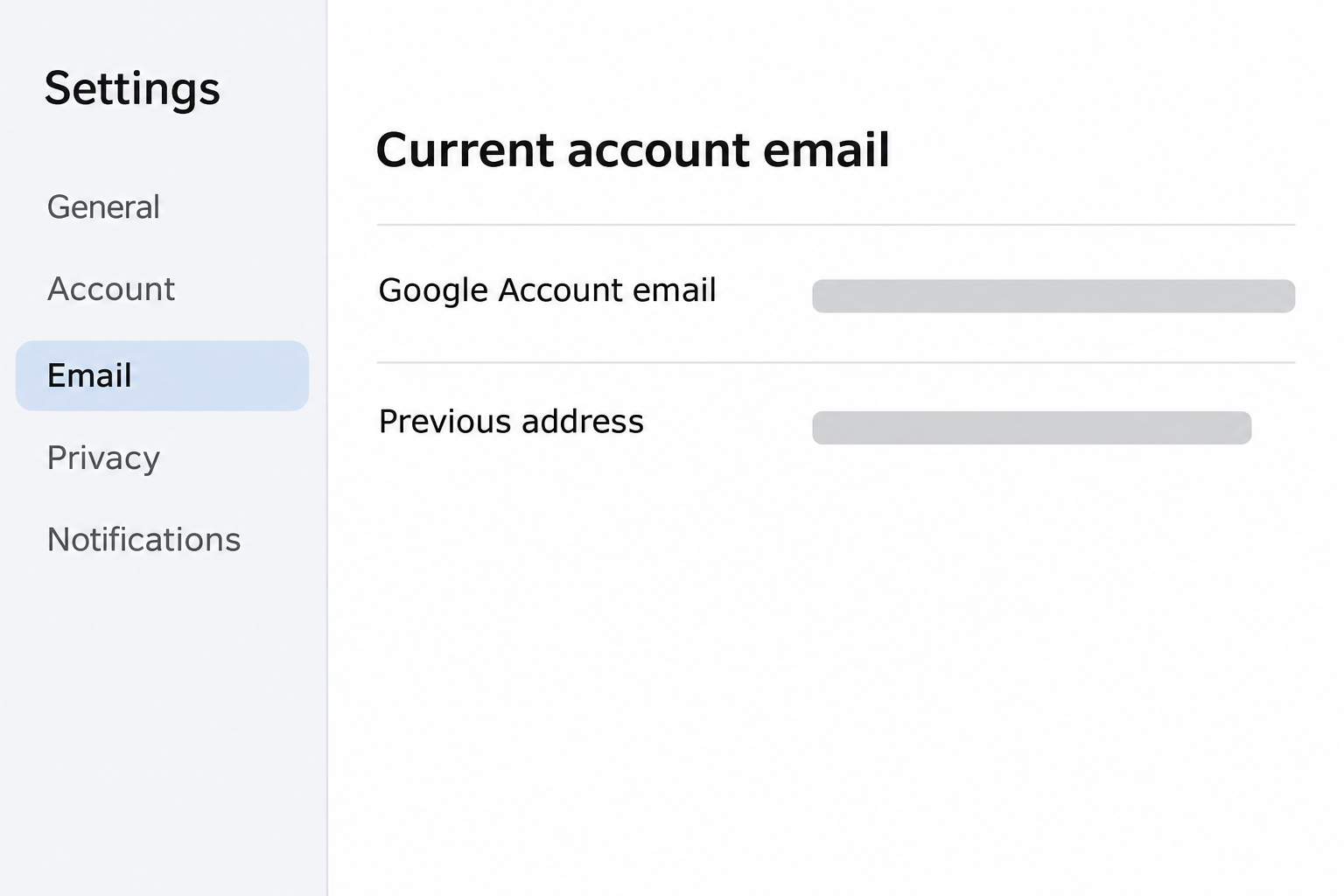
- Sign in to the account whose data you want to keep. In your Google Account, open Personal info, then Email, and choose Google Account email.
- Check for Change Google Account email. If it isn’t offered, don’t try removing Gmail or deleting the Google Account to make the option appear.
- Review Google’s warnings for Chromebook use, Chrome Remote Desktop, and apps that use Sign in with Google. Confirm you have another authorized way to access anything essential.
- Back up what you need and make sure you can reach your recovery options. Pick a new address carefully, since Google limits how often you can create one.
- Use the change flow on the correct account, then confirm you can send, receive, and access the services you rely on before distributing the new address widely.
Make sure you’re working on the right identity
A browser can leave several Google accounts open at once. The Inbox and the Google Account screen can belong to different identities if you switched profiles along the way.
Check the full current email at the top of the page. If you keep personal and work mail open together, perform the change from a window you recognize.
If you use a work or school address managed by an administrator, don’t assume this consumer Gmail workflow applies. Ask your administrator how identity changes work for that account.
A new Google Account is a separate identity. Don’t choose Create account if the point is keeping the Drive folders, purchases, and mailbox already attached to the original account.
Review Sign in with Google without removing working access
List the services where you use the Google button instead of a separate password. Start with services that store files, have paid plans, or handle important appointments.
Check whether each service has an independent recovery or sign-in option you can verify before changing the primary address. Follow its instructions rather than unlinking it as a test.
If a service opens a blank account, stop and work on recovering your existing login. Your subscription or documents may still be under the old identity.
Google describes taking additional steps when a non-Google site doesn’t recognize the new address. Follow the provider’s support route and identify the original account instead of paying again.
For each essential service, write down the email it lists and whether it has its own username. A membership number can help support distinguish your account from another.
Start with accounts that are difficult to replace, such as a booking with travel approaching. The old inbox still receiving mail doesn’t mean the service recognizes the new login.
If a provider supports adding another sign-in method, make sure it reaches the same records. Opening a second profile won’t give you access to the first profile’s data.
Give old devices and remote access a separate check
Before making the change, read the device-specific warnings in Google’s guide. Keep a copy of important local files, especially if a device is your only copy.
If you use Chrome Remote Desktop, plan when you can reach the remote computer or have authorized help there. Don’t assume a signed-in browser keeps every remote session available.
Don’t reset a Chromebook simply because the new address isn’t shown immediately. Start with Google’s device instructions and back up information before an action that might remove local data.
Review important app settings after the change. Google’s warning about settings behaving like a new sign-in doesn’t mean existing files and messages have been deleted.
Change the Address, Then Prove What Still Works
The sign-in screen is not the final check
When Google offers the change, choose a username it accepts and review the confirmation. A previously used address or reserved name might not be available.
Once the change finishes, reopen Google Account email. Verify that the new address appears as primary and that the old address is still listed.
Use the new address in a normal sign-in on a device you control. Check a familiar Drive folder or a recent email to confirm you reached the same account.
Keep a working session open on a trusted device while verifying another login. That gives you a known point of access if a prompt appears that you didn’t expect.
If a page appears empty, inspect the profile email before concluding that your data disappeared. You may have opened a different account with a similar name.
Test sending and receiving as different actions
Send a benign message to both addresses from an account you control. Check that both arrive, and look at each message’s recipient field to see where it was directed.
Send a harmless note in the opposite direction too. Review the From address before sending if you want the recipient to see only the newer address.
Google says the previous address can remain available as a sending alias. If you don’t want to send from it, review Gmail’s separate send-as settings.
Some clients can remember your account identity differently. Before you send a message that needs the new address, check the sender shown in that actual app.
An old conversation can still include your previous address in the headers or quoted text. Introduce the replacement in a new message rather than expecting old records to change.
If someone should reach you only at the new address, ask them to update their contacts. Google can’t update another person’s address book or completion suggestions for you.
Review any saved signature that spells out your email. An address written into the signature can disagree with the sender shown above the message.
Make an old address less noisy without pretending it’s gone
If unwanted mail keeps arriving at the old address, a Gmail filter can help sort it. Read the recipient field and test a label before automatically deleting anything.
Leave a way to review messages you still need, such as receipts from an old service. A filter that moves mail isn’t the same as retiring the address.
If you’ve been receiving threats, hiding the old mail from your inbox view won’t remove the sender’s ability to address it. Keep relevant messages privately and use appropriate safety channels.
For a service that must use the new destination, change its account settings directly and finish verification. The Gmail rename doesn’t update another company’s contact record.
When a Rename Is and Isn’t the Right Choice
If you want a more professional address but still need years of history, changing the primary address can fit. You can tell important contacts without losing older messages.
One account with two addresses won’t give you real separation. Consider a separate account and move only what you need.
A visible name in the sender line isn’t the same as the actual address. If only the name looks wrong, check the display name before changing the Gmail username.
Dots within a personal Gmail username don’t give you a separate inbox. Google’s dot guidance explains why changing punctuation isn’t equivalent to creating a new address.
Plus-address tags can help sort mail, but they don’t give you a new underlying identity. If your existing address was exposed, don’t expect a tag to hide its base name.
Google says you can switch back to your previous primary address while keeping the new one associated. Reverting your preference does not immediately undo every change other services made.
Before shutting down anything, think through contacts, archives, purchases, and recovery. Removing Gmail itself is a separate operation with its own access requirements and effects.
Plan the changeover for the people who need to reach you
Keep a short list of people and services that need the new address first. A school or payroll team may need you to make the update in its portal.
For a biller, check that its confirmation reaches you and that you can still see your balance. Updating your contact address should not require paying for a second account.
If you keep a public work page, update the contact there only after testing the new address. General mail can still come in through the old address during the transition.
Tell regular contacts about the new address through a channel they recognize. A surprise message from a new address asking for money or documents can look like an impersonation attempt.
If you’re waiting for an account recovery email, finish that process first. Two changes at once make it harder to identify which address or login caused a problem.
Frequently Asked Questions
Does everyone have the Gmail change-address option?
Google describes the feature as gradually becoming available. Check your own Google Account email settings, because another person’s screen is not evidence that you have it.
If the option doesn’t appear, keep the account intact. Choose a separate address or wait rather than attempting a destructive account change.
Will email sent to the old address still reach me?
Google says mail sent to either associated Gmail address reaches the same inbox. Check the recipient field when you need to tell the addresses apart.
That can preserve important notices during a transition. It also means people who already have the older address can still send there.
Can I switch back if I don’t like the new address?
Google says a previous address can be made primary again. The new address stays associated, so switching back isn’t the same as deleting the new address.
If a sign-in doesn’t work after a change, review Google’s instructions and the service’s recovery options. Establish which identity has the data you need.
How often can I create a new address on the same account?
Google says that creating a new Gmail address on the account is limited to once in 12 months and three new addresses in total.
That limit is different from choosing a previous address again. Pick a replacement that works for the long term rather than treating it as disposable.
Is updating my Gmail display name enough?
A display name changes how your name appears, not which address receives your messages. The email address can still appear in recipient details.
If the address is what you need to change, look for Google’s account email option. If only the name is wrong, use the less disruptive setting first.
Can a rename resolve an ongoing account takeover?
It does not sign somebody out or necessarily stop access to the account. Use Google’s account security and recovery controls if there’s evidence of unauthorized access.
Review security and recovery before changing names. Keeping the same account means you still need to protect that account itself.
The Bottom Line
Change the primary Gmail address if you need a new name and want to keep the same account. Don’t use this feature to try to erase the old address.
Check access to important devices and connected sites first. Afterward, verify both incoming mail and your preferred sender address before relying on the new setup.

Join the discussion
0 commentsShare your experience or ask a question about this article.
Community experiences
Did this happen to you?
Your experience could help someone recognize the same scam. Submit a private report for our team to review.
I experienced this tooReports are reviewed before publication. Sharing publicly is always your choice.
Discussion
Start the conversation
Have a question or something useful to share? Add the first comment.