


A discount is easy to check when it appears in the app you already use. A link in a text message can leave you wondering whether you’ve missed an offer.
You don’t need to open that link again to find out. Start with the way the promotion reached you and what, if anything, you installed afterward.
Overview
The discount story belonged to an impersonator
Albiriox is an Android banking Trojan which Cleafy researchers found in an Austrian campaign impersonating the PENNY supermarket chain. The retailer’s real promotions and apps are separate from this incident.
The offer led toward a fake Google Play page or a route that promised follow-up through WhatsApp. An apparent app store in a browser isn’t necessarily Google’s own store.
The documented lure is useful because it gives you a concrete event to check.
Did you open a promotion from a text, receive a download in a chat, or install something?
A price wheel or a discount on fuel can feel unrelated to the banking activity reported later. That separation is exactly why it helps to keep track of the download.
If you’ve only given a number, save the original offer and stop there. The later message isn’t something you have to answer just because you already started the promotion.
What the malware can do during a normal banking session
The app can give an outside operator remote control and visibility on the affected Android device. Cleafy also found imitation screens designed to capture information from users.
One feature could cover activity with a dark overlay.
A black screen alone has many ordinary explanations, but after a suspicious installation it gives you another reason to stop using banking apps.
Banks can use device checks and extra authentication to protect access.
When malware operates on the phone you normally use, the bank may have to investigate activity from that same trusted device.
That’s not the same as saying every bank listed by the researchers was breached.
The attack targets people through their phones, and the actual effect depends on the installation and access.
Match your next action to what happened
- A text you never opened does not establish that anything was installed.
- A phone number submitted for follow-up may lead to new messages even if you never installed the app.
- An outside app you installed is more concerning if you gave it accessibility access.
- A bank prompt you unexpectedly approved needs a bank call, not just app removal.
- An unfamiliar payment should be reported even if Android appears to be working again.
If you weren’t sure which permission you accepted, tell support that directly.
They can work with the order in which you saw prompts instead of expecting you to remember every label.
How the Albiriox Campaign Works
Step 1: The offer reaches the recipient outside the real retailer
In the Austrian campaign, people saw messages leading toward a supposed discount. Some routes went straight to an imitation listing, while another offered to deliver the app later.
If the offer looks plausible, verify it without using the original link. Open the official retailer site or app through the route you already use.
Do not use the person who sent the message as the authority on whether it came from PENNY.
A new contact directing you to a download is part of the same approach.
Step 2: A real-looking store or chat supplies the download
A site can display screenshots, a star rating, and an Install button without being Google Play. In the reported campaign, the first Android download came through a deceptive route.
A file saved to the phone and an application installed on the phone are different things. Don’t open an existing APK just to confirm what you received.
If the download followed a chat, record the sender and when it arrived. Save the message as evidence without sharing the app package with friends.
Step 3: An update screen asks for access Android does not give by default
Cleafy saw a fake update interface once the initial app was present. The request was for access that could affect other apps, not simply permission to collect discount points.
An Android accessibility service can legitimately read or interact with information on the screen to help its user. That makes it particularly sensitive when an unfamiliar app asks for it.
An app that isn’t part of the device maker’s update process should not get control simply by calling itself a system update.
Use the device’s own Settings for legitimate update checks.
Step 4: The phone itself becomes part of the fraud
With enough access, the malware can interfere with ordinary use and help an operator interact with apps from the victim’s phone. It can also show deceptive prompts.
That possibility changes how you report an unfamiliar payment.
Tell the bank the phone may have been controlled when the payment was approved, rather than assuming only a password was copied.
Other people may see different lures for the same malware. The PIN, bank, or screen design in one report doesn’t supply a complete checklist for every affected phone.
What to Do if You Installed the Fake Albiriox App
-
Use another device for sensitive activity immediately. If you can safely reach normal controls, turn off Wi-Fi and mobile data on the affected Android phone.
Don’t reopen banking or wallet apps there. If the phone no longer responds, call from a different phone rather than trying instructions sent by the suspected contact.
-
Call your bank using an independent number. Use the number on your card or the bank website opened through a trusted device. Describe the app and any permissions granted.
Ask the fraud team about active sessions, registered phones, recent payment approvals, and whether mobile access needs to be suspended. Give the amount and time of unfamiliar transactions.
-
Separate card activity, bank transfers, and crypto transactions. Use the proper provider for each, since a bank can’t necessarily investigate a transfer recorded on a blockchain.
If you entered wallet recovery words or shared an access code, tell the legitimate provider what kind of information was exposed. Don’t repeat the actual words to anyone.
-
Preserve the original message without redistributing the file. Note the text’s arrival time, the point where you entered a phone number, and which prompts appeared afterward.
Take a photograph from another device if a visible screen could help and doesn’t expose sensitive information. Keep the suspect APK out of shared folders.
-
Protect the accounts that verify new sign-ins. On a known-clean device, check email, mobile carrier access, and recovery settings for accounts used on the affected phone.
Ask your carrier or account provider about alternate verification if you cannot receive codes safely. Never give an unsolicited caller a code to restore access.
-
Get help if the device is managed. Tell your employer or school about the installation before resetting it or removing management settings.
A mobile device administrator can revoke access to work accounts remotely. Share the relevant timing and permission details, not a guess about which files were taken.
How to Remove Albiriox From an Android Phone
Step 1: Start with the apps tied to the download
Use Settings > Apps and look for apps added around the time of the offer. Check their names and each app information screen against what you remember installing.
You may have seen more than one installation prompt. Tell support about the first unfamiliar app and any later update rather than focusing on a single name.
If the genuine retailer’s app was already installed through Google Play, don’t remove it simply because the fraud used the retailer’s name. Keep your attention on the unverified download.
Step 2: Revoke special access from the confirmed suspect app
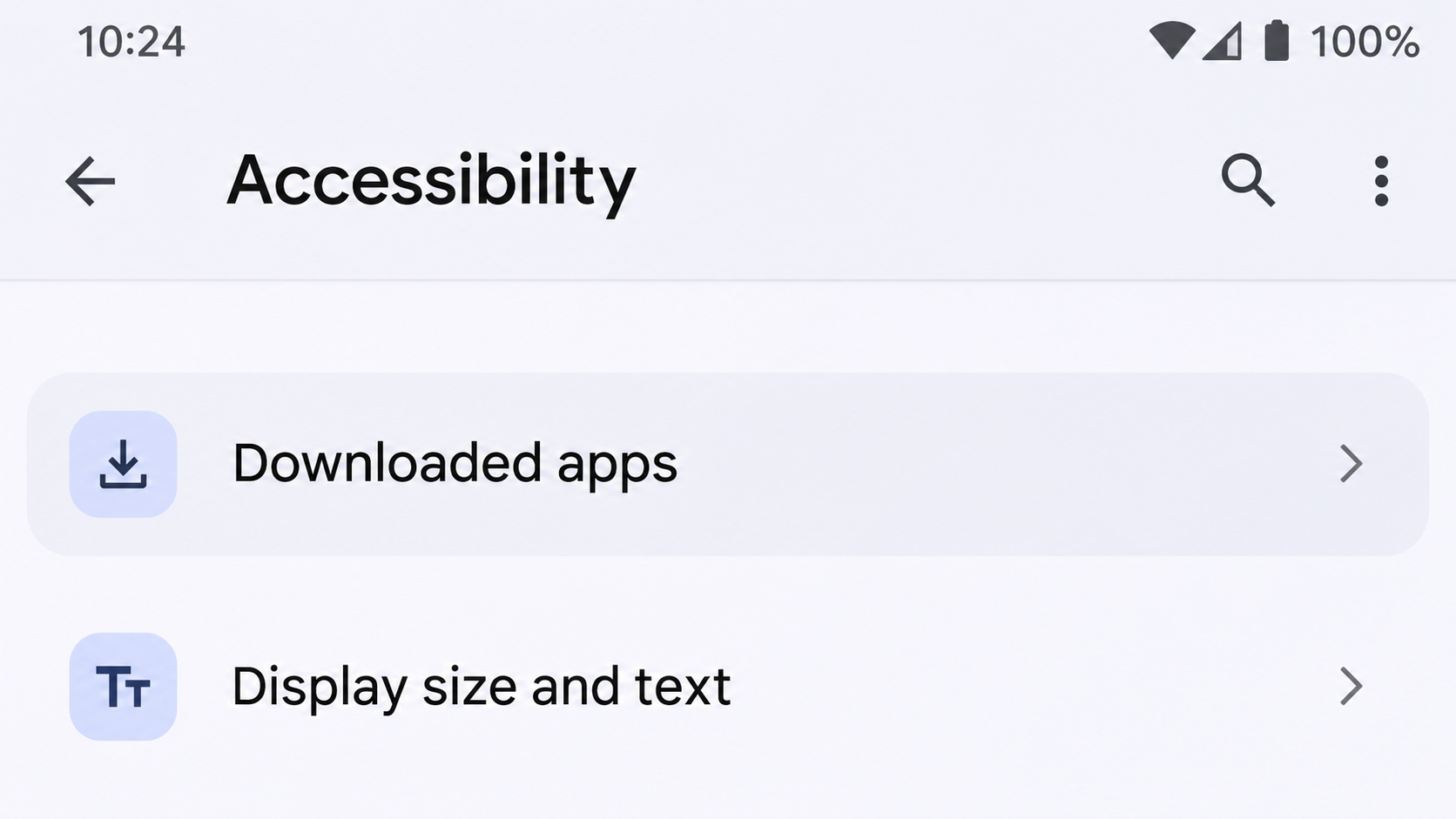
Search Settings for Accessibility and look for downloaded or installed services. Open the service for the confirmed suspect app and turn it off if you can access its controls safely.
Use Settings search for Install unknown apps and review whether your browser or chat app was allowed to install the package. Turn that allowance off if you don’t need it.
Then return to Settings > Apps, choose the confirmed suspect app, and tap Uninstall. If Android reports an administrator restriction, get device-specific help rather than changing other management settings.
Step 3: Run the official Android checks once the phone is usable
When you can safely connect again, open Google Play, select your profile icon, then choose Play Protect and run a scan. Review any warnings against the timeline.
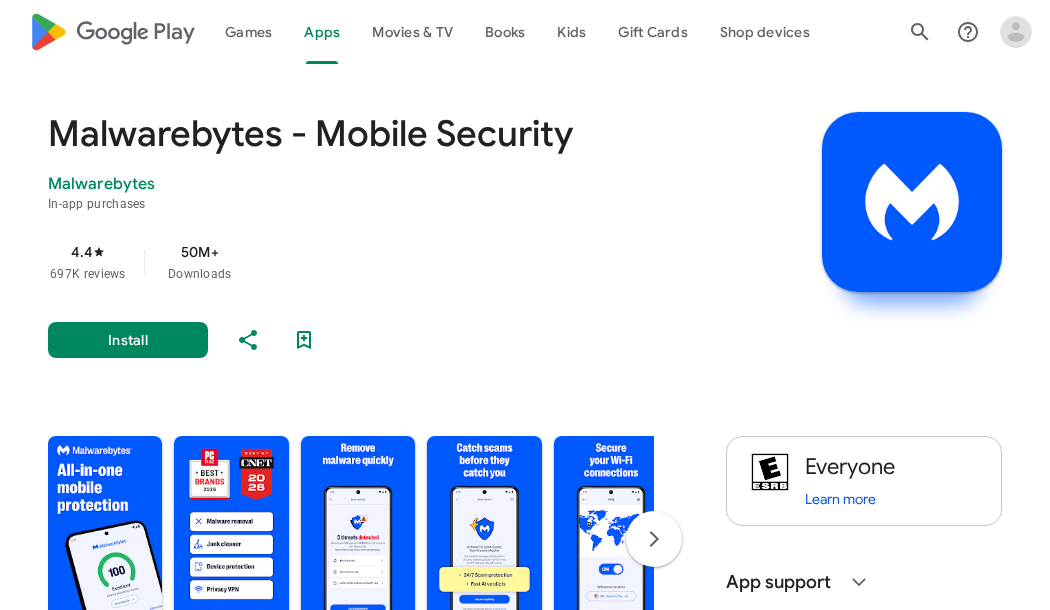
If you want an additional check, open the genuine Malwarebytes Play Store listing and verify the developer is Malwarebytes before installing.
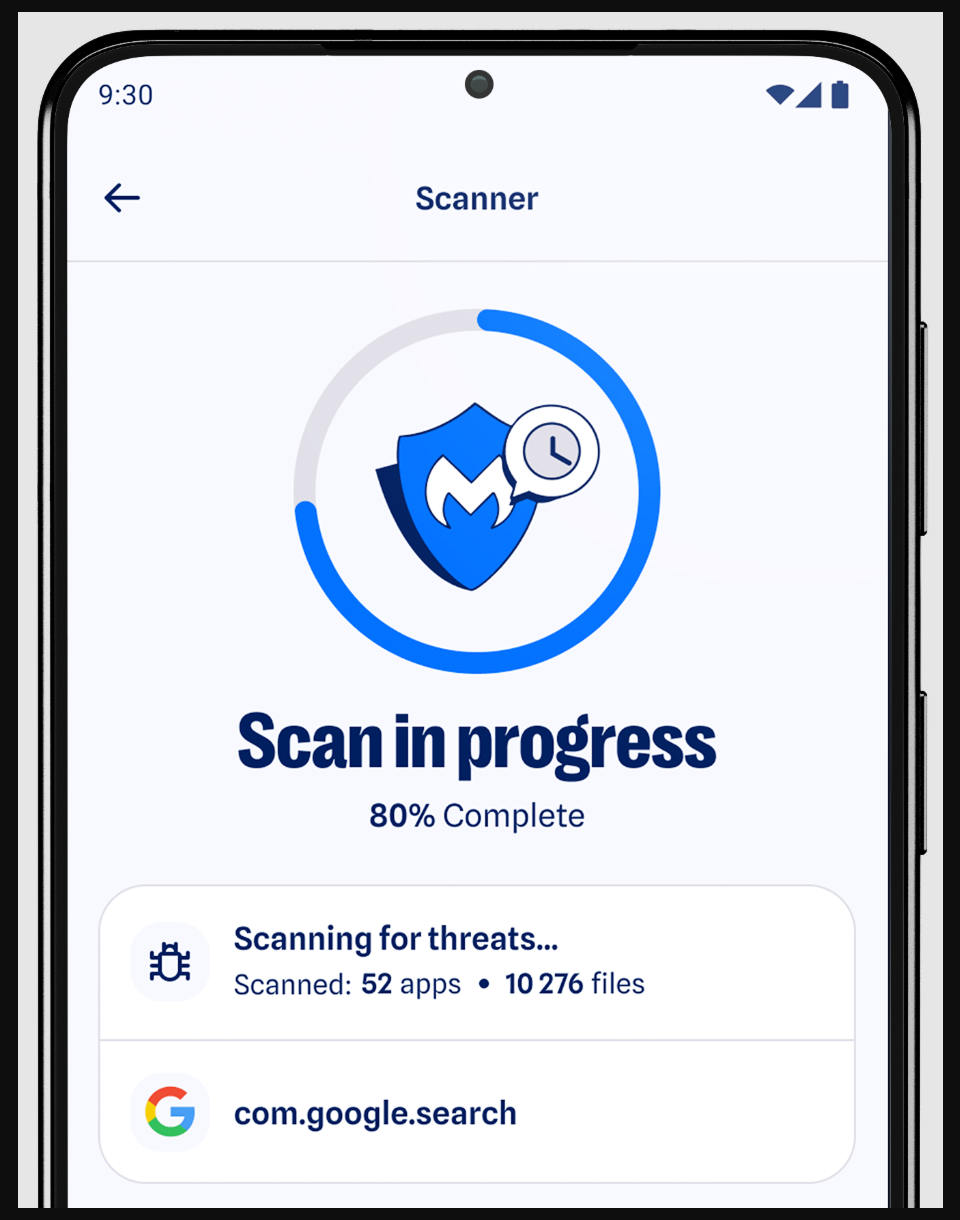
Launch the official Malwarebytes app and tap Scan now in the Device area.
Wait for the findings to appear, then open the scan results instead of closing the app during progress.
Check the detected apps and follow the removal prompt for the confirmed unwanted app. On a personal phone, restart after cleanup and verify the app and access are still gone.
Consult the Malwarebytes Android scan instructions if your interface differs. Report detections that keep returning rather than assuming another restart will solve them.
The Malwarebytes Android upgrade is an optional affiliate link. It doesn’t put a halted payment back in your account or end sessions at your bank.
Step 4: Verify the phone before restoring normal use
Check for official security updates in Android Settings. Review special access again after the restart, particularly which apps can act through accessibility services or install outside the store.
If the suspect app returns or the screen is still being interrupted, contact your device maker or the MalwareTips mobile help forum. Avoid sharing open bank screens publicly.
A factory reset can erase local data. Before considering one, check the official Android reset prerequisites, verify backups independently, and confirm you can sign in to the associated Google Account.
Step 5: Coordinate the return of mobile banking
Confirm with the bank which devices remain registered and whether the old authorization method needs replacement. Getting your phone working doesn’t open a closed dispute or remove an unknown beneficiary.
If you move to another phone, install the real banking app from its verified listing.
Ask the bank to confirm when the new phone is enrolled and the old one is removed.
Check whatever account activity the bank asks you to monitor. The bank’s own case number is useful if a charge first appears after you thought the incident was over.
Close the door on follow-up contacts
If a WhatsApp message arrives after the apparent promotion, the sender may still be connected to the same offer. Don’t let a new account turn the conversation into technical support.
Use WhatsApp’s report or block controls if you do not need to preserve evidence through a workplace process. Keep the timing of both the text and the chat.
Someone offering to help install the discount app has no reason to need a bank authorization code. If you get one unexpectedly, tell your bank where the request appeared.
If you shared the promotion before you recognized the problem, warn those people without resending its link. Tell them which retailer name and delivery channel to watch for.
Check whether any second download arrived in the browser or chat app. Once you preserve what support needs, remove the remaining installation archive without opening it.
If a family member uses the same phone, tell them that it’s unavailable for sensitive work. Make sure both of you know which device to use for recovery.
Remind them not to use verified calls or messages as permission to reopen the fake offer. The provider’s real app and the suspect download are still separate.
Frequently Asked Questions
Did PENNY send the Albiriox application?
The researchers documented impersonation of the retailer. To find legitimate offers, use a route connected to the real retailer rather than the message promoting the discount.
Can someone be affected just by giving a phone number?
Providing a number can allow further contact without installing an app. Block or report unwanted follow-ups and don’t use them to download anything or verify your bank.
Is a black screen enough to diagnose Albiriox?
A dark or unresponsive screen has plenty of ordinary causes. Tell support about any suspicious install, permissions, prompts, or unexpected payments that occurred around the same time.
Does Play Protect remove the need to call the bank?
Play Protect can help check the phone for unwanted apps. It cannot determine whether a specific payment was authorized or terminate a bank session on your behalf.
Why did the bank see my usual phone?
This threat can act on the phone itself once it gets extensive access. Describe that possibility and your own actions rather than assuming the bank saw a different model.
Does Albiriox spread only through discount offers?
The PENNY impersonation is a documented example, not the only possible disguise. Treat any unverified update that asks for broad access as something to verify first.
The Bottom Line
Skip the download promoted by the discount message. Confirm real offers through the retailer, and get Android updates from the phone’s own Settings.
If the app ran, contact your bank from another device before returning to mobile banking. Work through cleanup and payment recovery as separate jobs, even if the app has disappeared.

Join the discussion
0 commentsShare your experience or ask a question about this article.
Community experiences
Did this happen to you?
Your experience could help someone recognize the same scam. Submit a private report for our team to review.
I experienced this tooReports are reviewed before publication. Sharing publicly is always your choice.
Discussion
Start the conversation
Have a question or something useful to share? Add the first comment.