


You find an old address on AnyWho and want it removed. An older guide may send you to a different company than AnyWho does now.
The current AnyWho opt-out address opens a Spokeo form. The important detail is which listing address you give it and what you check after the request.
Overview
Start with the route AnyWho actually opens
AnyWho’s opt-out address redirects to Spokeo’s public listing-removal form. That is a stronger lead than instructions that still send AnyWho readers to a different suppression center.
You need the address for the specific Spokeo profile that matches your listing, not just the page where you typed a name or the website’s homepage.
If you cannot establish a match, don’t enter a stranger’s details to see if the request works.
Ask Spokeo to identify the corresponding listing or direct you to the right process.
Spokeo treats each public listing as a separate item
Spokeo’s public opt-out form explains that different entries have different addresses. If you have more than one listing, the page tells you to opt out of each one individually.
That matters if you have moved or used more than one surname.
A request about a listing with your current city may not be the one that contains your previous address.
An opt-out here is about public display in a listing. It does not erase a record at its source or tell every unrelated people-search company to stop showing it.
Use two checkpoints to confirm what happened
- First, check that you completed the confirmation email for the exact Spokeo listing address you submitted.
- Then, reopen the specific Spokeo and AnyWho pages you started with and see whether each one still shows the information.
- Treat another listing address as another record to check, even when it looks like a duplicate at first glance.
- If the page you open already changed but the search snippet didn’t, address the stale result separately.
- If you have an existing paid account, deal with billing separately from removing public data.
Locate the Right Address for the Spokeo Form
Keep the original AnyWho result for reference
Save the link where you saw your information, and note the date and which part you want removed. Keep that note private because it may contain an old address.
The original AnyWho address is useful when you need to explain that a display hasn’t changed. It is not interchangeable with the Spokeo profile address the opt-out form requests.
Open Spokeo directly from its official website and locate your matching record. You do not have to buy a report to submit the public listing opt-out.
Use only as much information as you need to distinguish your own entry. Sharing your full history at this stage creates another copy without resolving which listing you saw.
Compare the entry itself rather than the first person in the list
People who share your name may live in neighboring cities. Compare the displayed details before choosing an entry, such as city, age range, or a known former location.
If the first result isn’t clearly yours, don’t select it because it happens to be easiest to open. Continue until you can make a reliable match.
Open the specific result to obtain its address. The form gives examples of accepted Spokeo addresses so you can compare the shape without sending information from an unrelated record.
If the path still shows a general search rather than an identifiable listing, return to the result and open the entry itself. Then copy the address from the browser.
Handle old addresses and name variants as separate checks
A listing under an older surname can still point to you. Start with the name and location that appear on the page, not only your current name.
Suppose you find two Spokeo profiles: one for a city you left and another for your current area. If both match you, the form’s instructions treat them as separate entries.
Keep those URLs distinct in your notes. Otherwise a confirmation for the second may look like proof that the first result was also removed.
If a result contains mixed details from different people and you cannot confirm what’s yours, use the official contact route. Explain exactly why the match is uncertain.
Complete the Confirmation and Check the Actual Results
Submit a listing URL and an email you can open
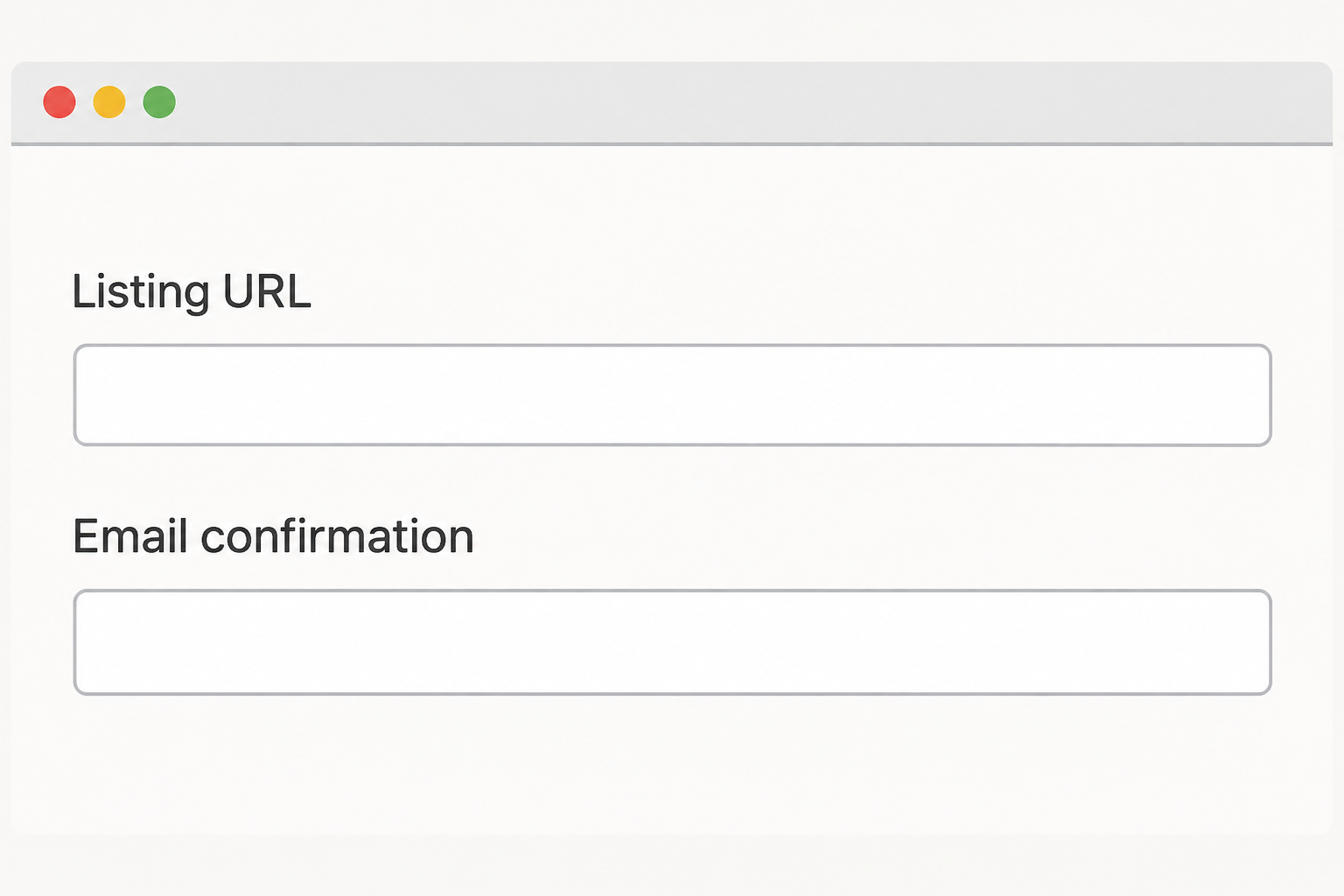
Open the official form and provide the address of your matching Spokeo listing. Enter an email you control and complete the challenge shown by the official page.
Spokeo says it sends a confirmation email with a link you must click to finish the process. A submitted form by itself doesn’t tell you that you completed that step.
Open a message only if it matches the request you intentionally started. If a message asks for unrelated account credentials or a fee, navigate back to the provider instead.
Keep any confirmation along with the affected URLs. A dated record gives you something specific to ask about if the original AnyWho page remains visible.
Use Spokeo’s timing for what it actually describes
Spokeo’s form estimates processing in 24 to 48 hours depending on the request and data. It doesn’t publish a guaranteed time for your specific result on AnyWho.
Once the provider has had time to process it, reopen the Spokeo listing first. Then revisit the exact AnyWho page and check whether the personal information still appears.
If one page changes and the other doesn’t, record the difference rather than submitting random URLs. A clear comparison gives the privacy team a concrete problem to look at.
A Google result may show text from the old copy even after the page changes. Open the destination before treating the snippet as evidence that the removal failed.
If the form rejects the address
Compare the URL with the examples on the form. An AnyWho result or a page containing multiple Spokeo search results isn’t the profile address the form describes.
If the URL is correct but the form fails, keep the error and date. Don’t buy a report or substitute somebody else’s listing.
Check the contact path in Spokeo’s privacy policy. Give support the affected AnyWho page and any matching Spokeo listing you can verify.
If the system doesn’t send confirmation, check the mailbox and spam folder. If you still can’t complete it, use the provider’s support route and include the issue you encountered.
What to Do When AnyWho Shows Information You Want Removed
- Save the AnyWho page in a private note and identify which information shows that the listing is about you. Avoid sharing that note outside the removal process.
- Find the relevant Spokeo result and copy its individual URL. Determine whether multiple entries are actually yours before requesting removal.
- Open Spokeo’s public opt-out form, enter the matching profile URL and an email you control, and complete the provider’s confirmation process.
- Reopen the pages from both sites after processing. If only one changes, follow up with the original and corresponding listing addresses and your confirmation details.
- If the page is gone but an old search result remains, use the search engine’s process for outdated information. Address an independent copy with its actual publisher.
Check related listings rather than assuming a universal deletion
Another people-search site may get similar public information from a separate source. Its listing won’t disappear solely because an AnyWho privacy link led to Spokeo.
If the item is a court, property, or other public record, the opt-out form is not a request to that records office. Contact the relevant agency about its options.
Spokeo also says new records can lead to information appearing again. Recheck the specific listings that matter, especially if you move or discover an earlier name variation.
When you recheck, note whether it is the identical entry or a new URL. That helps you avoid repeating the same request when you actually need to cover another listing.
Don’t confuse account or payment work with listing removal
A receipt or membership concern is about an account you use, while the public listing may appear even if you never signed up.
Removing the listing doesn’t resolve an account charge.
If you pay for an existing membership and want to cancel it, review that account separately. An opt-out confirmation says nothing about whether you stopped a renewal.
If you only want the public result removed, keep the task on the listing form. You should not have to create a paid membership just to file that request.
When AnyWho and Spokeo don’t show the same thing
An AnyWho search result might contain enough information to recognize yourself, while a similar Spokeo result shows conflicting details. You don’t have to force them into the same record.
If there isn’t a good match, start the follow-up with the AnyWho URL and what you can verify on that page.
Tell Spokeo that you have not found a matching profile.
The redirect tells you who operates the current request route. It does not tell you when a particular AnyWho result will change.
The public form even shows an example of a Spokeo URL with a purchase path that includes a listing identifier.
That example is about identifying the entry, not paying for removal.
If you already have such a specific address, compare it with the form’s example. Don’t try to open a new checkout merely to construct a link for the request.
Keep the verification as specific as the request
Suppose you filed for a profile in one state and your confirmation came through. Reopen that exact result before assuming the same-name listing from another state was covered.
If you bookmarked only search results, open the entries you remember and compare them. Some results may belong to other people, so check enough detail before taking action again.
If your name still appears in general search, open the listed page. Don’t file a second request for a profile that no longer opens.
If a site only shows a masked preview, check what it actually exposes. You may need to identify the record without paying to unmask information about you or someone else.
A result that leads to a different broker is not an AnyWho entry simply because the text uses the words people search. Confirm the host before choosing a form.
If a source page is still visible and you think it should already be gone, save a minimal record before following up.
A URL and date are usually a useful start.
Decide what proof would settle the particular concern
If a public listing was the problem, check it directly rather than asking somebody else to search for you. That avoids drawing extra attention to the information.
If someone sent you a copy, a changed listing does not answer whether they still have it.
Handle that copy separately from the broker and decide whether further help is needed.
Frequently Asked Questions
Which site handles AnyWho’s opt-out now?
The AnyWho opt-out URL redirects to Spokeo’s public opt-out page. Start there rather than relying on an older guide that points to a separate company.
The form expects an individual Spokeo listing address. If you can’t make the match, ask the provider instead of guessing at the entry.
Can I paste the AnyWho result straight into Spokeo?
The form asks for a Spokeo profile address and shows examples for that service. Keep the AnyWho URL for reference and try to locate the corresponding Spokeo result.
If you cannot find one, contact Spokeo through its privacy information. Explain that you can see the claim on AnyWho but cannot identify the matching entry.
How do I know a matching old listing is gone?
Open the exact pages you recorded after the provider processes the request. Check whether the details are still available on Spokeo and AnyWho, not just whether search rankings changed.
If the source page changed but Google still shows an old snippet, check its outdated-content tool. That request deals with the search result, not the directory.
Will one request cover every profile with my name?
Spokeo says its public listings each have a separate URL and must be opted out individually. Only select records you can match to yourself or are authorized to handle.
If you found several listings, tie each confirmation to its URL. This also helps you see which entry remains if another one disappears.
Do I have to pay Spokeo to remove an entry?
Spokeo publishes a public listing opt-out form that asks for the listing address and an email confirmation. Buying a report is not part of those instructions.
If you’re on a checkout page, stop and verify the route. Open the opt-out form directly rather than paying to see whether the option comes later.
Does this erase the public record that supplied the information?
Removing a listing does not change its original source. Spokeo warns that information may still appear on other sites and may reappear as records change.
If the source is a public agency, ask it about its own procedures. Do not assume a commercial site’s confirmation extends to the agency’s records.
The Bottom Line
Use the Spokeo form that AnyWho actually points to and confirm the request for the right listing. Keep the AnyWho link so you can check the original problem afterward.
If only one site changes, use your confirmation and both URLs to follow up. Treat a stale snippet or a separate publisher as a separate issue.

Join the discussion
0 commentsShare your experience or ask a question about this article.
Community experiences
Did this happen to you?
Your experience could help someone recognize the same scam. Submit a private report for our team to review.
I experienced this tooReports are reviewed before publication. Sharing publicly is always your choice.
Discussion
Start the conversation
Have a question or something useful to share? Add the first comment.