

The phone does not wait for you to sit down. It rings, or a text lands, and the first line is already about your visa. An overdue fee. A problem with a file. A warning that someone will be deported if you do not call back today. Then a name that sounds like a government desk: Australian Immigration Bureau.
That name is the trap. It is built for the part of you that already worries about a student visa, a partner visa, a parent still offshore, or a citizenship ceremony that has not happened yet. The voice does not have to shout. Fear does the work.
You are not being invited to read a policy page. You are being asked to stay on the line, or to dial the number in the message, before you have looked anything up for yourself.
Hang up. Do not press a key to speak to an officer. Do not call the number in the text. The real front door for visas and citizenship in Australia is the Department of Home Affairs. The immigration pages sit at immi.homeaffairs.gov.au. Australian Immigration Bureau is a costume, not the official public-facing name of that department.
Overview
The trap is a call or a text that uses immigration fear so you will call back, pay, or hand over a passport number or a Tax File Number. The costume can say Australian Immigration Bureau. It can also say Department of Immigration, Home Affairs, Border Force, or a close cousin of those names.
The ask is almost always the same. Stay on the line. Call this number. Pay a fee. Read out a passport. Confirm a TFN. Sign into ImmiAccount while someone is still talking.
The Department of Home Affairs is a real Australian Government department. It runs visas, citizenship, and the official immigration site. It has a real contact centre. It publishes real warnings about people who pretend to be its staff. Nothing in this article is a smear of that department. The point is to split the costume from the office. Home Affairs does not need a fake bureau name to do its work. A stranger on your phone does.
In May 2026 Home Affairs posted a public warning about a phone scam impersonating the Department of Immigration, an older title the department no longer uses as its public name. The department said scammers may call and claim they are working on its behalf, ask for personal information, or leave a voicemail that tells you to call back. It told people not to follow keypad prompts for further information. Hang up.
Staff, it said, will always identify themselves before they ask for information. You can ask them to confirm a file number or an application lodgement date that you already know. Staff will not intimidate you. They will not ask for credit card details, banking details, or payment over the phone.
The same department has also said its staff will not ask for an ImmiAccount password. That one line is enough to end most of these calls. A person who wants the password is not helping you with a visa. A person who wants a card number on a live call is not collecting an official charge.
Scamwatch has been writing about this fear for years. A 2015 alert, still on the official site, warned about calls that claimed to be from the Department of Immigration, threatened deportation, and demanded money. The department of the day confirmed it does not ask for payment of fines or penalties by telephone.
An earlier Scamwatch alert, from 2013, described the same pressure and said the Australian Government will never call you to demand a payment on a visa to avoid being deported. The costume changes. The fear does not.
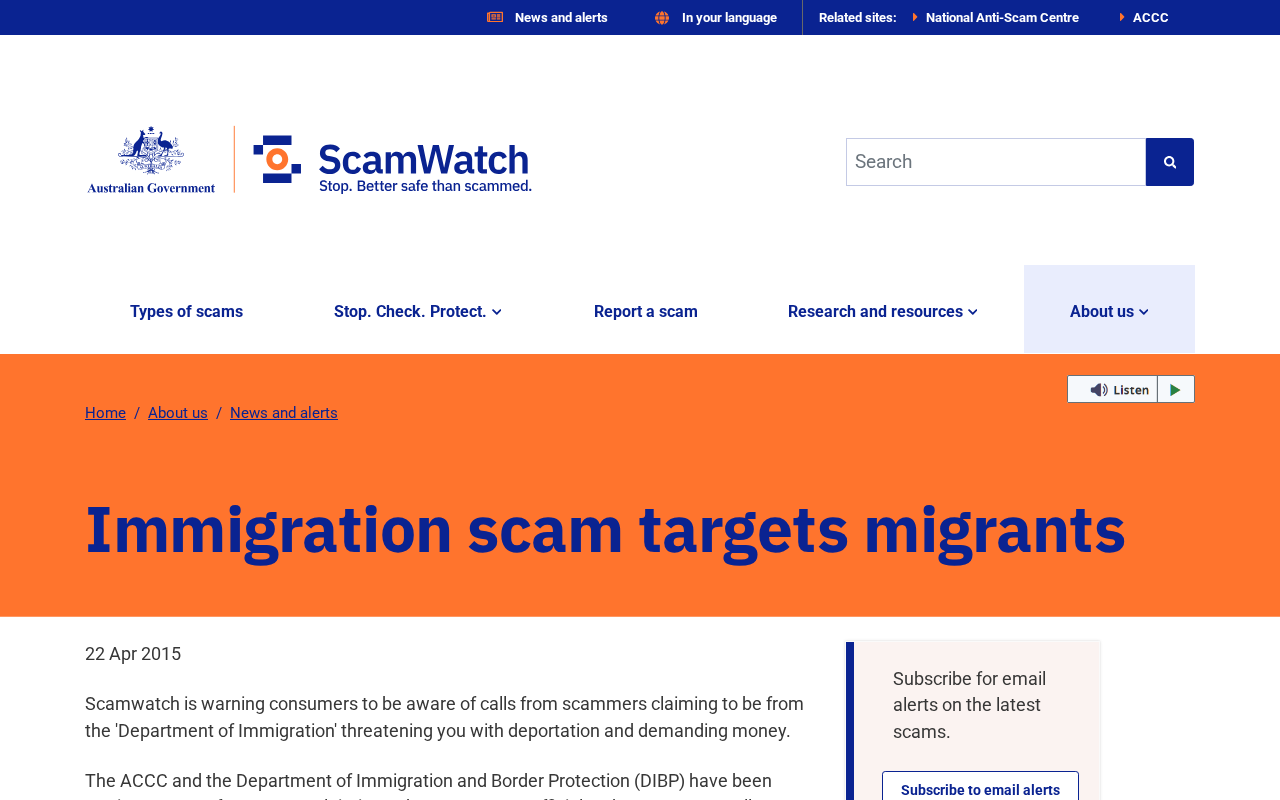
Scamwatch’s current phone-scam page says 1 in 3 reported scams happen by phone. The page lists government organisations among the names criminals borrow. It also lists a threat of immediate arrest or deportation as a reason to stop and think. That is the same emotional door this costume walks through. You do not need a new agency name to see the pattern. You only need to notice that the caller wants you to move before you can check.
What the call or text may say
The wording changes. The pressure does not. A live voice may say it is calling from the Australian Immigration Bureau about a problem with your visa. A recorded message may tell you that a file is overdue and that you must press 1 to speak with an officer.
A text may say a fee is unpaid and that enforcement will start if you do not call a number today. Another text may claim a visa will be cancelled, a bridging visa will lapse, or a family member will be detained unless you confirm your details.
None of those lines proves the department called. A bureau phone number, a case code, or a fee in the message is part of the costume. They are meant to sound specific so you stop asking who is speaking.
A number on a screen can be spoofed. A file number recited from a data breach can still be a file number you recognise. Recognition is not the same thing as proof that the Department of Home Affairs placed the call.
Home Affairs has said scammers may leave a voicemail and ask you to call them back. That callback is the product. Once you dial their number, they control the story. They can keep you on the line while a second person talks to your bank. They can walk you to a payment shop. They can ask you to read a passport page “for verification” and write the number down.
Costume versus official
Australian Immigration Bureau is not the official public-facing name of the department that handles visas. If a voice uses that title, you are not speaking to the public contact centre on the Home Affairs site. The official name on the crest is the Department of Home Affairs. The official immigration website is immi.homeaffairs.gov.au. The official account for applications and messages is ImmiAccount. The official check for visa conditions is Visa Entitlement Verification Online, known as VEVO.
Older titles still appear in scam scripts because they still sound official. Department of Immigration. Department of Immigration and Citizenship. Department of Immigration and Border Protection. Home Affairs itself warned in 2026 about callers using Department of Immigration. Those names describe real history. They do not give a stranger permission to demand a card number tonight.
The official telephone path is published by the department, not by the caller. On the Home Affairs telephone page, the Global Service Centre is listed as 131 881 inside Australia and +61 2 6196 0196 from outside Australia, Monday to Friday, 9 am to 5 pm in your local time, closed on Australian national public holidays.
That is the number you look up yourself. It is not a number that arrives inside a threatening text. If you already have a genuine matter, you can also sign into ImmiAccount by typing the official address yourself, not by tapping a link in a message.
Home Affairs staff can and do talk to people about real applications. They identify themselves. They can be asked to confirm a file number or a lodgement date that you already have. They will not bully you into a same-hour payment. They will not ask you to buy a voucher. They will not ask you to move money into a “safe account.”
They will not ask for an ImmiAccount password on a cold call. Those refusals come from the department’s own public warnings, not from a guess.
What they want from you
The first prize is a callback. A callback turns a ignored robocall into a live conversation they control. The second prize is money. The story may be an overdue visa fee, a penalty, a bond, a fast-track charge, or a fee to “correct paperwork.”
The Department of Home Affairs has said officials will not ask people for extra money to process visas faster. Genuine charges go through official channels such as ImmiAccount, not through a number that just rang you.
The third prize is identity. A passport number, a TFN, a date of birth, an address, and a mother’s maiden name are enough to open other doors. A stolen TFN is useful far beyond a visa story. A passport scan sent over a chat app is useful to someone who will never file a form for you. If the caller also wants the one-time code from your phone, they are not verifying you. They are signing in as you.
Related costumes exist around the same fear. In July 2026 Home Affairs warned about people knocking on doors while claiming to be officers and asking for personal documents, fingerprints, photos, or money. That is a different script, but it uses the same badge. This article is about the call and the text. The rule is still the same. Unexpected contact that wants money or identity data is not how you settle a real visa file.
How The Scam Works
1. Fear finds you first
Immigration fear does not need a long introduction. If you hold a visa, if a partner is waiting, if a parent is in the queue, if a student visa is close to a date, a single sentence about deportation is enough to empty the room of every other thought.
Scamwatch has said these calls target people who have migrated or who hold temporary visas. The caller may already have a name, a nationality, or a city. That information can come from a leak, a form you filled for a school, a social post, or a previous scam. Hearing your own name does not mean the department opened your file this morning.
The call often arrives at a bad time on purpose. Early. Late. During work. While you are with a child. The point is to keep you from walking to a computer and typing the official site. Urgency is not a service. It is a tool.
2. The costume does the selling
Australian Immigration Bureau sounds like a building you should already know. That is the job of the phrase. It is close enough to immigration, and close enough to bureau, that a person under stress will not stop to ask whether that is the name on the crest.
Department of Immigration does the same job for people who remember the older title. Home Affairs does the same job for people who have the current name in their head but have never dialled the contact centre.
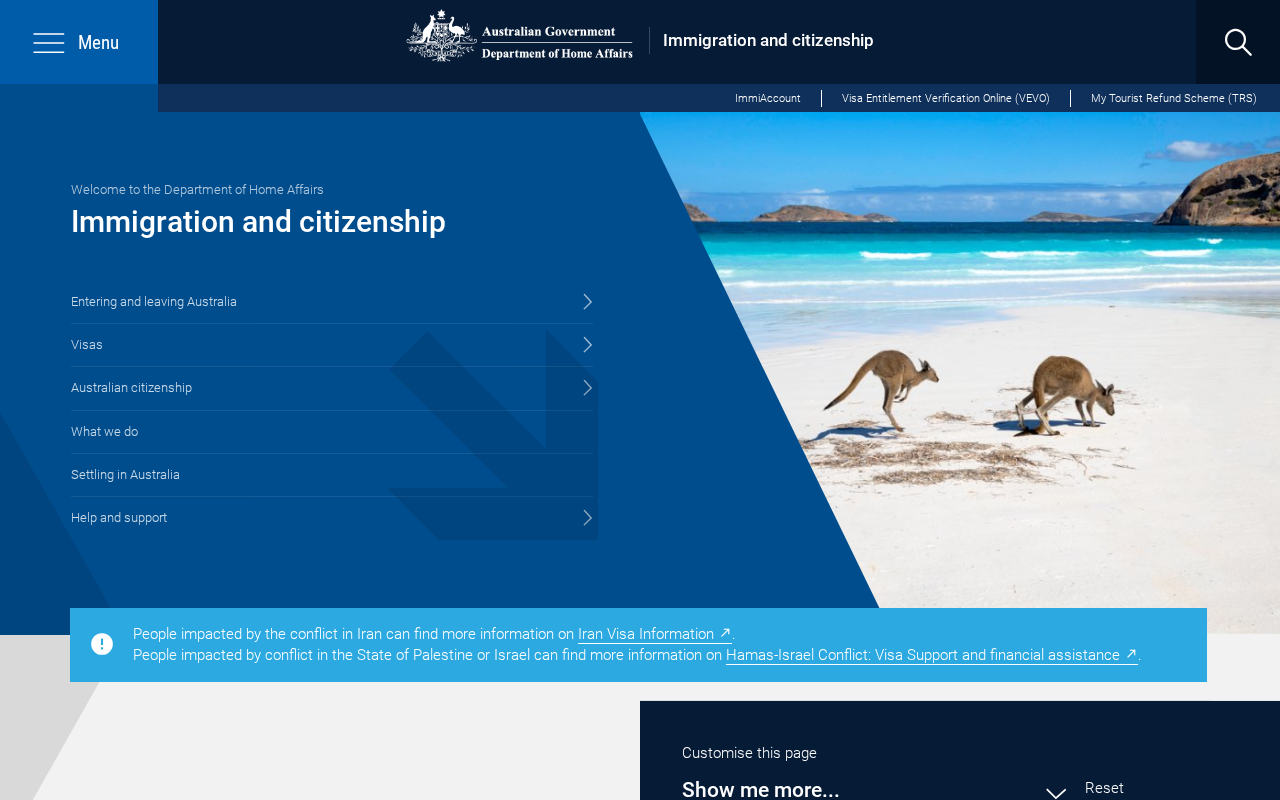
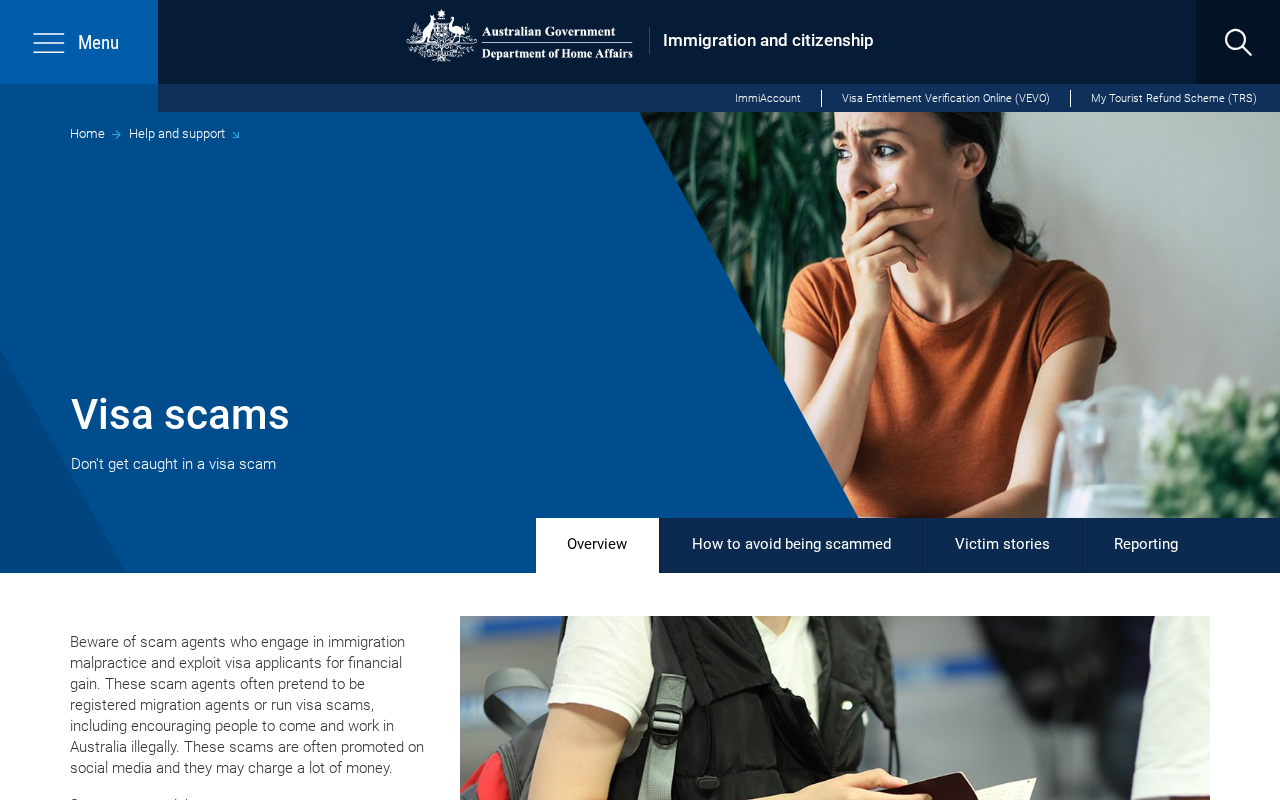
The official site does not hide its name. The screenshot at the top of this page shows Department of Home Affairs and Immigration and citizenship, with the Australian Government crest. The official visa scams page uses the same branding and the line “Don’t get caught in a visa scam.” A caller who will not sit inside that site, and who will not let you hang up and call the published number, is not doing department work.
3. A callback, not a file
A real visa file lives in ImmiAccount and in the department’s systems. A scam file lives on a script. The voicemail that says “call this number immediately” is trying to move you onto their line. Home Affairs has said not to follow keypad prompts for further information.
Scamwatch says the same thing in plainer language. If you are not sure who is calling, it is okay to hang up. Let unknown numbers go to voicemail. Then open the official site yourself.
If you have a genuine application, the status is in ImmiAccount. If you need to know what a visa allows, VEVO is the official check. If you need to speak to a person, the Global Service Centre number is on the department’s telephone page. None of those steps requires the number in the text. Using their number is how the costume stays on.
4. The payment is the point
Once you are on the line, the story usually needs money. The amount will sound precise because precision feels official. Historical Scamwatch alerts described upfront demands in the hundreds or around $1,000 on older campaigns. Later ministerial warnings have described people being asked for extra money to speed up a visa.
The method matters more than the figure. Gift cards, cryptocurrency, wire transfers, a taxi to a payment shop, and a card read aloud on the phone are not how Home Affairs collects a genuine charge.
Scamwatch’s older migrant-target alert said callers might even offer to send a taxi to take you to a post office to send a wire. That detail is worth sitting with. A real department does not dispatch a cab so you can pay a stranger. If the voice is rushing you toward any payment rail that you cannot later reverse, the conversation is already over.
5. Passport and TFN are the second prize
Some calls never ask for a dollar on the first try. They ask you to “confirm” a passport number. They ask for a TFN so they can “locate the file.” They ask for a photo of the bio page, or a selfie holding the document, or the names of every person on an application. That is identity work, not visa work.
A genuine officer who reached you through an official process already has the file. Home Affairs says it needs to establish identity before discussing a record, and that you should have a passport ready if you placed the call to them.
That is the reverse of a cold call that demands the same data from a person who never dialled. You called them, on a number you found, after you decided to talk. They did not hunt you at dinner and ask you to read the page into the phone.
A TFN is not a visa receipt. It is a tax identity. Handing it to a stranger because they mentioned deportation is how an immigration costume becomes a tax and banking problem. If you already read one out, treat it as an identity incident, not as an embarrassing mistake. The steps in the next section are for that moment.
6. Why hanging up is not rude
People stay on these calls because they do not want to be rude to government. That instinct is decent. It is also what the script expects. Home Affairs told the public to hang up. Scamwatch told the public to hang up. Scamwatch’s phishing guidance says government impersonators may threaten arrest, deportation, or other legal action, and that you should check a message or call by contacting the organisation on details you found yourself.
You can be polite to a real department by using its real door. You do not owe a performance to a costume. If the caller becomes angry when you say you will hang up and check ImmiAccount, that anger is information. A public servant does not lose a visa file because you took four minutes to open the official site.
7. How to check without using their number
Close the text. End the call. Use a different device if you can. Type immi.homeaffairs.gov.au yourself. Sign into ImmiAccount the way you always do, from a bookmark you made earlier or from that site, not from a link. Look at the application and the messages that are actually there. If nothing matches the threat, you have your answer.
If you still want a person, use the published Global Service Centre numbers on the department’s own telephone page. Tell them you received an unexpected contact. Ask whether anything is outstanding. Do not read out a password. Do not make a payment because a stranger told you a deadline exists.
If a registered migration agent already acts for you, you can also ask that agent to look. Paid immigration assistance in Australia has to come from a registered migration agent or an Australian legal practitioner. You can check a registration through the Office of the Migration Agents Registration Authority. A voice on a withheld number is not that office.
If the contact claimed a relative was in detention, do not start sending money to free them. Use official channels and people you already trust. A family emergency that can only be solved by a gift card is not a family emergency.
What To Do If You Already Called Back
If you already dialled the number, you are not the first person to do it and you are not foolish. The costume is built so that a careful person still calls. What you do in the next hour matters more than the fact that you picked up.
If you only talked, stop. Do not call that number again. Do not send the follow-up document they asked for. Write down what you remember: the name they used, the time, the number on your screen, and what they wanted. Then check ImmiAccount yourself. If the official file is quiet, the story was the call.
If you paid, contact your bank or card provider now and tell them the payment was a scam. Ask them to stop anything that can still be stopped. If you used a transfer service, call that service too. Speed matters more than a perfectly written report. Scamwatch’s phone-scam page says to contact the bank first, then change passwords on banking, email, and government accounts.
If you read out a passport number, a TFN, a date of birth, or an address, treat it as stolen identity material. IDCARE is the free identity support service Scamwatch points people to in Australia and New Zealand. The number they publish is 1800 595 160. They can help you make a plan.
If a passport was read out or photographed, look up the official passport-office guidance on reporting a lost or compromised document and follow that, not a number from the caller.
If you gave an ImmiAccount username, password, or a one-time code, sign in from the official site on a device you trust and change the password. Turn on or review multi-factor authentication. If you cannot get in, use the official ImmiAccount technical support path on the Home Affairs site, not a reset link from the caller.
Watch the account for new applications, new contacts, or a changed email address. A stranger who can open ImmiAccount can do more than steal a login. They can change how the department reaches you.
If you installed software, or allowed remote access, because the voice said it was a secure government session, disconnect that session and get the device checked. Real Home Affairs staff do not need remote control of your laptop to discuss a visa. Scamwatch says government organisations will not ask to access your device remotely or ask you to download software.
Then report it. Report the contact to Scamwatch so the National Anti-Scam Centre can see the pattern. Home Affairs also tells people to report suspected immigration fraud and unregistered agents through Border Watch. You can stay anonymous there if you want. If money left an account, tell the bank and, if you need to, your local police. You can do these things in any order that protects the money and the login first.
Tell a person you trust what happened. Shame is part of the design. These calls are aimed at people who have something to lose if a visa story is true. Talking to one other adult makes the next payment request harder to sell. If a family member is still on the phone with the same voice, get them off that line before anyone else pays.
Do not let the same costume sell you a recovery. A second caller who claims they can retrieve the fee, unlock a visa, or speak to Home Affairs on your behalf is often the same operation with a softer voice. Recovery is a sequel. Official help is the department, your bank, IDCARE, and Scamwatch.
The Bottom Line
A call or text that uses visa fear and the words Australian Immigration Bureau is wearing a costume. The official public-facing name for that work is the Department of Home Affairs. The official site is immi.homeaffairs.gov.au. There is no need to argue with the voice. Hang up. Do not press a key. Do not dial the number they gave you.
Home Affairs is the real department. It has warned that impersonators call, leave voicemails, and ask for personal information. It has said staff will not intimidate you and will not take card details, bank details, or payment over the phone. It has said staff will not ask for an ImmiAccount password. Scamwatch has said the government will not call to demand a visa payment so you can avoid deportation. Those statements are the whole defence.
If you already called back, stop the next step. Call the bank if money moved. Change the ImmiAccount password if you shared it. Use IDCARE if a passport or TFN went out. Report the contact to Scamwatch. Check the real file yourself. The visa you actually hold is on the official site, not on a number that rang you during dinner.

Reviews & discussion
0 commentsShare a firsthand experience, or ask a question.
Community reviews
Australian Immigration Bureau
Moderated reader experiences, not an editorial verdict.
Start the conversation
Have a question or something useful to share? Add the first comment.