


You weren’t shopping for a new plan. You just saw a Black Friday ad that made upgrading your phone sound cheaper than you expected.
Then the page asks a few questions before showing the deal. This is where it’s worth stopping to see whose questions you’re actually answering.
Overview
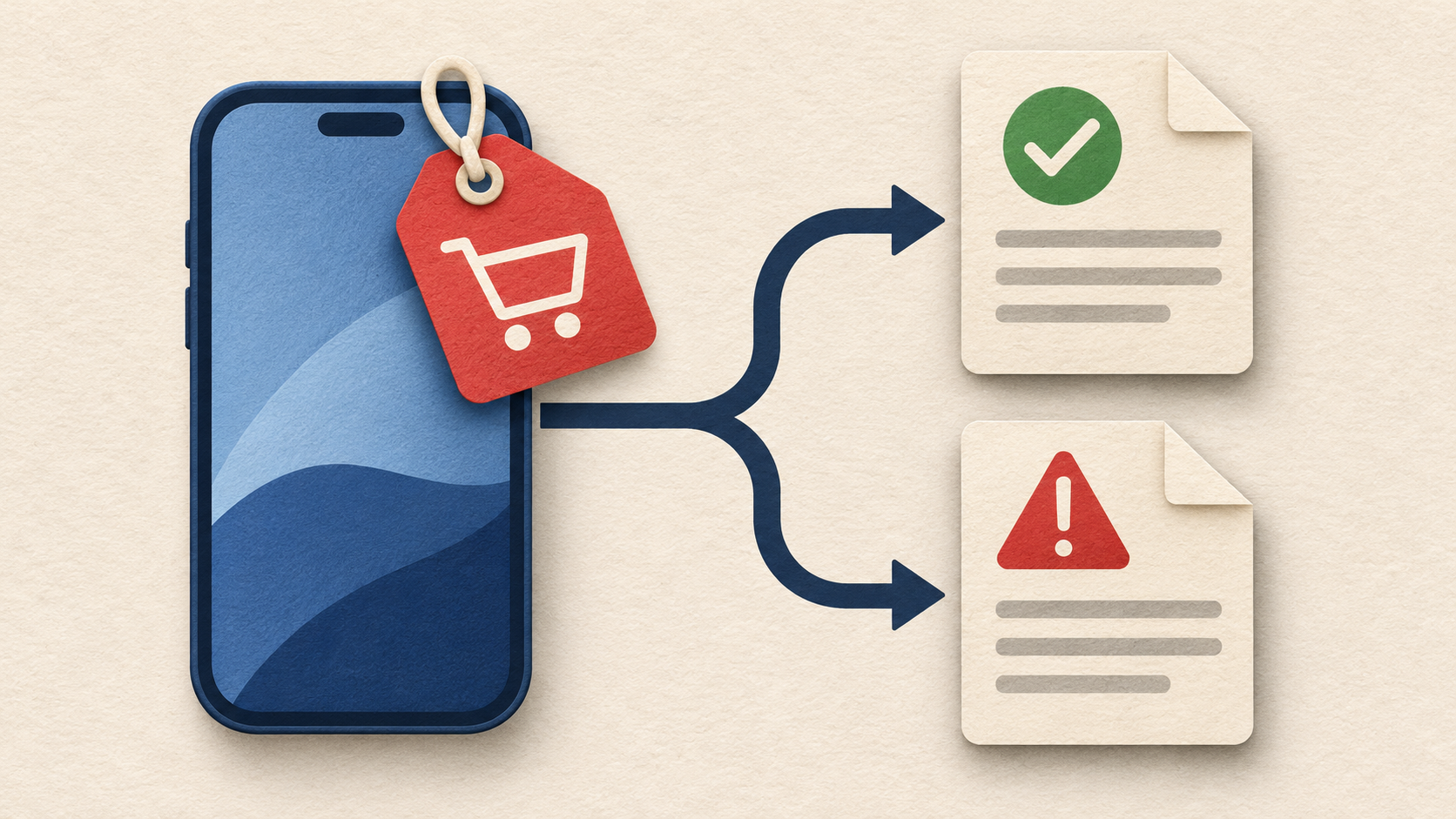
The ad says carrier, but the destination may not
Bitdefender Labs documented Black Friday phone-upgrade ads in the United States that used T-Mobile, Spectrum, Metro and AT&T branding without being associated with those carriers.
The “deal guide” format makes the ad sound helpful. Rather than asking you to make a purchase on the spot, it promises to show which offers are worth looking at.
Some of the ads led somewhere else entirely: affiliate pages, sites collecting leads or search pages that make money from advertising. That’s not the same as an account-specific upgrade.
A third-party page isn’t automatic proof of theft
A comparison site can legitimately make money from referrals. The concern here is putting a carrier’s name on an ad that draws customers to a site that doesn’t represent it.
The report distinguishes misleading marketing from confirmed fraud. It doesn’t establish that everybody who followed the ads shared a password or was billed for a phone.
You still have a good reason to leave. An unofficial page can’t tell you what your own account qualifies for simply by presenting itself alongside a familiar name.
Three checks to make before giving out anything
- Find the actual advertiser and destination, not just the carrier name in the image.
- Open your carrier account separately to see whether the same upgrade exists.
- Keep account credentials, security PINs and verification codes out of the deal guide.
You can compare prices without giving an unknown company access to your mobile account. Put the privacy decision before the price decision, especially if the page hides its operator.
How the Black Friday Phone Upgrade Ads Route Shoppers
Step 1: The ad borrows the name of a carrier you recognize
Think about how quickly you can recognize your carrier from a logo or color. You might make that connection before looking at the business name posted next to the ad.
A sponsored placement says somebody paid for distribution. It doesn’t tell you whether the carrier purchased the ad or whether it authorized somebody else to use its name.
Bitdefender found the format with multiple carrier names. If yours isn’t one of the examples, the same check still works: ask whether the ad identifies who actually runs it.
Step 2: A guide sounds less demanding than a checkout
You’re invited to learn how to get a deal. That sounds like research you might have done anyway, so clicking can feel less consequential than opening a shopping cart.
The wording also leaves plenty of room to change the subject. An upgrade article might turn into sponsored results for new service, trade-in offers or products from unrelated companies.
A comparison is useful when it names the providers, says how it makes money and lets you read the terms. A carrier lookalike isn’t a shortcut to those facts.
Step 3: On the next page, the commercial relationship changes
An affiliate site may earn money when you follow a referral. Lead forms collect sales inquiries, while search pages can simply send you to another batch of ads.
None of these arrangements means a carrier agreed to upgrade your phone. The report doesn’t say that every visitor landed on the same kind of page.
Check for a clear change in identity as you move between screens. The business that displays a result might be different from the one that contacts you or takes payment.
Step 4: A prompt can turn a casual visit into a sales inquiry
A page might ask for your ZIP code to find local offers, then for a phone number to carry on. The first question can make the second feel natural.
Read the permission language before submitting either detail. If you aren’t clear who receives your information or whether they can call you later, leave the form unsubmitted.
Not everybody who visits a guide enters a form. If you did, what you provided and the named recipient are more useful than guessing what an entire campaign intended.
Step 5: Only the genuine account can confirm your offer
It’s possible to see a real promotion after leaving a misleading ad. Verify that offer from the carrier’s independently reached site or app, where you can see the full terms.
Don’t sign into a carrier-style screen you reached from a guide. If it says your discount is about to disappear, keep going through the official account route anyway.
Whether you have a trade-in, a device installment plan or a prepaid line will affect which questions you should ask. A generic banner can’t see those details.
What a Real Phone Upgrade Should Explain
Why a “free phone” can still carry a balance
When you see a low monthly price, ask whether it incorporates a credit that appears over time. You may still have a device balance if the agreement ends early.
Find out when credits begin and what happens if you switch plans, cancel service or don’t complete a trade-in. Read the current terms for the specific offer rather than assuming.
If you owe money on your current phone, work that into the comparison. A smaller payment for the new device may still leave you paying off the old one.
Start with a total, not a sale banner
Ask how much you would pay today, what a normal month costs and which parts of that price can change. Look for fees and taxes in the carrier’s own checkout.
Check the trade-in model, condition and deadline, then save the quote. An estimate for a device in perfect condition may not apply to yours.
Find out whether the deal is for an existing line, a new line or a switch. Those are different offers even when they feature the same phone.
Check whether you’re being asked to move your number
A phone upgrade and a number transfer aren’t the same thing. If you want to keep the same service and number, ask why anybody is requesting transfer information.
The FTC’s guidance on SIM swaps explains why unauthorized control of your number can affect accounts that use it to send security codes.
There’s no evidence that opening the documented guides transferred anyone’s line. The point is to protect any transfer PIN or confirmation code if another page or caller asks for it.
What to Do If You Followed a Phone Upgrade Ad
-
If you only browsed: Close the guide without submitting anything else. Check upgrade eligibility from your carrier account directly if you’re still interested in a new phone.
You don’t need to cancel your line or wipe your phone because you saw a sponsored page. The meaningful question is what information or permission you supplied.
-
If you sent contact information: Save the form or confirmation if it’s already available. Note which company it named and whether you agreed to marketing.
Expect the possibility of sales calls. Don’t confirm personal details to an incoming caller just because they know you were shopping for a phone.
-
If you entered a carrier login or account PIN: Contact the genuine carrier and change the affected credential through its official settings or support.
Ask it to check for plan changes, new lines, device orders and modifications to the account’s recovery information. Be explicit about which secret you entered.
-
If you shared a transfer code: Contact the carrier immediately and ask whether a transfer is pending. Tell support that the request may not have been authorized.
If your phone stops working unexpectedly, make the call from another line. Secure important accounts that rely on that number, especially if you see unfamiliar sign-ins.
-
If you paid or agreed to an order: Verify which merchant took payment and whether the order appears with the real carrier. Save the order agreement and payment receipt.
For an unexpected charge, ask your payment provider what options are available. Tell it whether you authorized the original payment, and don’t claim a known transaction was wholly unknown.
-
Report the misleading promotion: Save the ad, advertiser name and time you saw it. Report it through the platform and tell the impersonated carrier through verified support.
Keep account numbers and verification codes out of a public screenshot. Give private evidence only to the organization responsible for handling the report.
If Somebody Calls After You Fill Out the Form
Suppose they know the model you wanted and the carrier you’re already with. That may feel like a continuation of the offer, but it doesn’t establish who they represent.
Ask for the business name and an offer reference. End the call, then look up the relevant business independently. You don’t owe the caller a code while you check.
Don’t grant a caller remote access to walk you through a login. Asking for trade-in prices doesn’t require an unknown person to control your phone.
Never send a code as proof that you own the account. Read the entire message to see what action it authorizes, which may have nothing to do with pricing.
If a family member is listed on your account, check with them before assuming all unexpected activity is fraud. Then ask the carrier to confirm what actually changed.
Talk to the carrier at a time you choose, without the sales pressure. Don’t use a number supplied by someone who insists you must act now.
Before You Ship Your Old Phone
A trade-in places a valuable device in somebody else’s hands. Get the shipping destination and instructions from the company handling your confirmed order, not from the original ad.
Take a photo of the device condition and keep the trade-in estimate. If the offer requires a deadline, confirm what counts as meeting it before you mail anything.
An upgrade order should explain how to identify the trade-in and where to check whether it’s been accepted. Save the tracking number issued by the verified shipping route.
Don’t send a phone to an address provided by a caller who says they can get you a better credit. Ask the real carrier to verify the arrangement independently.
Follow the genuine program’s guidance on backups and removing data. If a caller demands your device unlock code or asks you to share a verification message, don’t provide it.
If you have already mailed a phone, keep the shipping receipt and ask your carrier whether there’s a matching order. If there isn’t, talk to the shipping company promptly.
What to Compare When Two Offers Sound the Same
Imagine two ads show the same monthly number. One could require a new line, while the other depends on turning in a particular handset in a particular condition.
List the terms beside each other before speaking to a salesperson. If the third-party guide doesn’t identify where a number came from, treat it as unverified rather than guaranteed.
Check which cost you’re comparing: the phone, the line or both together. Ask whether the quoted price uses a discount that ends before the agreement does.
Ask about the offer through your carrier’s app or a verified number. Don’t share a screenshot with a transfer code or account statement to ask a price question.
Don’t let the holiday date crowd out those checks. Walking away from an offer that doesn’t explain itself is a better outcome than agreeing to years of unclear charges.
If the genuine carrier has no matching deal, you can still look for another offer. Just don’t leave personal information with a guide to keep an unverified price open.
Frequently Asked Questions
Did T-Mobile, Spectrum, Metro or AT&T run those ads?
The campaigns described by Bitdefender were not associated with the named carriers. That finding does not apply to every legitimate Black Friday ad you might see.
Does a carrier-themed deal guide mean my account was hacked?
Seeing the guide doesn’t indicate anyone accessed your account. If you submitted a password, account PIN or approval code, have the carrier check for changes.
Is every affiliate comparison site unsafe?
Affiliate links can finance useful comparison sites. The issue is presenting an offer as if it came from a carrier while directing customers to unrelated places.
Can a real phone promotion appear in a misleading ad?
Someone can repeat a genuine headline price without having authority to enroll you. Confirm eligibility and full terms in your own carrier account before buying.
Is an advertised monthly price the whole upgrade cost?
The displayed price may not be the whole cost. Look at the device term, required service and trade-in conditions. Check what happens to the balance if you leave.
Should a sales caller get my number transfer code?
Don’t give a transfer code to somebody who contacted you about an ad. Handle a transfer only through providers you independently reached and for a move you requested.
The Bottom Line
Don’t buy or hand over your information through a carrier-themed Black Friday guide that leads to an unrelated business. Check the actual offer with your carrier first.
If a caller already got a login, transfer code or payment, stop dealing with them. Ask the carrier or payment provider to check what was actually changed or authorized.

Join the discussion
0 commentsShare your experience or ask a question about this article.
Community experiences
Did this happen to you?
Your experience could help someone recognize the same scam. Submit a private report for our team to review.
I experienced this tooReports are reviewed before publication. Sharing publicly is always your choice.
Discussion
Start the conversation
Have a question or something useful to share? Add the first comment.