


A Facebook page says it can help you get a loan. The conversation is already happening in Messenger, and the person on the other end seems ready to move quickly.
Then they ask for something you normally type only when you open your bank.
Overview
The loan conversation became a request for a banking password
In the Facebook Messenger loan scam, a page offers to arrange financing and gets the applicant to hand over information that belongs inside their own online bank.
A person in Quebec reported that they shared their online banking password after a page contacted them with a loan offer.
They later discovered an outgoing Interac e-Transfer for about C$3,500.
They said they contacted Tangerine, the Sûreté du Québec and the Canadian Anti-Fraud Centre. They also reported that the sender kept contacting them to ask for more money.
The transfer and the offer need different checks
The original report does not name the page or show how it authenticated the transfer.
The key fact for readers is the handover of the banking password during a conversation with an unverified lender.
The Canadian Anti-Fraud Centre’s loan fraud guidance documents fake loan offers, online ads and demands for money before a loan arrives.
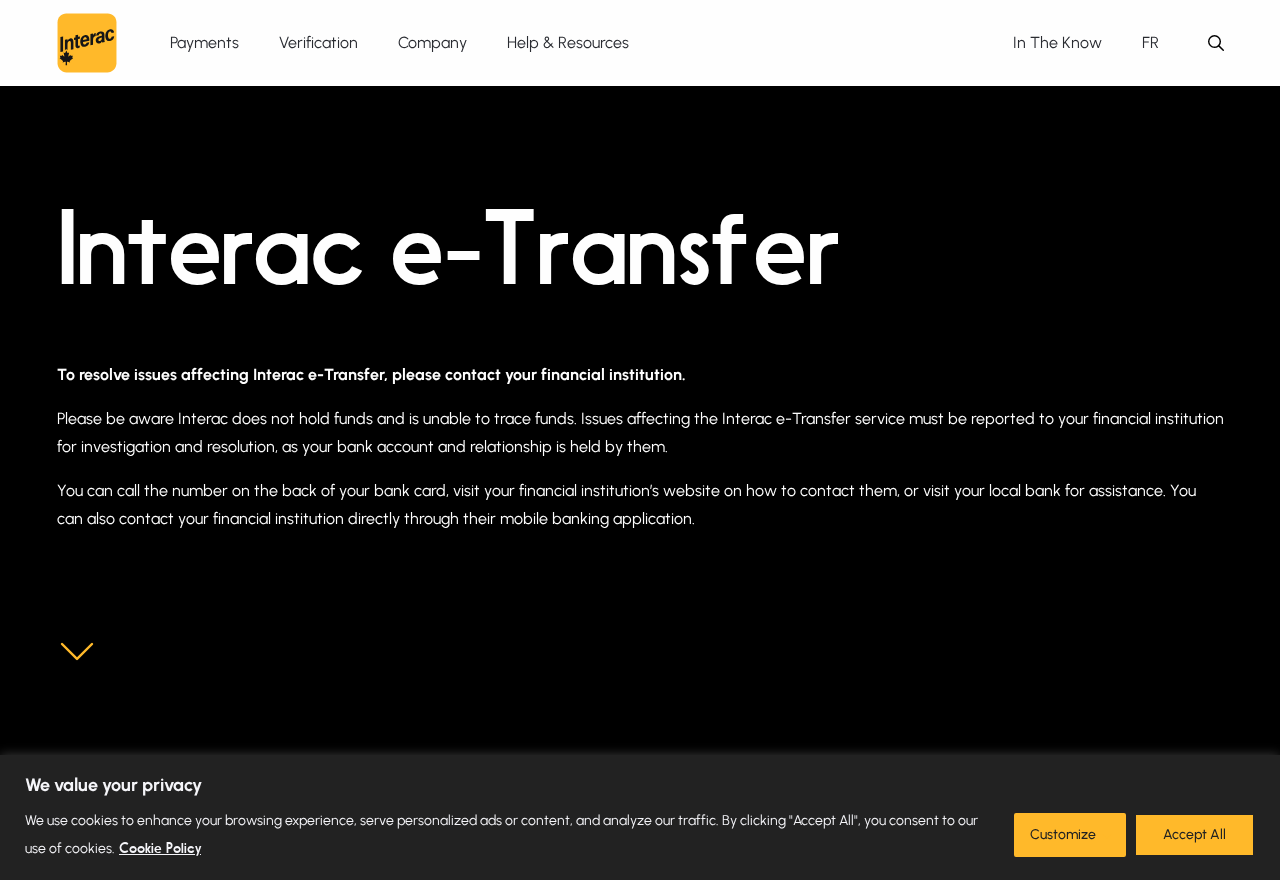
Interac’s help page, shown above, says the customer’s financial institution handles transfer disputes and investigations. Call the bank that held the funds.
Know which details should stay with you
- Keep your bank password and PIN inside the official banking sign-in.
- Read any one-time code or app prompt before deciding whether it belongs to something you started.
- If a lender’s identity is unclear, check its legal name and where it is authorized to operate.
- If money went out, look up the transaction in your own bank before relying on anything the page says.
If you already shared the login, call the bank even if the account still looks normal. Ask it to check for active sessions and recent changes.
How the Facebook Messenger Loan Scam Works
Step 1: A page starts a conversation about financing
The opening is an offer to lend money. It can come at a moment when someone has an urgent bill or has already had a loan application turned down.
A Facebook page can look established because it has posts, comments or a logo.
Treat those as things the page displays. Verify the business outside Messenger before providing any financial information.
If you came from a paid ad, keep a copy of the ad and its landing page. They can disappear independently of the chat and may carry different business names.
Step 2: The request moves from financial information to access
An applicant may expect to show proof of income or provide a statement. A password is different. Giving it to a person can give them access to the account itself.
You can ask a genuine lender which document it needs, why, and where its authorized portal is. Do that from the contact information you located independently.
If a person wants you to type your banking password into the conversation, stop there. Look up the business from outside the conversation before you consider any further step.
Step 3: Activity appears in the bank
The Quebec customer described money leaving their Tangerine account by Interac e-Transfer. They had intended to apply for a loan and discovered an outgoing payment instead.
The transfer happened in the banking system. The Facebook page cannot give you a reliable picture of its status. Check your own account or call your bank directly.
Ask whether the transfer was completed and what the bank can see about the recipient. Tell the bank clearly whether you made or approved anything yourself.
Step 4: The page keeps asking for money
The recipient said the sender continued to contact them after they had reported the incident.
There may be another request framed as a fee, a fix or a condition for helping.
Leave new requests unanswered. Save them for the fraud report, especially when they identify a different destination for money or refer to the earlier transfer.
A follow-up from someone who knows what happened can feel as if the case is being resolved. Ask your actual bank how it will contact you about the report.
How to Check a Loan Offer in Quebec
Write down the legal name of the business making the offer. A social-media page name can be different from the entity that would appear on a loan contract.
Quebec’s Office de la protection du consommateur explains when lenders need permits and how consumers can check before borrowing. Use the guidance for the lender and product in question.
If someone says they work for a named bank, open that bank’s own app or website and ask about the offer there. Use its own contact information.
Ask for a written offer before discussing your bank login
Ask who would lend the money, how much you would receive, what it would cost and which payments would be due. Read the agreement through a verified channel.
A screenshot saying “approved” gives you little to check. Ask for the legal lender name, the product and a way to verify the application independently.
If the page wants an insurance payment or deposit before it can release the loan, pause. The Anti-Fraud Centre identifies that as a common advance-fee loan tactic.
Keep the lender’s request separate from the bank’s permission screen
An offer to deposit funds and a banking prompt authorising funds to leave are separate things. Before accepting any prompt, read the amount and the operation it describes.
If you receive a security code without requesting one, leave it alone and contact the bank.
Give the bank the time it arrived and what you were doing at the time.
If a service describes account verification, independently check the business and what access it wants. An agent in chat should never be given your password or one-time code.
When an application asks for bank statements
A request for a statement can be part of a real loan application.
First check the lender independently. Ask which period and accounts it needs and how it protects the records.
Use the lender’s verified upload channel if you choose to proceed.
Keep the copy you sent so you can identify exactly which information was exposed if the offer turns out to be fake.
If the person wants a picture of your phone showing the bank account, ask what document would meet the requirement instead.
Avoid sharing screenshots containing codes, session details or other accounts.
If the conversation turns to installing an app to help with the application, pause.
Ask the actual lender to identify its official app and explain which part of the application needs it.
Separate a completed transfer from an alert about one
Open the bank yourself before deciding whether there has been a loss. Look for the entry in your transaction history and record how the bank labels it.
Keep a record of any attempted or pending transfer as well.
The bank can tell you what it can do at that stage and whether it sees another action you missed.
If you see a debit, note the amount and time exactly.
If the chat gives a different amount, keep both records. The difference can matter when the bank reviews your report.
If an alert appeared on more than one device, mention that to the bank.
Avoid guessing about how the person signed in. The bank’s account records can help answer that question.
What to ask before you end the first call to the bank
Ask which changes the bank has already made and what you still need to do. Write down whether access was paused and how you should regain it safely.
Ask how the fraud team will follow up. If someone calls later, use the case number and a bank contact you find independently to confirm the conversation.
Check whether you need to send written details about any transfer. Request the secure submission route and ask whether the bank wants the full conversation or particular messages.
If someone else uses the account with you, make sure they know which access has changed. They may be able to recognize transfers or alerts that you haven’t seen.
Start a complaint with the same timeline
Keep your initial fraud report and any separate complaint in the same folder. A complaint may have a different reference from the transfer dispute.
The Financial Consumer Agency of Canada’s guide explains how to complain to a bank and when unresolved complaints can go to an external body.
If the bank asks for more information, send the actual records and explain any gaps.
Use the same transfer reference and explain whether you shared a password, made a transfer, or both.
Keep the date of your written complaint. A clear date and acknowledgement help you work out where you are in the bank’s process when you ask for an update.
What to Do if You Have Fallen Victim to This Scam
-
Call your bank’s fraud team immediately using the card, official app or website. Say that you shared your online banking password during a loan conversation.
-
Ask the bank to secure online access, review sessions and verify recent profile changes. Check whether there are unfamiliar e-Transfer recipients or scheduled payments.
-
Identify each transaction you did not approve. Give the bank its date, amount and reference. Ask it to investigate and explain which recovery options remain.
-
Follow the bank’s instructions for replacing the password or PIN. If you reused the password elsewhere, change it there too, starting with your email.
-
Save the original chat, page profile, transfer receipt and relevant alerts. Note when the offer, request and transfer happened. Keep private details out of public posts.
-
Use Canada’s fraud reporting guidance to report the incident. Keep the local police and Anti-Fraud Centre references together.
-
Report and block the page after saving evidence. Ignore new payment requests, even if they mention the transfer or say your refund is ready.
Tangerine has a direct fraud reporting page for customers. If you bank elsewhere, use your own institution’s channel instead.
If you already opened a dispute, ask how to send additional evidence. Add new messages to the existing timeline so the bank can see what happened after the transfer.
If you also shared identity documents
Write down what you gave the person and when. A driver’s licence, a Social Insurance Number and a bank statement can call for different follow-up steps.
The Competition Bureau recommends checking with both Equifax Canada and TransUnion Canada when you suspect identity theft. Ask about a fraud alert and review the reports for unfamiliar activity.
If someone claims to have opened a loan in your name, contact the named lender independently.
Ask whether it can find an actual application and what it needs to dispute it.
If the bank’s answer leaves questions
Ask for the bank’s case reference and a written description of its decision. That lets you check whether it addressed the specific transfer you reported.
Keep a copy of the transfer record showing the money leaving the account.
Also keep the conversation showing what you authorized, if anything, and what the page asked you to do.
If you need to escalate a complaint, use your bank’s published process. Tangerine’s process explains how complaints are escalated and where eligible unresolved cases can go.
Nobody in the original chat can resolve the bank’s case for a fee. Return to the bank using its official channel if a caller claims the investigation needs another payment.
Frequently Asked Questions
Does a lender need the password for my online bank?
Keep that password inside your bank’s own sign-in. Ask a verified lender what records it needs and how it accepts them.
A message in Messenger is no place for banking credentials.
Should I contact Interac about a transfer I never made?
Start with the institution that holds your account. Interac directs customers to their bank or credit union to investigate e-Transfer issues.
Can my bank get the money back?
Ask immediately what it can do given the transfer’s status. The bank can explain its investigation and next steps. Keep the case number to track the response.
What if I gave a password but there is no transfer yet?
Call the bank now and ask it to secure your access and check account activity. Changing the password is one part of that response.
Why is the page still messaging me?
A follow-up gives the sender another chance to ask for money or information. Save the messages, then block the page. Check any claim about the transfer with your bank directly.
Is a Facebook ad enough to verify a lender?
Check the legal lender name and the official website or relevant Quebec records. A paid ad tells you where the offer appeared. It doesn’t establish who can lend you money.
The Bottom Line
Walk away from a Messenger loan offer that asks for your online banking password. You can verify any real offer independently without giving someone access to your account.
If you shared the login or noticed an outgoing e-Transfer, call your bank now. Save the original conversation and transfer information before reporting the page.

Join the discussion
0 commentsShare your experience or ask a question about this article.
Discussion
Start the conversation
Have a question or something useful to share? Add the first comment.